

manifest.json, resolves public/relative paths, emits icon assets, and watches icon files during development.
Template example
action
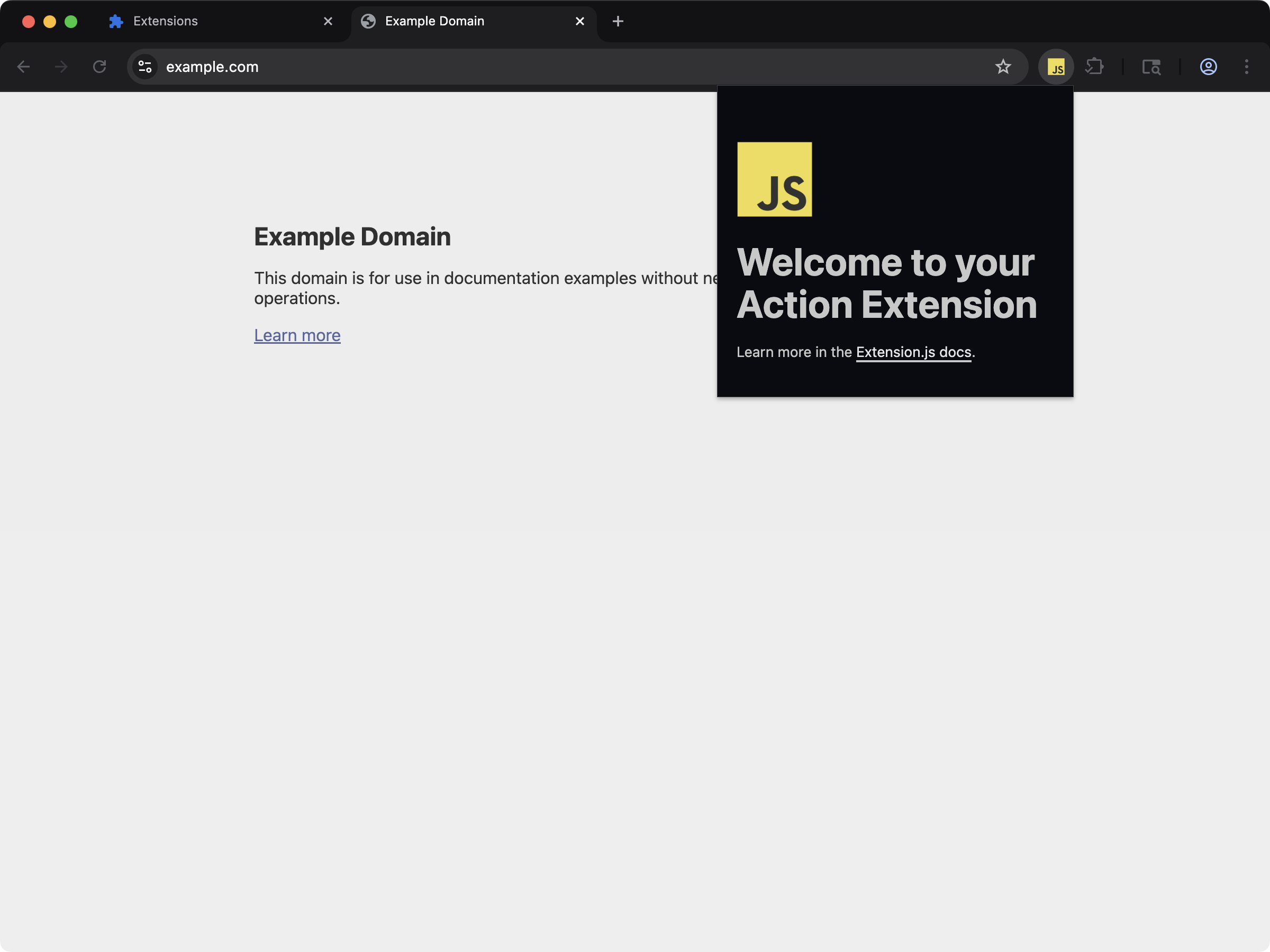
manifest.json.
Icon capabilities
Supported icon fields
Chromium does not accept
.svg (or .webp) for icons and action icons. A
manifest that points these fields at an SVG loads in Firefox and fails in
Chrome, Edge, Brave, and Opera. Ship PNG files for every Chromium target.
sidebar_action and browser_action.theme_icons are Firefox fields, and
.svg support for sidebar_action.default_icon is partial there (*).Sample icon declaration in manifest.json
Generate PNG sizes from an SVG
Keep the SVG as the design source and export the PNG sizes that every browser accepts. This one-liner usesrsvg-convert from librsvg (brew install librsvg on macOS, apt install librsvg2-bin on Debian and Ubuntu):
icons and action.default_icon at the PNG files, as in the sample above.
Output path
Typical icon outputs:icons/ folder. An icon declared as images/icon.png is
emitted at images/icon.png, and the output manifest keeps pointing at that same path.
Path behavior
- Extension.js resolves relative icon paths from the manifest folder.
- Leading
/andpublic/...resolve to extension public-root semantics. - Extension.js can watch public-folder assets without re-emitting them through the icon feature itself.
Development behavior
- Changing existing icon files triggers recompilation.
- Changing manifest icon entrypoint references can require restarting the dev server.
- Missing required icon files produce build errors (some optional icon groups can warn instead).
Best practices
- Declare manifest icon fields explicitly instead of relying on incidental asset imports.
- Provide multiple icon sizes (
16,32,48,128) for sharper UI across browser surfaces. - Keep icon filenames stable to reduce manifest churn during development.
- Use public-root paths intentionally and test resulting manifest output paths.
Next steps
- Continue with web-accessible resources.
- Learn more about Special folders.