

When WebAssembly is a good fit
- You run compute-heavy tasks in your extension (parsing, media, optical character recognition (OCR), transforms).
- You need near-native performance for frequently executed code paths.
- You are reusing existing Wasm modules from web projects.
WebAssembly capabilities
Template examples
transformers-js
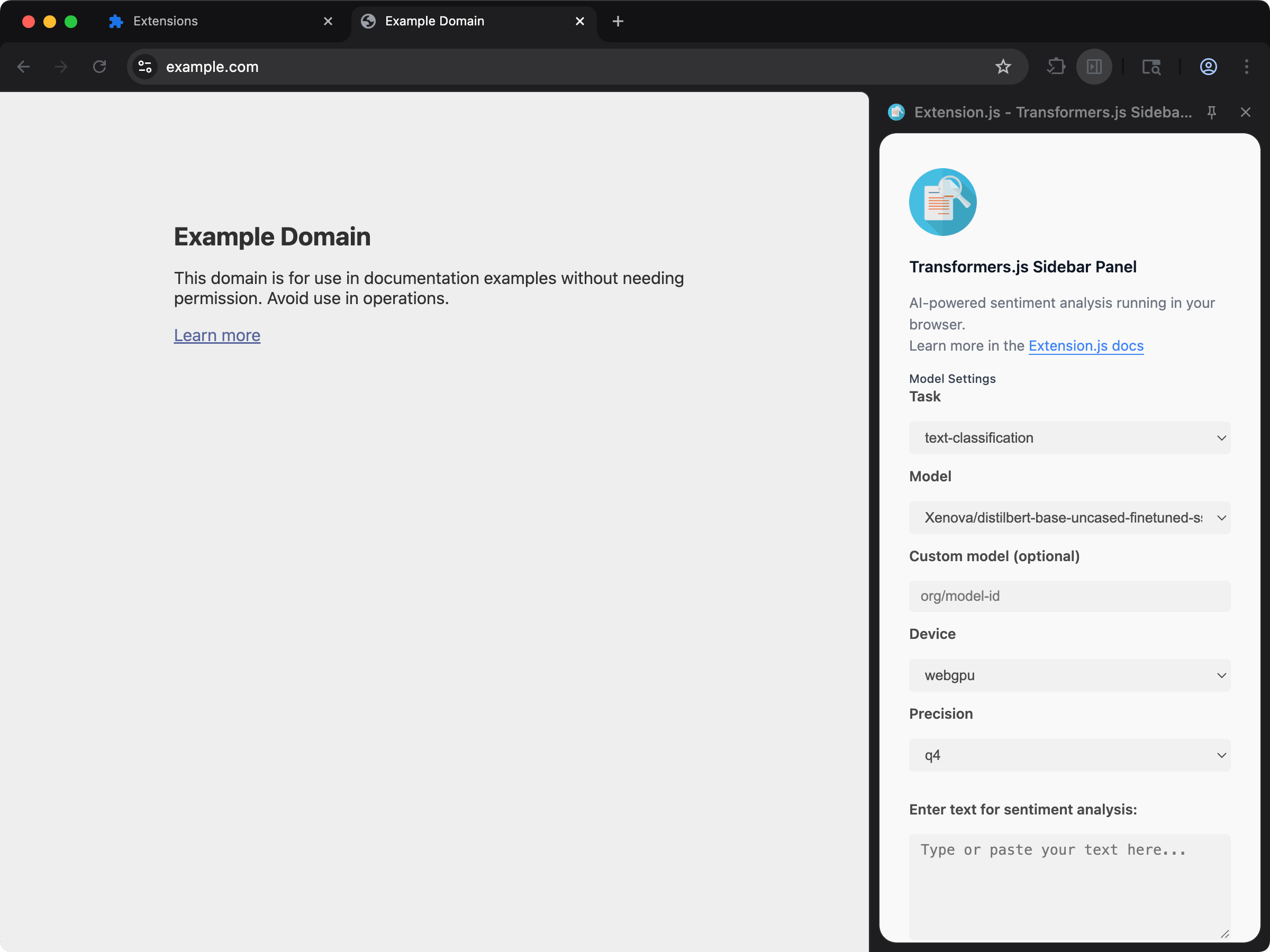
What Extension.js enables
The Wasm plugin configures:experiments.asyncWebAssembly = true.wasmin module resolution extensions- Path aliases for common Wasm libraries (for example, ffmpeg for media processing, imagemagick for image manipulation, and tesseract for OCR) so imports resolve correctly at runtime.
Ship a .wasm file as an asset
A plain import of a .wasm file instantiates it as an async WebAssembly module, which is what wasm-bindgen and wasm-pack output expects. Some libraries ship an Emscripten loader instead, one whose init() wants the file’s URL or bytes. For those, add ?url: the build copies the binary into assets/ and gives your code its URL, with no change to extension.config.js.
?url contract the build offers for images, fonts and stylesheets.
Hand the loader the URL only when it accepts any protocol. Some runtimes take http: and https: only and throw on a chrome-extension: URL, @imagemagick/magick-wasm among them: its initializeImageMagick fails with “Only http/https protocol is supported”. For those, fetch the emitted file yourself as above and pass the bytes, initializeImageMagick(new Uint8Array(bytes)).
How to use
Use Wasm modules in your extension code as part of regular development/build flows:Typical use cases
- Compute-heavy parsing/transforms.
- Media processing pipelines.
- OCR / image processing workflows.
- Performance-sensitive algorithms shared across web/runtime contexts.
Best practices
- Keep Wasm modules focused on hot paths; keep orchestration logic in JavaScript/TypeScript.
- Validate output size and load timing for extension contexts (background, content scripts, pages).
- Test Wasm-heavy flows across browser targets you ship (
chrome,edge,firefox).
Next steps
- Learn more about WebAssembly.
- Learn how Extension.js works with ECMAScript Modules.