

pages/ folder. Manifest fields include popup, options, side panel, new tab, and DevTools. Use pages/ for routes the manifest does not name directly.
Extension.js walks each entry for scripts, styles, and linked assets. You author plain HTML and Extension.js configures everything automatically.
Template examples
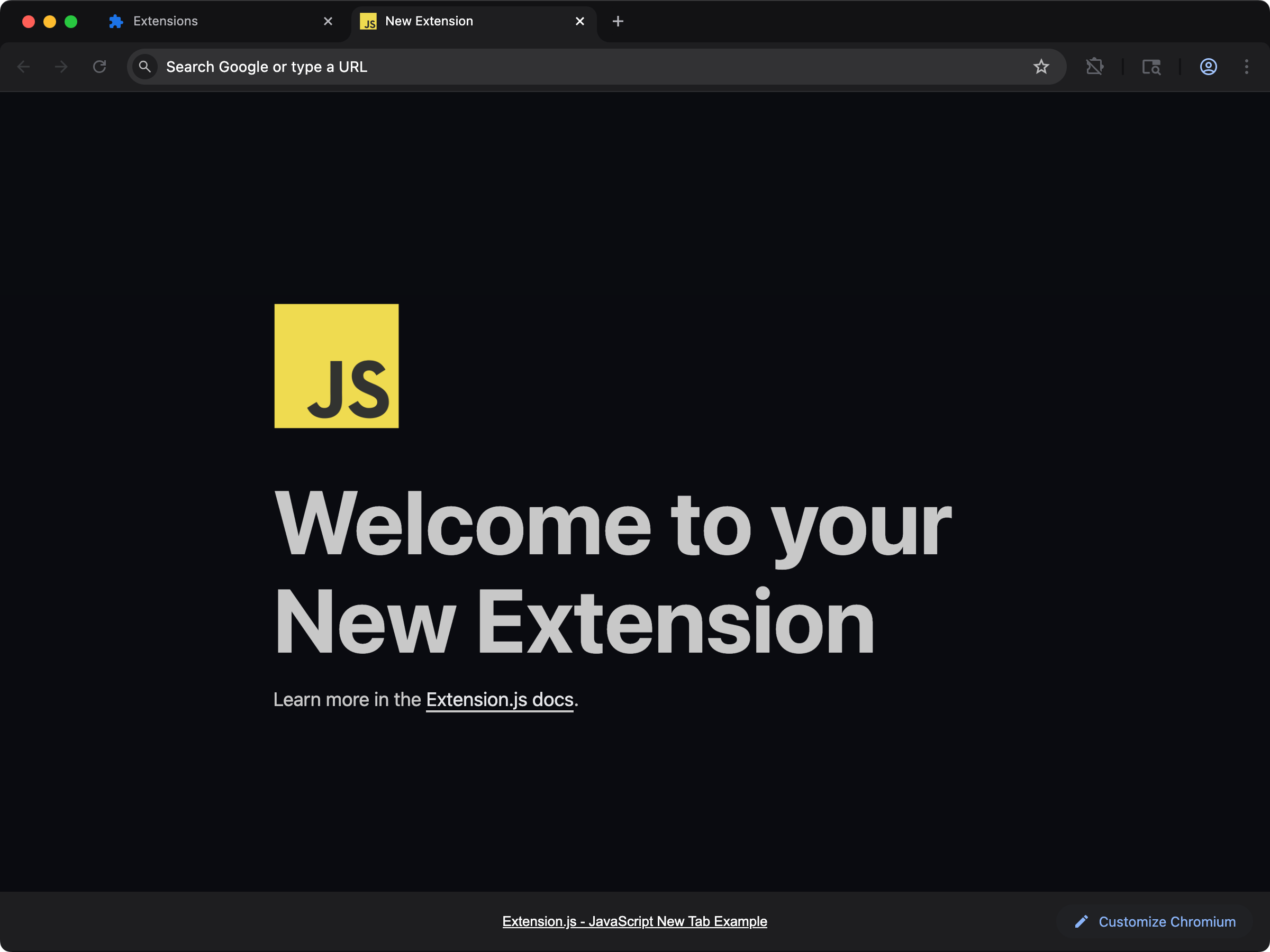
new
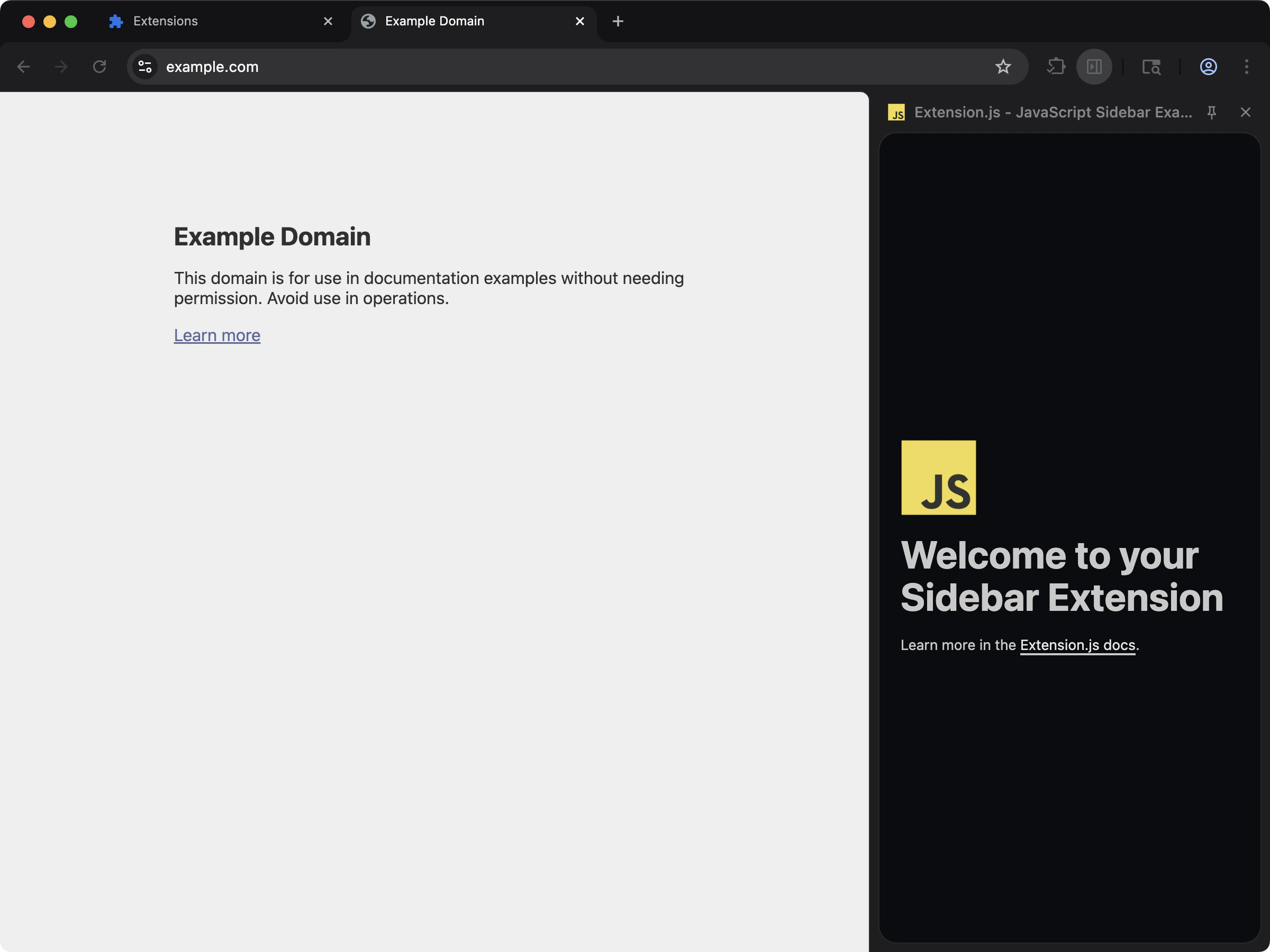
sidebar
HTML capabilities
Supported HTML entrypoints
The following manifest fields use HTML files as entrypoints:
You can also add standalone pages under
pages/ without expanding manifest entrypoint fields for every file.
Sample HTML entry
How Extension.js processes HTML
For each HTML entrypoint, Extension.js:- Emits the HTML file into compilation.
- Discovers local scripts/styles/static assets from tags.
- Bundles scripts/styles as proper extension outputs.
- Patches HTML to inject compiled bundle references.
- Keeps public-root references (like
/icon.png) as public assets.
<img> src you also read from JavaScript) resolve in the built extension the same way the browser serves them from source.
Multiple classic scripts on one page
When a page lists several<script> tags and none of them use type="module", the scripts share one sloppy-mode global scope in the browser: var declarations and implicit globals from one file are visible to the next. Extension.js preserves this by concatenating all-classic script lists into one shared scope, in tag order, so cross-script globals survive the build. Pages with at least one type="module" script keep standard per-script bundling.
Development behavior
- Extension.js tracks HTML and referenced assets in file dependencies, so edits trigger recompilation.
- Script changes use hot module replacement (HMR) where supported in the injected script flow.
- If the HTML script/style entry list changes (add/remove entries), Extension.js can require a dev server restart.
- Changing manifest HTML entrypoints can also trigger restart-required diagnostics.
Paths and environment variables
- Extension.js resolves relative paths from the HTML file location.
- Extension.js treats leading
/paths as extension public-root paths. - A
<base href>tag is honored for links and removed from the page:<a href>,<area href>, and<form action>values are resolved against it and written into the output, while scripts, styles, and images stay inside the extension. - Extension.js replaces
$EXTENSION_PUBLIC_*and related placeholders in emitted HTML during compilation.
Using extra pages
Place extra files inpages/:
Common extension surfaces
Most extension surfaces that render UI are HTML entrypoints with different manifest fields and runtime expectations. Use the surface that matches your interaction model, then keep the HTML page itself thin.Popup
Use a popup for fast, focused actions:- Quick status checks.
- One-step commands.
- Small forms or toggles.
Popup size and width
There is no manifest field for popup dimensions. The browser sizes the popup to fit your rendered HTML, within hard limits of 25x25 minimum and 800x600 maximum CSS pixels. To control width, set it on the root of your markup:width: 100vw or percentage widths on the root: the popup viewport derives from your content, so circular sizing produces a collapsed or jittery popup. If the UI wants more than 800x600, it has outgrown the popup surface; use a side panel or a new tab page instead.
Options page
Use an options page when you need to configure durable behavior:- Account or integration settings.
- Feature toggles.
- Keyboard or workflow preferences.
Side panel
Use a side panel when the extension needs a persistent workspace next to the current page:- Research or note-taking companions.
- Tab-aware assistants.
- Page analysis results that should stay visible while you navigate.
DevTools page
Usedevtools_page when the extension provides tooling for developers:
- Inspection panels.
- Request or DOM diagnostics.
- Project-specific debugging helpers.
New tab override
Usechrome_url_overrides.newtab when the extension owns the whole new-tab experience.
This is usually the best fit for rich, app-like UIs where a popup would be too constrained.
Sandbox page
Use sandbox pages only when the feature truly needs the sandbox model. They are HTML entrypoints too, but they exist for a narrower set of browser-extension security and execution constraints. See Sandbox pages for configuration, capabilities, and the postMessage pattern.Surface authoring pattern
A good default structure for any HTML surface is:- Keep the HTML file minimal.
- Mount one script entry.
- Import styles from that script or a linked stylesheet.
- Move browser API coordination into dedicated modules.
Best practices
- Keep entry HTML minimal and import app code through scripts.
- Use relative paths for project assets and
/paths only for intentional public assets. - Use
pages/for additional extension pages that are not primary manifest UI entrypoints. - Treat script/link add/remove changes as structural changes that may require restart.
- Choose the surface by user interaction model first, then implement it as a thin HTML page entrypoint.
- Keep surface-specific state in storage or background coordination instead of assuming the UI page always stays mounted.
Next steps
- Understand update outcomes in dev update behavior.
- Persist settings and state with Storage.
- Coordinate UI pages with Messaging.
- Learn more about Special folders.
- Continue with CSS in development.