

Template examples
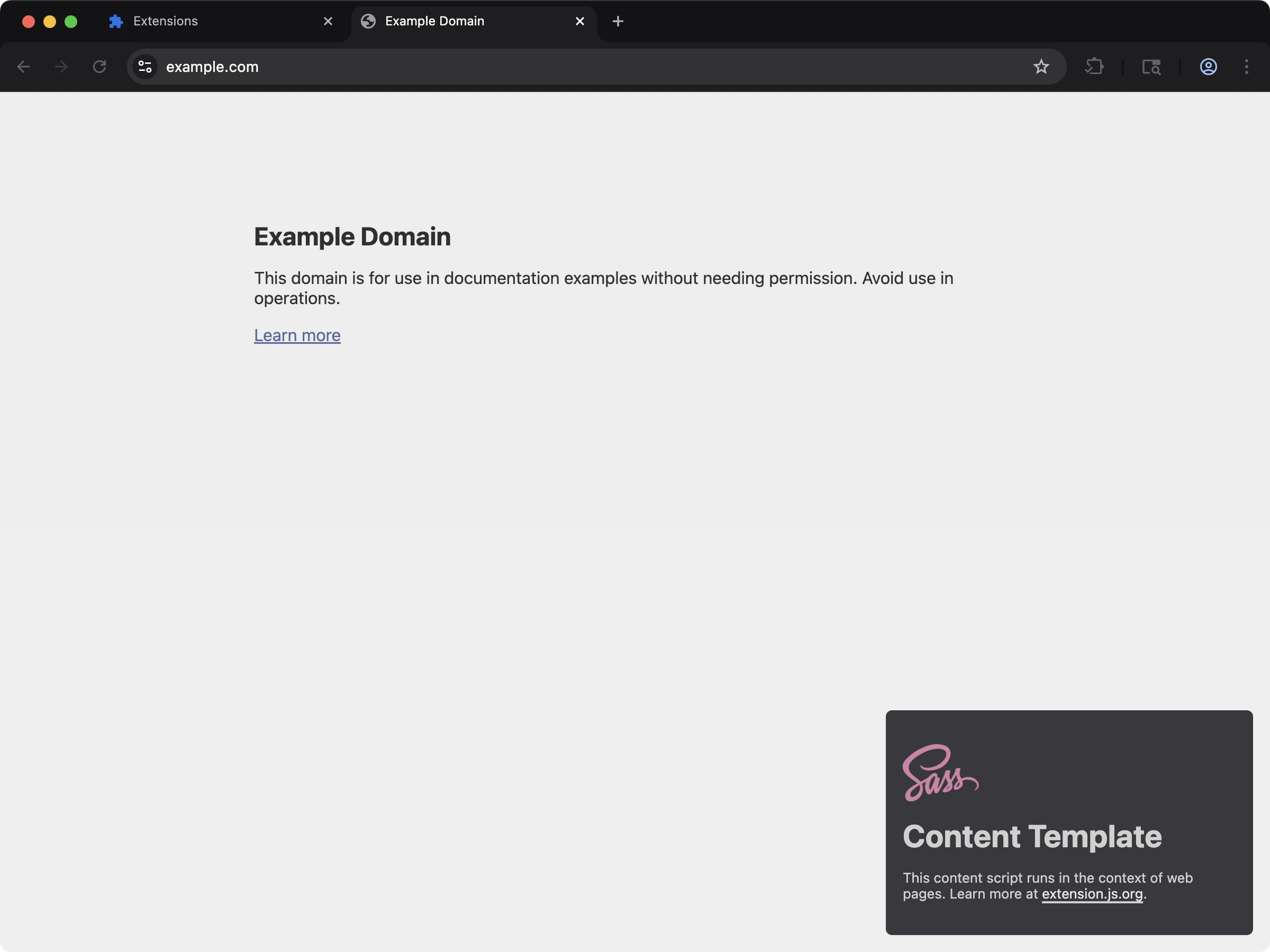
content-sass
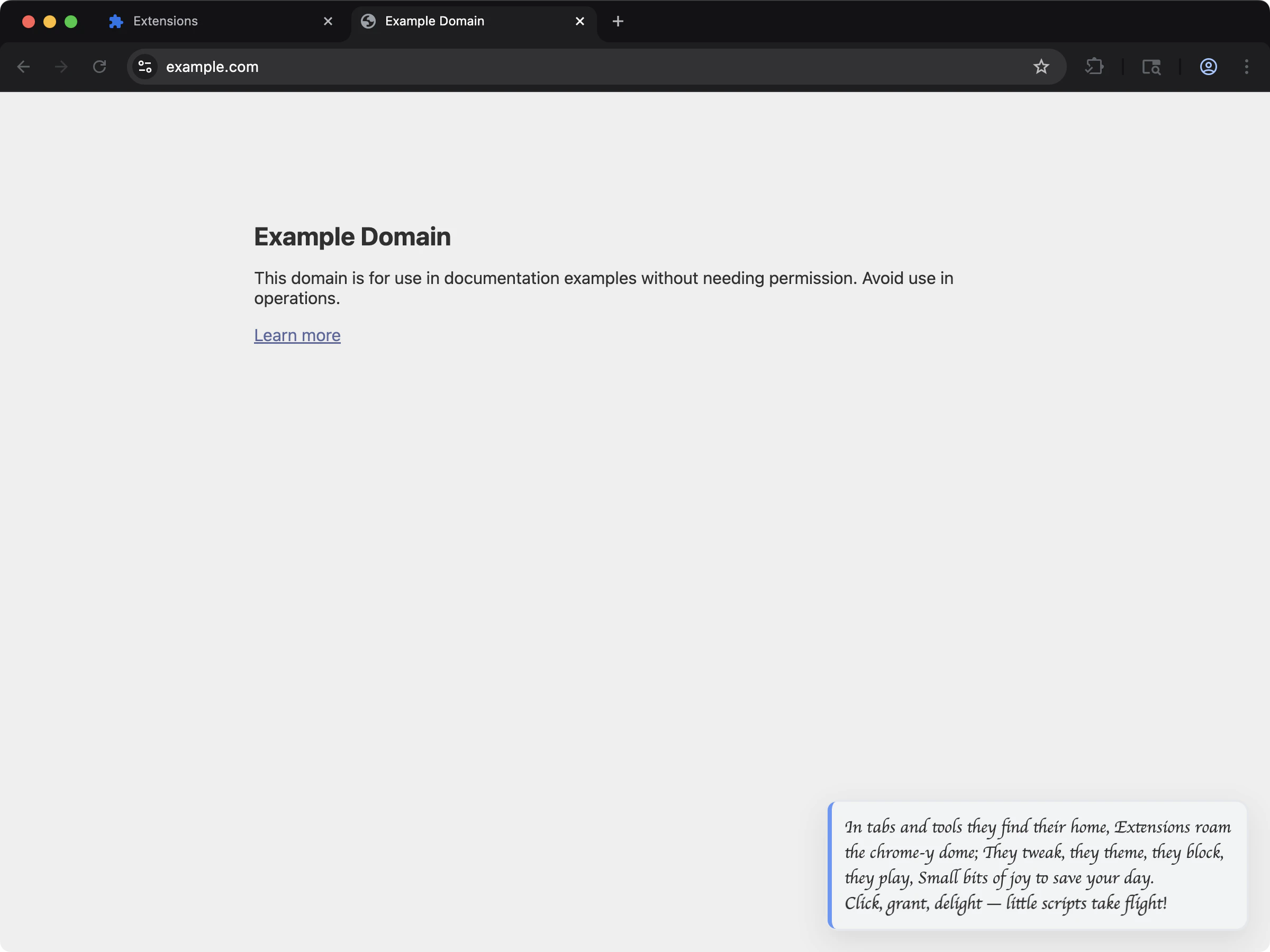
content-custom-font
CSS capabilities
Where to reference CSS
manifest.json(content_scripts[].css)- HTML files (
<link rel="stylesheet" href="...">) - Script imports (
import "./styles.css", including Sass/Less when enabled)
CSS support
Manifest CSS entries:Example: CSS in manifest.json
Example: CSS in extension page scripts
Web fonts in a content script
A content script that renders into a shadow root cannot load a webfont through CSS alone. Two platform rules get in the way, and both are silent. A@font-face inside a shadow root never applies. Font faces resolve against
the document’s font set, not the shadow tree, so Chrome ignores the rule and
falls back without an error. Measured on the content-custom-font template
before it was fixed: document.fonts was empty, zero font requests fired, and
text set in "Momo Signature", cursive measured the same width as bare
cursive.
A root-absolute url() in an injected stylesheet resolves against the host
page. url(/fonts/Momo.woff2) inside a stylesheet injected into example.com
requests https://example.com/fonts/Momo.woff2, not the extension’s copy.
Register the face on the page’s own font set instead, from a URL that names the
extension, and remove it when the content script tears down:
web_accessible_resources:
document.fonts, the shadow tree can use it by name in an
ordinary font-family rule. The working version lives in
content-custom-font.
Output behavior by context
Extension.js splits contexts automatically based on which entrypoint imports the CSS.
Development behavior
- Content script CSS imports participate in the content-script HMR/remount flow.
- Extension.js adds a dev helper script to CSS-only content script entries so it can propagate updates.
- Page CSS follows normal page HMR pipeline behavior.
- Structural manifest/content-script changes can still require full extension reload or restart.
Modules and preprocessors
- CSS Modules work best in extension page contexts.
- Extension.js enables Sass/Less support when you install the related dependencies.
- If a project references
.scss/.lessfiles but the preprocessor is not installed, the build warns and copies the source through uncompiled instead of failing. Browsers treat that uncompiled source as broken CSS and render those surfaces unstyled, so install the preprocessor to get real compilation. - Extension.js runs PostCSS automatically when it detects a PostCSS configuration in your project, or when you configure it explicitly.
Best practices
- Keep content-script styles intentionally scoped to reduce host-page collisions.
- Prefer component-local module styles for extension page UIs.
- Keep preprocessor and PostCSS configurations explicit to avoid unintended changes to your build setup over time.
- Validate CSS paths referenced by manifest fields in continuous integration (CI).
Next steps
- Understand update outcomes in dev update behavior.
- Learn more about CSS Modules.
- Learn more about PostCSS integration.