

manifest.json and wraps them for runtime mounting and hot module replacement (HMR) behavior. It emits predictable content_scripts/* outputs.
Content script capabilities
Template examples
content
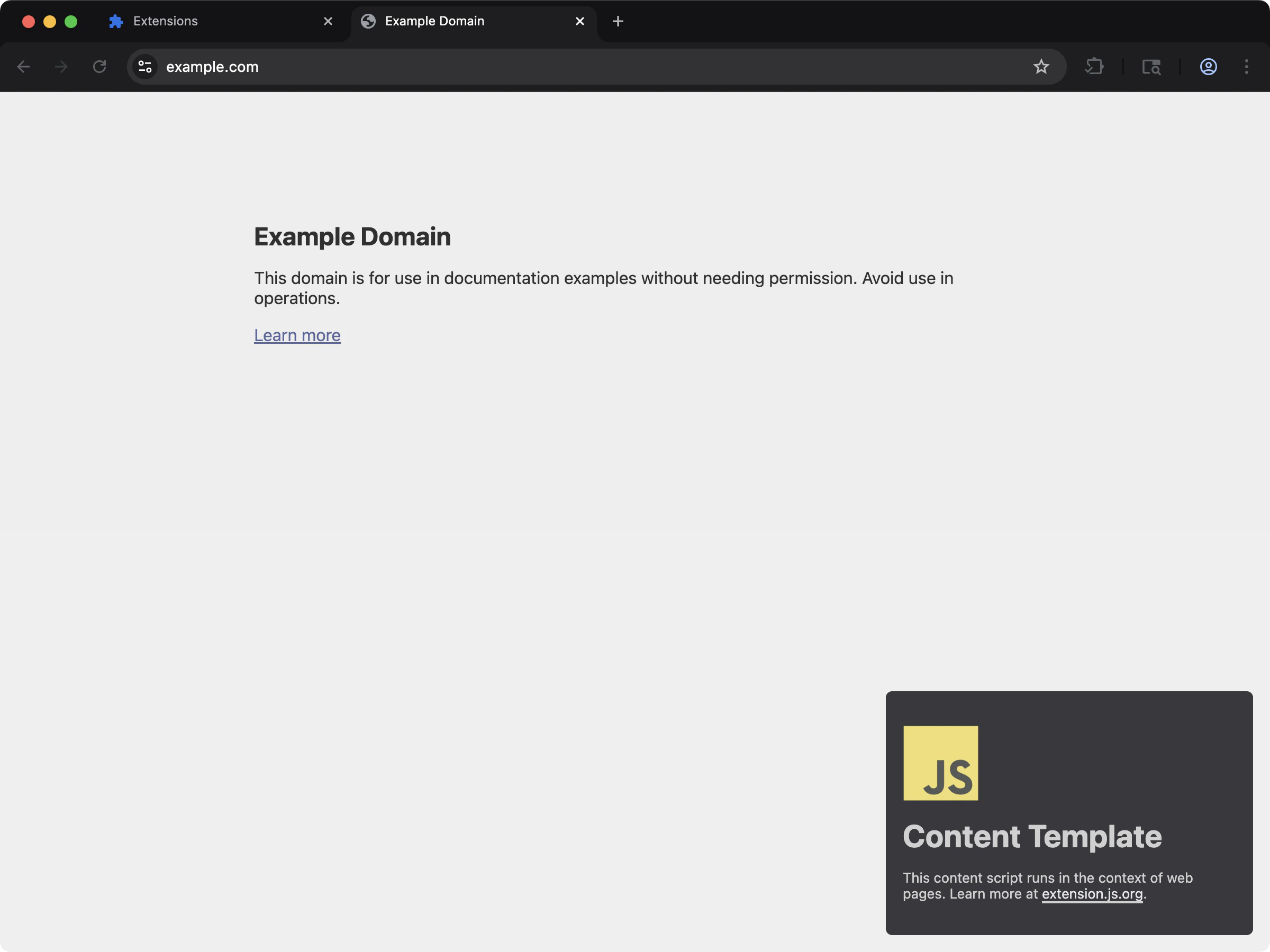
content-react
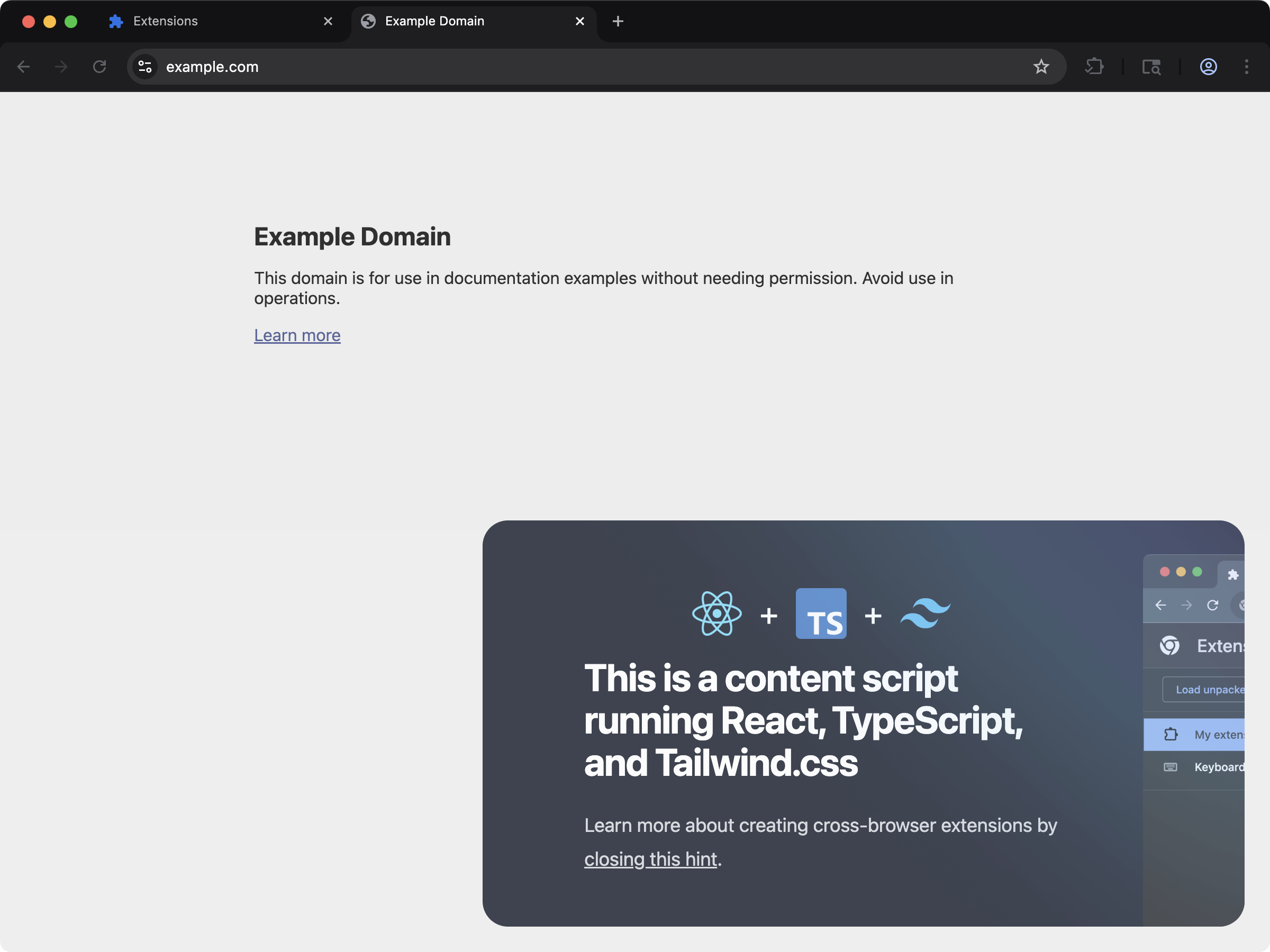
Supported manifest fields
Sample content script declaration
Example content script declaration inmanifest.json:
Authoring contract
For every content-script-like entry, Extension.js expects a mount-style default export. This is a function that sets up behavior and optionally returns a cleanup callback:- The module should
export defaulta synchronous function. - That function should perform setup work.
- It may return a synchronous cleanup callback.
- Extension.js does not support classes as the default export.
- Files referenced by
manifest.json > content_scripts[*].js. - Files you place under the project
scripts/folder and use as script entrypoints.
Valid shapes
Invalid shapes
Guidance for async content scripts
Keep the default export synchronous even when the feature does async work internally. Start async work inside the function and return a synchronous cleanup. Why this matters: Extension.js remounts content scripts during development. Without a cleanup function, you can duplicate UI, event listeners, observers, and timers.What happens on contract violations
- No default export: Extension.js warns during development and skips mounting.
- Default export is not a function: Extension.js warns during development and skips mounting.
- Default export returns a Promise: the module still runs, but Extension.js does not treat that
Promiseas cleanup.
Runtime wrapper behavior
- Extension.js wraps content script modules with mount/runtime helpers.
- In development mode, Extension.js adds HMR accept/dispose behavior and remount flow.
- CSS updates trigger remount events (
__EXTENSIONJS_CSS_UPDATE__) in development. - Extension.js respects
run_attiming from manifest values.
Multi-entry content scripts
You can declare multiple content script entries in a single manifest. Each entry compiles independently with its own match patterns, run timing, and world settings.content-multi-one-entry
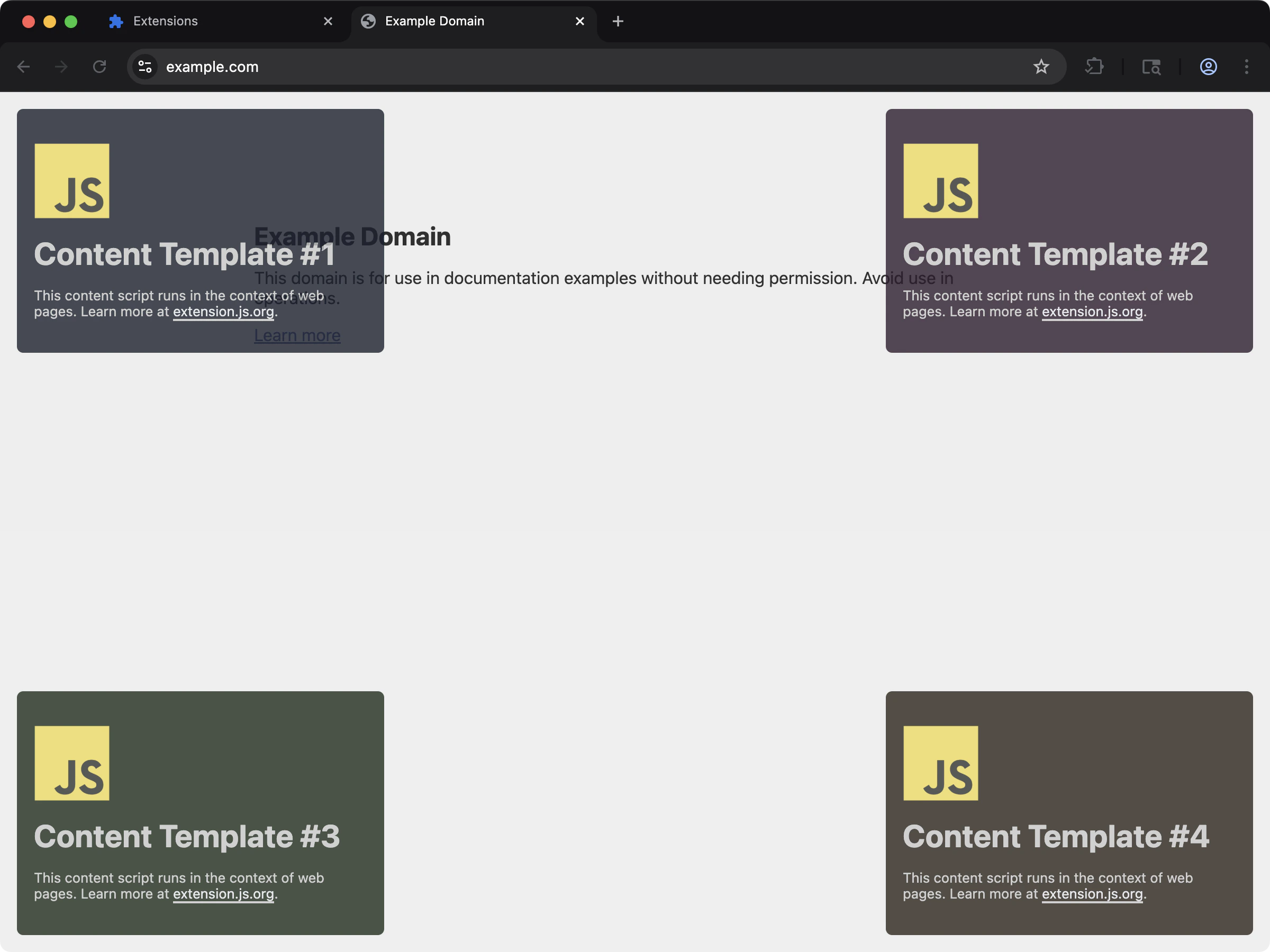
content_scripts manifest entry.
content-multi-three-entries
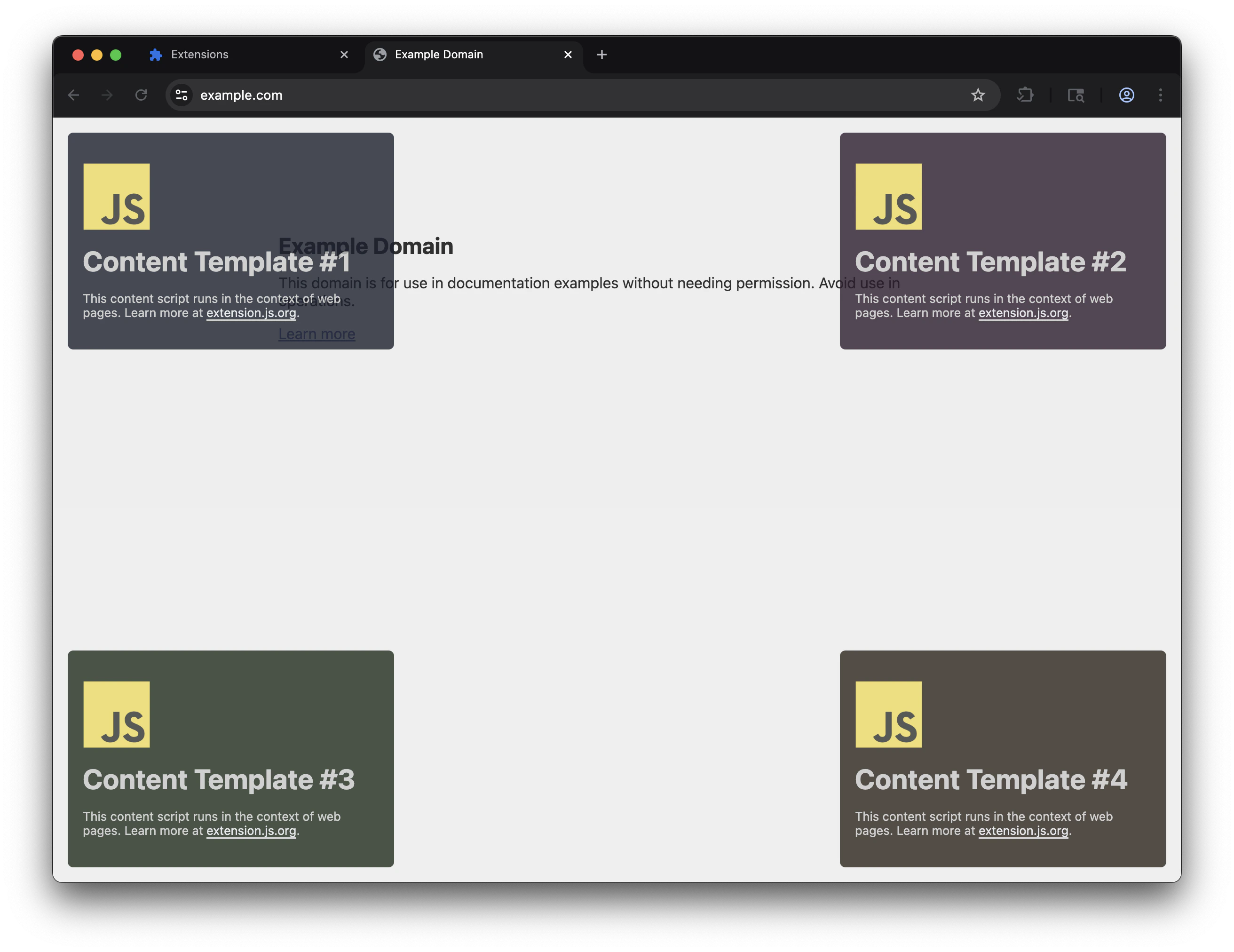
content_scripts manifest entries with independent match patterns.
Classic multi-file entries
When onecontent_scripts.js array lists several plain JavaScript files with no import or export, Extension.js concatenates them into one bundle. Bundling each file as an isolated module would break them. The browser injects classic files in order into one shared scope, and concatenation preserves that:
- Implicit cross-file globals keep working. A top-level
varor function in the first file stays visible to the next file. - Each source file registers as a build dependency, so saving any file in the group triggers a rebuild.
- The emitted source map points at your real files and lines, so errors trace back to the original code.
- A raw
.tsfile inside a concat group gets its types stripped with the bundled SWC before concatenation.
import or export keep normal module bundling.
scripts/ folder behavior
The scripts/ folder is for script entrypoints that no HTML page entry declares. In practice, these entries follow the same default-export pattern as content scripts.
That means scripts/ is not a generic folder for loose JavaScript files:
- Script entry files should still export a default function when they mount behavior
- Extension.js treats adding or removing supported files under
scripts/as a structural change in watch mode - Extension.js may require a dev server restart when that entry set changes
Output path
Extension.js normalizes content script entries per manifest index:content-0.abcd1234.js). This forces the browser to load a fresh chrome-extension:// URL after each rebuild.
Chrome aggressively caches extension resources, so the hash prevents stale code. Production builds use clean content-0.js names.
MAIN world notes
content-main-world
See MAIN world content scripts in action with a working example that injects UI directly into the page context:
world: "MAIN"is Chromium-only. Firefox does not support theworldfield and ignores it. Your script still runs in the isolated world on Firefox.- Cross-browser MAIN world behavior: Use the
chromium:manifest prefix to declare it only for Chromium targets. Then provide an isolated-world fallback for Firefox. - Extension APIs (
chrome.runtime,chrome.storage, etc.) are not available in the MAIN world; you can only access page-context globals. - Treat MAIN world as an advanced path. Validate behavior on each target browser early.
The isolated-world bridge
MAIN world scripts cannot call extension APIs, so Extension.js pairs each MAIN group with a helper that can. Expect the built manifest to differ from your source here:- The dist manifest contains more
content_scriptsentries than the source. Extension.js prepends one isolated-world bridge entry before each MAIN group. - Bridge entries take asset indices after your entries. Your
content_scripts/content-Noutputs keep the index of the source entry that produced them. - The bridge resolves extension URLs through
runtime.getURLand injects the MAIN world’s script chunks into the page. - The bridge validates that
event.sourceis the same window before acting on a message. - It injects only extension-scheme URLs (
chrome-extension://,moz-extension://) or relative paths, never arbitrary remote URLs.
Isolated vs MAIN quick example
MAIN only when you need page-context access, and account for extension API/runtime constraints.
Cross-browser MAIN world pattern
Use browser-specific prefixes to declare MAIN world only for Chromium and provide an isolated fallback for Firefox:chromium: prefixed fields entirely, so the second entry reaches the Firefox build with no js and no css. Firefox gets nothing from it. The build leaves that entry out of the Firefox manifest and prints why:
js on the same entry. A prefixed key overrides the plain key with the same name, so Chromium still takes chromium:js in the MAIN world and Firefox runs the plain js in the isolated world. One entry then covers both browsers, and the build prints no warning:
js is the base every target reads, so the entry stays whole on any browser that does not resolve chromium:. firefox:js also keeps the entry, but only on Gecko targets, and the prefix page’s rule is to write the plain key as the base and prefix only the exception.
Matching and execution guidance
The browser still controls where a content script runs. Extension.js bundles the file, but the manifest entry still defines where and when the script runs.- Keep
matchesas narrow as the feature allows. - Add
exclude_matches,all_frames, ormatch_about_blankonly when the feature actually requires those behaviors. - Treat
run_atandworldas part of the feature contract, not an implementation detail. - Re-test permission and host-permission scope when changing where a content script runs.
Development behavior
- Editing content script code usually updates through wrapper-driven HMR/remount flow.
- CSS-only entries receive dev helper behavior so style updates can propagate.
- If content script entrypoint lists change in manifest, Extension.js may require a dev server restart.
Best practices
- Keep content script entry files small and delegate logic to shared modules.
- Scope selectors/styles carefully to avoid host-page collisions.
- Prefer explicit
run_atandworldvalues when behavior depends on timing/context. - Treat manifest content-script list changes as structural development changes.
- Pass page-derived data through validated messaging instead of performing privileged work directly in the content script.
- Default to isolated world and move to
MAINonly when the page context is strictly required.
Next steps
- Understand update outcomes in dev update behavior.
- Design cross-context communication with Messaging.
- Review access scope in Permissions and host permissions.
- Learn about web-accessible resources.
- Continue with locales in development.