

manifest.json 出发,为 Chrome、Edge、Firefox 和 Safari 构建并运行浏览器扩展。它在所有扩展上下文中都能跑 TypeScript:background、content script、popup、options 和 sidebar。它默认使用 Rspack + SWC 管线。你不需要单独的 tsc 步骤、ts-loader,也不需要额外的打包器规则。
构建过程完全不需要 typescript 包。SWC 会编译你的源码并擦除类型。这个包只对编辑器工具和 tsc --noEmit 类型检查有意义。正因如此,缺少 typescript 包永远不会让构建失败,这一点和缺少框架集成包不同。
什么场景适合用 TypeScript
- 你希望在各个扩展上下文中获得更安全的重构和更清晰的契约。
- 你在 background script、content script 和 UI 界面之间共享逻辑。
- 你需要在使用 AI 生成代码时让 API 的用法保持可预期。
模板示例
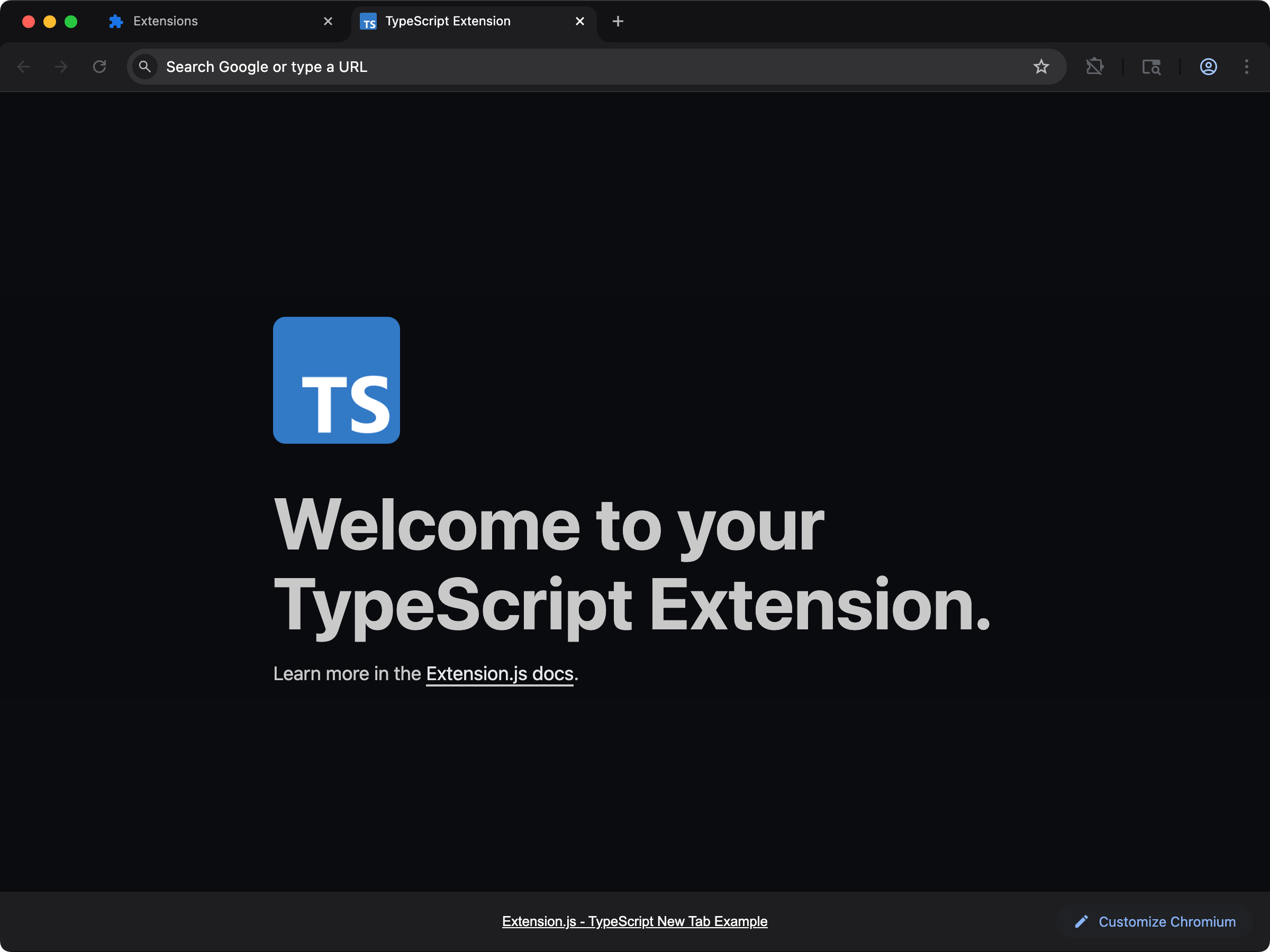
new-typescript
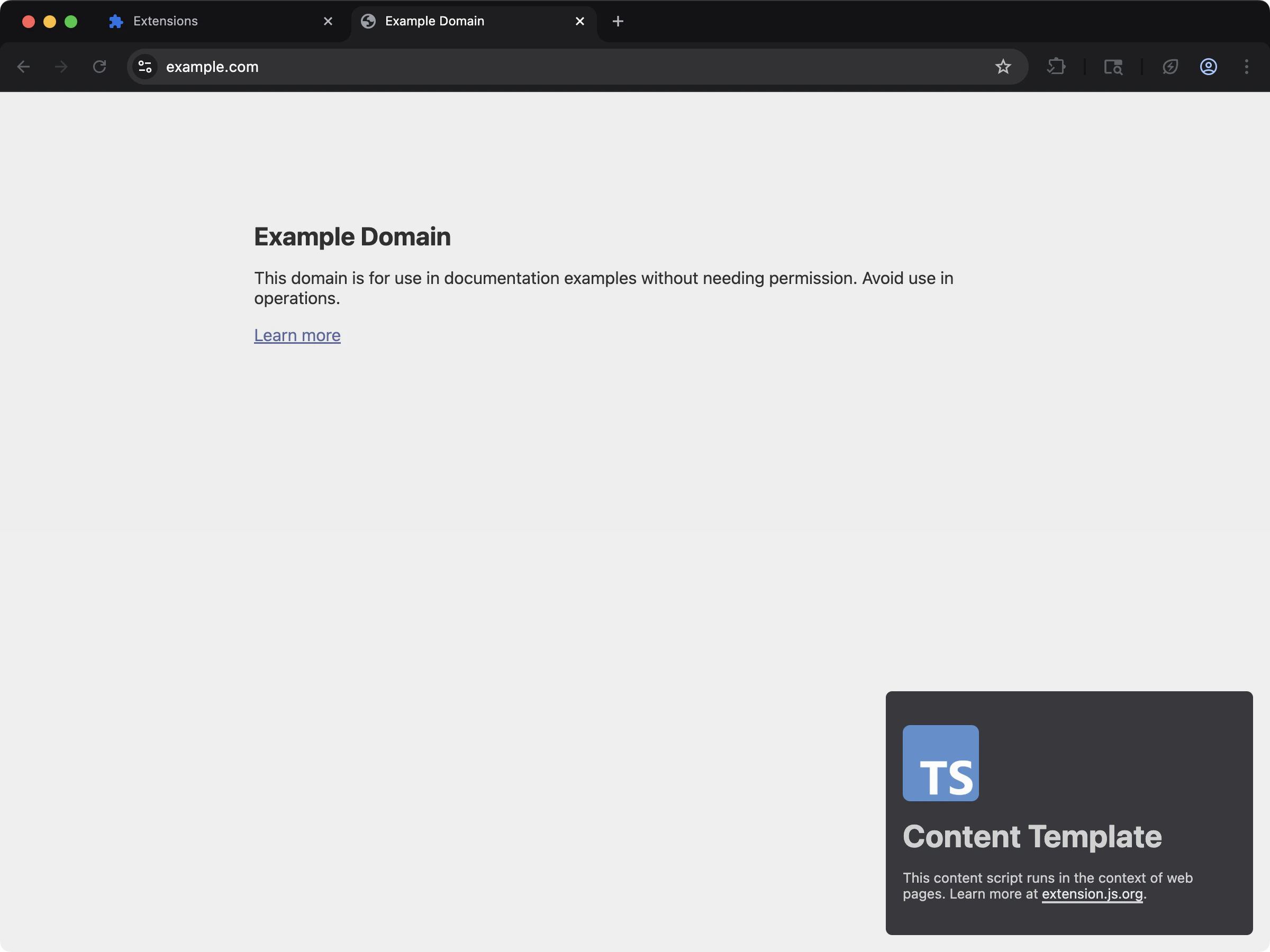
content-typescript
自动生成的环境类型
对于 TypeScript 项目,Extension.js 会在项目根目录生成extension-env.d.ts,里面包含环境声明(浏览器/运行时全局变量、EXTENSION_PUBLIC_* 环境变量以及打包器类型)。dev 和 build 都会重新生成它,所以编辑器的类型与 CI 中的 tsc --noEmit 始终保持一致。把它提交进版本库(或加进 git-ignore)都可以,下次运行时会重新创建。
在现有扩展中使用
按下面的步骤把 TypeScript 添加到现有扩展。安装
- 把 TypeScript 安装为开发依赖:
- 初始化 TypeScript 配置文件
tsconfig.json:
配置
TypeScript 检测和要求
Extension.js 会在package.json 旁边查找 tsconfig.json。
- 有
.ts源文件却没有tsconfig.json时,Extension.js 会往项目里写入一份基线配置。构建会提示Creating a default tsconfig.json并继续。 - 如果项目声明了
typescript依赖,但还没有tsconfig.json、也还没有.ts源文件,Extension.js 会为它写入一份基线配置。
moduleResolution为bundler,它对应 Rspack + SWC 管线。已被移除的node(node10)模式会让 TypeScript 7 上的tsc --noEmit失败。- 只有当 Extension.js 在项目中检测到 JSX 框架时,
jsx才是react-jsx。没有检测到时,它保持preserve,也不会写入jsxImportSource。从 4.1.20 起,框架项目还会得到jsxImportSource,按检测到的框架设为react、preact、vue或solid-js,这样tsc --noEmit解析的 JSX 运行时与构建一致。
自动类型
Extension.js 在开发期会在项目根目录生成extension-env.d.ts。该文件包含 Extension.js API 与浏览器 polyfill 类型的声明。
转译与类型检查
默认的打包管线会编译 TypeScript,但不会在打包时跑完整的tsc 类型检查。
推荐的脚本:
下一步
- 了解 Extension.js 如何处理 ECMAScript 模块。
- 探索 Sass 模块等样式方案。
- 阅读浏览器扩展中的 JavaScript 和 TypeScript 文件。
- 对比各浏览器扩展框架对 TypeScript 的支持。