> ## Documentation Index
> Fetch the complete documentation index at: https://extension.js.org/llms.txt
> Use this file to discover all available pages before exploring further.
# 在瀏覽器擴充功能中使用 TypeScript
> 以零設定打造 TypeScript 瀏覽器擴充功能。Extension.js 透過 Rspack + SWC 在背景 script、content script 與頁面中支援 TS。
Extension.js 在所有擴充功能情境下都能執行 TypeScript:background、content script、popup、options 與 sidebar。它預設使用 Rspack + SWC pipeline。你不需要額外的 `tsc` 步驟、ts-loader 或額外的 bundler rule。
## 什麼情況下適合使用 TypeScript
* 你希望在擴充功能各情境之間有更安全的重構與更明確的介面。
* 你會在 background script、content script 與 UI 介面之間共用邏輯。
* 你需要在使用 AI 產生程式碼時,仍能取得可預期的 API 使用方式。
## 範本範例
### `new-typescript`
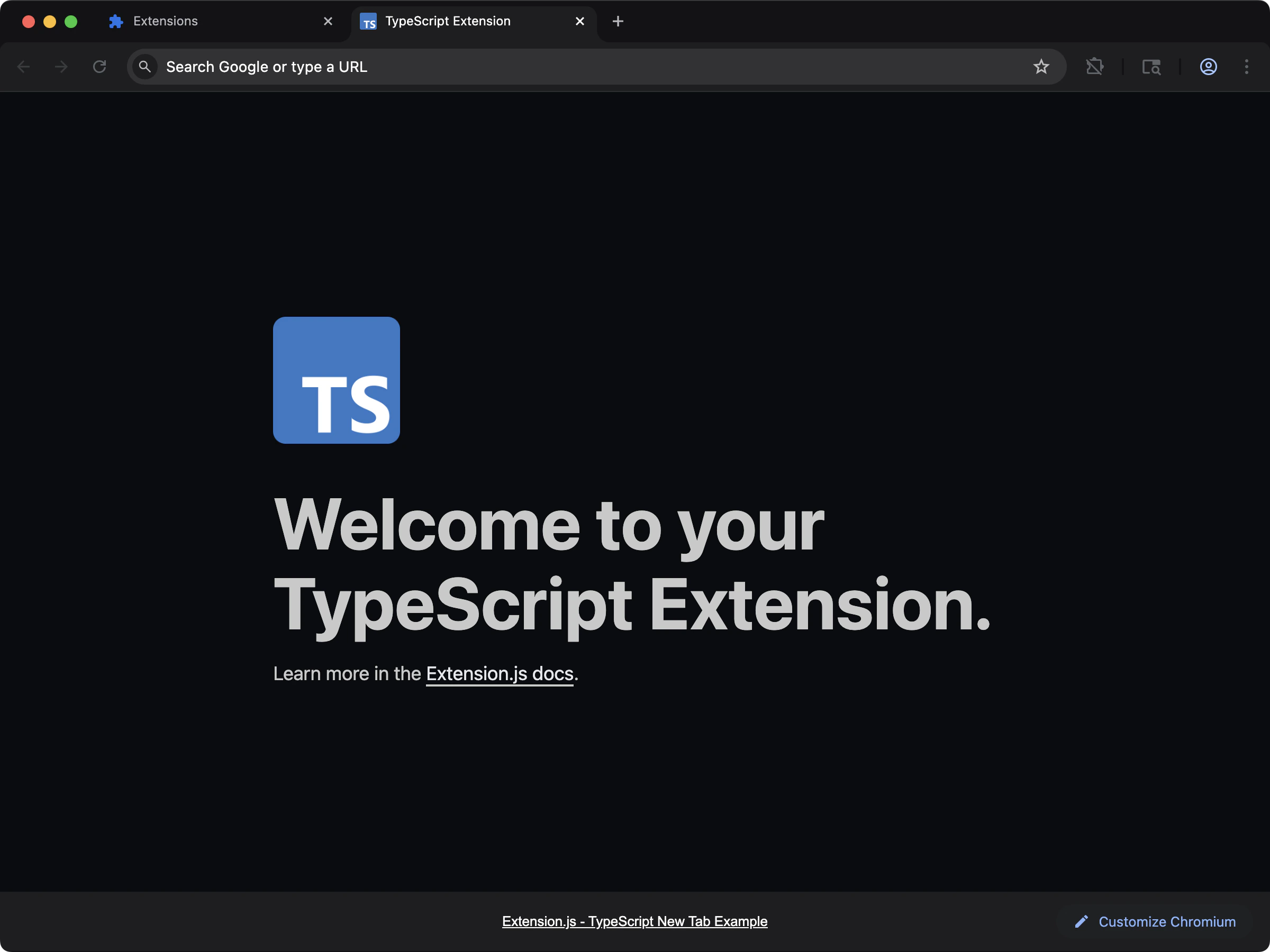 最適合用來打造以 TypeScript 為預設的 new-tab 擴充功能。
```bash npm theme={null}
npx extension@latest create my-extension --template=new-typescript
```
```bash pnpm theme={null}
pnpx extension@latest create my-extension --template=new-typescript
```
```bash yarn theme={null}
yarn dlx extension@latest create my-extension --template=new-typescript
```
```bash bun theme={null}
bunx extension@latest create my-extension --template=new-typescript
```
```bash bun theme={null}
bunx extension@latest create my-extension --template=new-typescript
```
Repository: [extension-js/examples/new-typescript](https://github.com/extension-js/examples/tree/main/examples/new-typescript)
### `content-typescript`
最適合用來打造以 TypeScript 為預設的 new-tab 擴充功能。
```bash npm theme={null}
npx extension@latest create my-extension --template=new-typescript
```
```bash pnpm theme={null}
pnpx extension@latest create my-extension --template=new-typescript
```
```bash yarn theme={null}
yarn dlx extension@latest create my-extension --template=new-typescript
```
```bash bun theme={null}
bunx extension@latest create my-extension --template=new-typescript
```
```bash bun theme={null}
bunx extension@latest create my-extension --template=new-typescript
```
Repository: [extension-js/examples/new-typescript](https://github.com/extension-js/examples/tree/main/examples/new-typescript)
### `content-typescript`
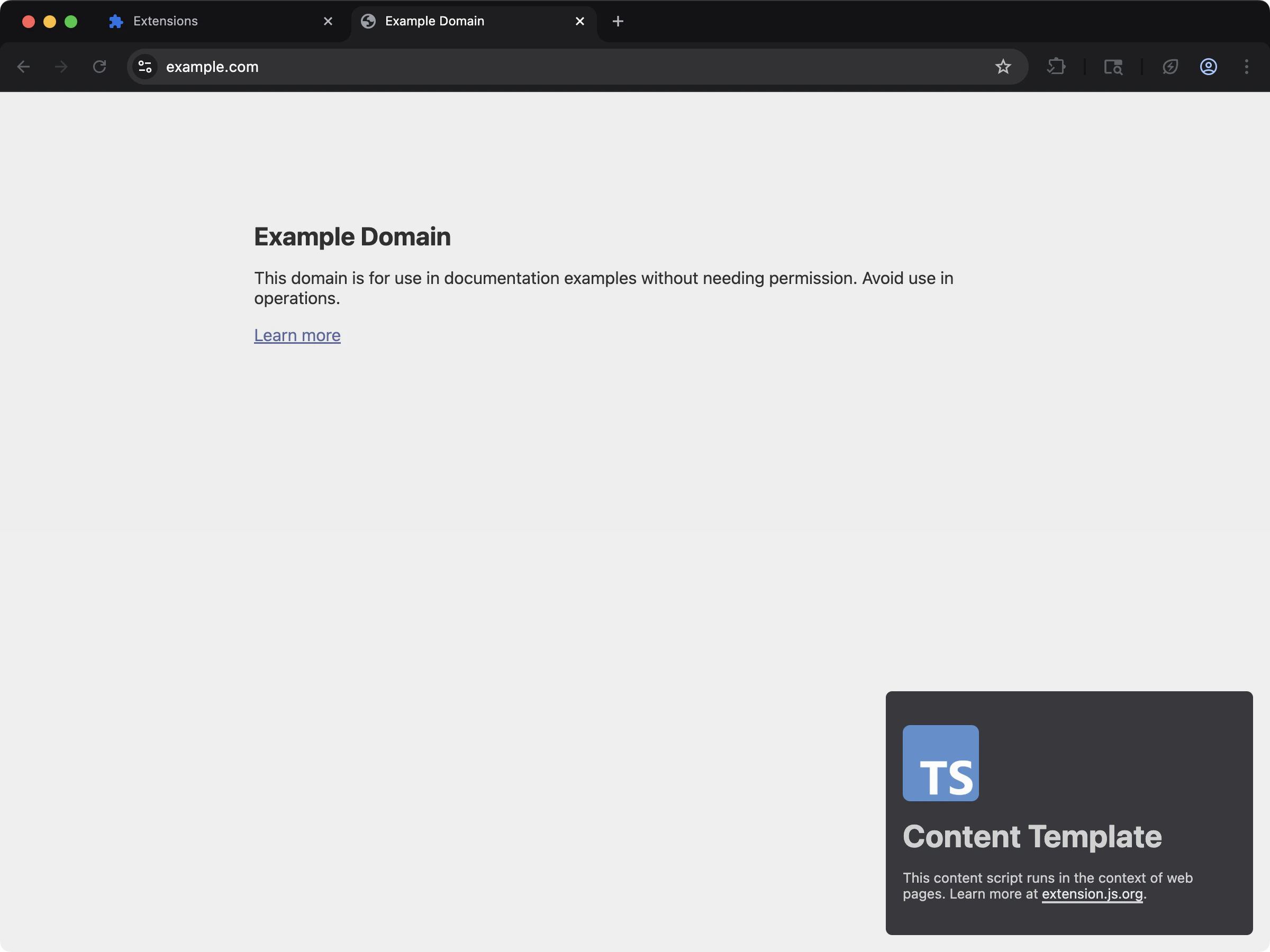 最適合在既有頁面中注入 TypeScript 驅動的 content script。
```bash npm theme={null}
npx extension@latest create my-extension --template=content-typescript
```
```bash pnpm theme={null}
pnpx extension@latest create my-extension --template=content-typescript
```
```bash yarn theme={null}
yarn dlx extension@latest create my-extension --template=content-typescript
```
```bash bun theme={null}
bunx extension@latest create my-extension --template=content-typescript
```
```bash bun theme={null}
bunx extension@latest create my-extension --template=content-typescript
```
Repository: [extension-js/examples/content-typescript](https://github.com/extension-js/examples/tree/main/examples/content-typescript)
## 自動產生的 ambient 型別
對於 TypeScript 專案,Extension.js 會在你的專案根目錄產生 `extension-env.d.ts` 檔,包含 ambient 宣告(browser/runtime 全域、`EXTENSION_PUBLIC_*` 環境變數,以及打包工具型別)。[`dev`](/docs/commands/dev) 與 [`build`](/docs/commands/build) 都會重新產生它,因此編輯器型別與 CI 上的 `tsc --noEmit` 會保持同步。可以把它納入版本控管或加入 git ignore,兩種方式都可以——下一次執行時會重新建立。
## 在既有擴充功能中使用
依下列步驟把 TypeScript 加入既有擴充功能。
### 安裝
1. 將 TypeScript 安裝為 development dependency:
2. 初始化 TypeScript 設定檔 `tsconfig.json`:
### 設定
#### TypeScript 偵測與需求
Extension.js 會在 `package.json` 旁邊尋找 `tsconfig.json`。
* 如果 TypeScript 原始檔存在但缺少 `tsconfig.json`,Extension.js 會拋出錯誤,要求你建立一份。
* 如果 Extension.js 透過相依套件或設定偵測到 TypeScript,但找不到原始檔,它可以為你產生一份基準的 `tsconfig.json`。
範例基準設定:
```json5 theme={null}
{
compilerOptions: {
allowJs: true,
allowSyntheticDefaultImports: true,
esModuleInterop: true,
forceConsistentCasingInFileNames: true,
isolatedModules: false,
jsx: "react-jsx",
lib: ["dom", "dom.iterable", "esnext"],
moduleResolution: "node",
module: "esnext",
noEmit: true,
resolveJsonModule: true,
strict: true,
target: "esnext",
skipLibCheck: true,
},
exclude: ["node_modules", "dist"],
}
```
#### 自動型別
開發階段,Extension.js 會在專案根目錄產生 `extension-env.d.ts`。這個檔案包含 Extension.js API 與 browser polyfill 的型別宣告。
```ts theme={null}
// Required Extension.js types for TypeScript projects.
// This file is auto-generated and should not be excluded.
// If you need additional types, consider creating a new *.d.ts file and
// referencing it in the "include" array of your tsconfig.json file.
// See https://www.typescriptlang.org/tsconfig#include for more information.
///
// Polyfill types for browser.* APIs.
///
```
#### 轉譯與型別檢查的差別
預設的打包 pipeline 會編譯 TypeScript,但不會在打包過程中執行完整的 `tsc` 型別檢查。
建議的 scripts:
```json theme={null}
{
"scripts": {
"dev": "extension dev",
"typecheck": "tsc --noEmit"
}
}
```
## 下一步
* 了解 Extension.js 如何處理 [ECMAScript modules](/docs/languages-and-frameworks/ecmascript-modules)。
* 探索 [Sass modules](/docs/languages-and-frameworks/sass) 等樣式選項。
* 閱讀 [瀏覽器擴充功能中的 JavaScript 與 TypeScript 檔案](/docs/concepts/javascript-typescript-browser-extension-files)。
* 比較各個 [瀏覽器擴充功能框架](/docs/compare) 對 TypeScript 的支援。
## 影片導覽
最適合在既有頁面中注入 TypeScript 驅動的 content script。
```bash npm theme={null}
npx extension@latest create my-extension --template=content-typescript
```
```bash pnpm theme={null}
pnpx extension@latest create my-extension --template=content-typescript
```
```bash yarn theme={null}
yarn dlx extension@latest create my-extension --template=content-typescript
```
```bash bun theme={null}
bunx extension@latest create my-extension --template=content-typescript
```
```bash bun theme={null}
bunx extension@latest create my-extension --template=content-typescript
```
Repository: [extension-js/examples/content-typescript](https://github.com/extension-js/examples/tree/main/examples/content-typescript)
## 自動產生的 ambient 型別
對於 TypeScript 專案,Extension.js 會在你的專案根目錄產生 `extension-env.d.ts` 檔,包含 ambient 宣告(browser/runtime 全域、`EXTENSION_PUBLIC_*` 環境變數,以及打包工具型別)。[`dev`](/docs/commands/dev) 與 [`build`](/docs/commands/build) 都會重新產生它,因此編輯器型別與 CI 上的 `tsc --noEmit` 會保持同步。可以把它納入版本控管或加入 git ignore,兩種方式都可以——下一次執行時會重新建立。
## 在既有擴充功能中使用
依下列步驟把 TypeScript 加入既有擴充功能。
### 安裝
1. 將 TypeScript 安裝為 development dependency:
2. 初始化 TypeScript 設定檔 `tsconfig.json`:
### 設定
#### TypeScript 偵測與需求
Extension.js 會在 `package.json` 旁邊尋找 `tsconfig.json`。
* 如果 TypeScript 原始檔存在但缺少 `tsconfig.json`,Extension.js 會拋出錯誤,要求你建立一份。
* 如果 Extension.js 透過相依套件或設定偵測到 TypeScript,但找不到原始檔,它可以為你產生一份基準的 `tsconfig.json`。
範例基準設定:
```json5 theme={null}
{
compilerOptions: {
allowJs: true,
allowSyntheticDefaultImports: true,
esModuleInterop: true,
forceConsistentCasingInFileNames: true,
isolatedModules: false,
jsx: "react-jsx",
lib: ["dom", "dom.iterable", "esnext"],
moduleResolution: "node",
module: "esnext",
noEmit: true,
resolveJsonModule: true,
strict: true,
target: "esnext",
skipLibCheck: true,
},
exclude: ["node_modules", "dist"],
}
```
#### 自動型別
開發階段,Extension.js 會在專案根目錄產生 `extension-env.d.ts`。這個檔案包含 Extension.js API 與 browser polyfill 的型別宣告。
```ts theme={null}
// Required Extension.js types for TypeScript projects.
// This file is auto-generated and should not be excluded.
// If you need additional types, consider creating a new *.d.ts file and
// referencing it in the "include" array of your tsconfig.json file.
// See https://www.typescriptlang.org/tsconfig#include for more information.
///
// Polyfill types for browser.* APIs.
///
```
#### 轉譯與型別檢查的差別
預設的打包 pipeline 會編譯 TypeScript,但不會在打包過程中執行完整的 `tsc` 型別檢查。
建議的 scripts:
```json theme={null}
{
"scripts": {
"dev": "extension dev",
"typecheck": "tsc --noEmit"
}
}
```
## 下一步
* 了解 Extension.js 如何處理 [ECMAScript modules](/docs/languages-and-frameworks/ecmascript-modules)。
* 探索 [Sass modules](/docs/languages-and-frameworks/sass) 等樣式選項。
* 閱讀 [瀏覽器擴充功能中的 JavaScript 與 TypeScript 檔案](/docs/concepts/javascript-typescript-browser-extension-files)。
* 比較各個 [瀏覽器擴充功能框架](/docs/compare) 對 TypeScript 的支援。
## 影片導覽