> ## Documentation Index
> Fetch the complete documentation index at: https://extension.js.org/llms.txt
> Use this file to discover all available pages before exploring further.
# 在瀏覽器擴充功能中使用 Preact
> 以 Preact 推出更小的擴充功能 UI bundle,同時保有類 React 的開發體驗。Extension.js 會自動設定 JSX 轉換與 compat 別名。
在維持類 React 開發體驗與本機快速迭代的同時,推出更小的擴充功能 UI bundle。
Extension.js 會從相依套件偵測 Preact,並自動設定 JSX/TSX 轉換、React 相容別名與 fast-refresh 支援。你的 React 匯入會透過這些別名對應到 Preact。
## 什麼情況下適合使用 Preact
* 你希望 popup、sidebar、new tab 介面的 UI bundle 更小。
* 你喜歡 React 風格的元件,但想要更輕量的執行期。
* 你正在針對較低階裝置最佳化擴充功能的啟動時間與 UI 反應速度。
## 範本範例
### `new-preact`
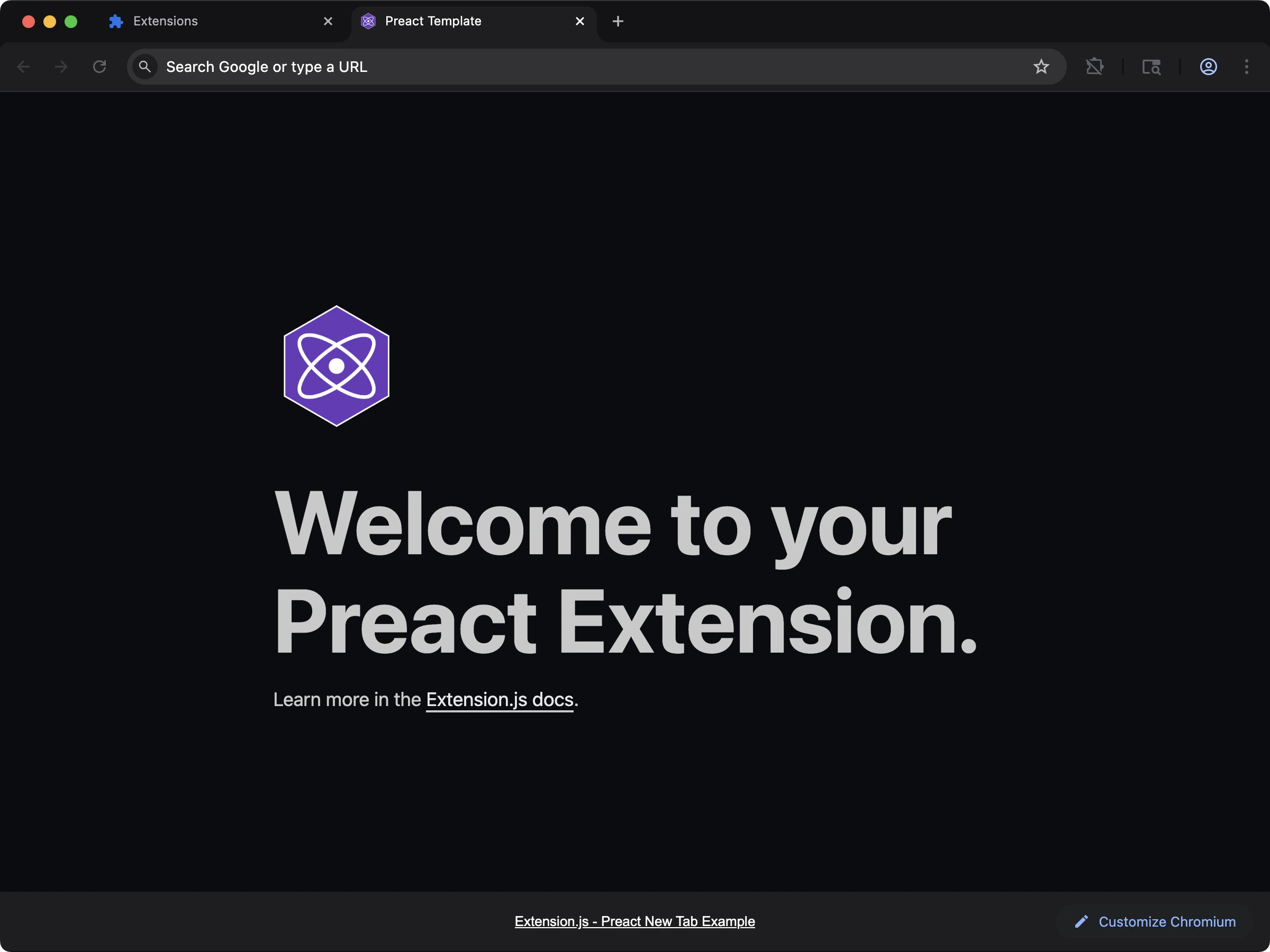 以 Preact 推出更輕量的 new-tab UI,並保有與 React 相容的開發體感。
```bash npm theme={null}
npx extension@latest create my-extension --template=new-preact
```
```bash pnpm theme={null}
pnpx extension@latest create my-extension --template=new-preact
```
```bash yarn theme={null}
yarn dlx extension@latest create my-extension --template=new-preact
```
```bash bun theme={null}
bunx extension@latest create my-extension --template=new-preact
```
```bash bun theme={null}
bunx extension@latest create my-extension --template=new-preact
```
Repository: [extension-js/examples/new-preact](https://github.com/extension-js/examples/tree/main/examples/new-preact)
### `content-preact`
以 Preact 推出更輕量的 new-tab UI,並保有與 React 相容的開發體感。
```bash npm theme={null}
npx extension@latest create my-extension --template=new-preact
```
```bash pnpm theme={null}
pnpx extension@latest create my-extension --template=new-preact
```
```bash yarn theme={null}
yarn dlx extension@latest create my-extension --template=new-preact
```
```bash bun theme={null}
bunx extension@latest create my-extension --template=new-preact
```
```bash bun theme={null}
bunx extension@latest create my-extension --template=new-preact
```
Repository: [extension-js/examples/new-preact](https://github.com/extension-js/examples/tree/main/examples/new-preact)
### `content-preact`
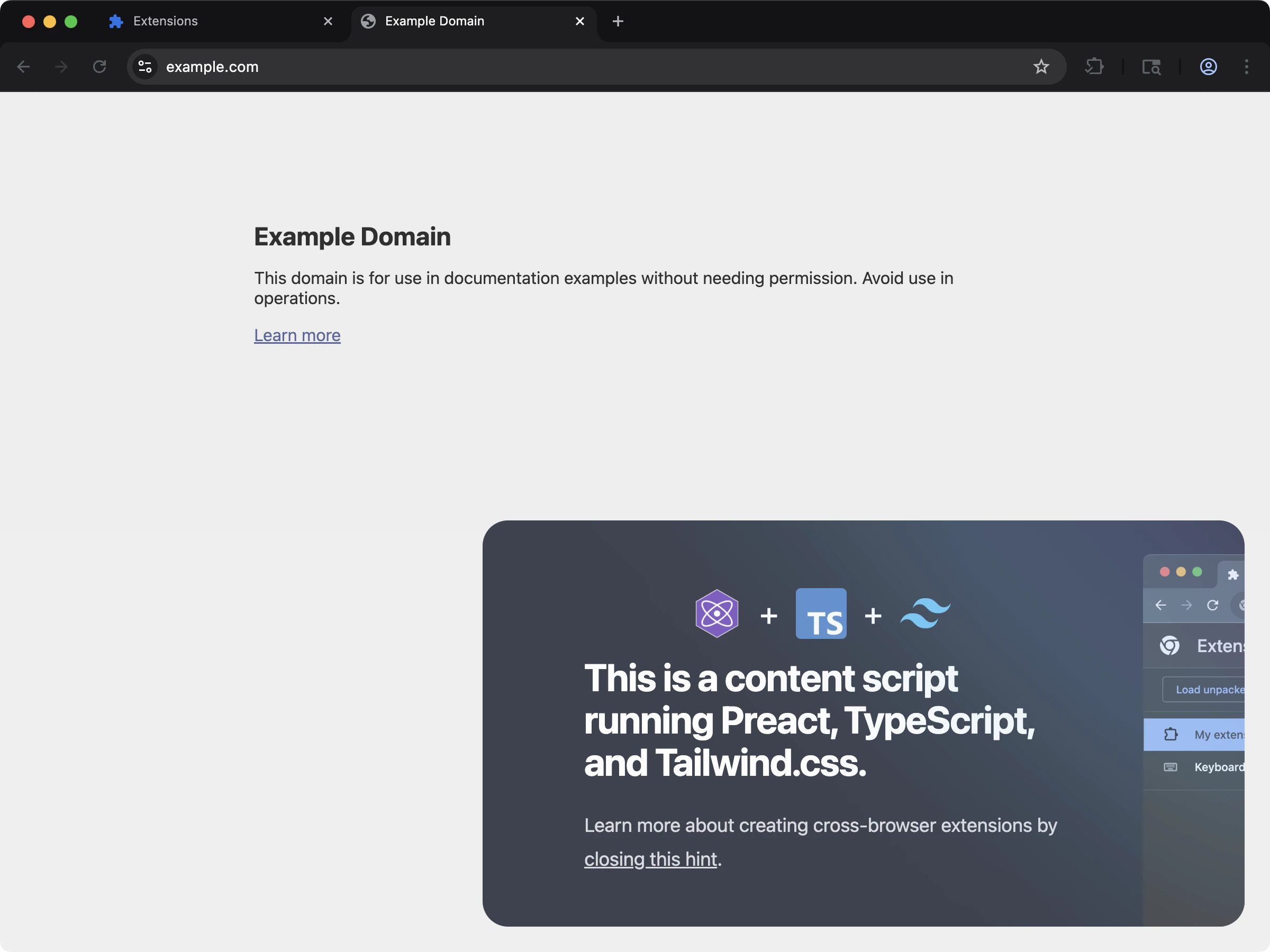 透過 content script 把精巧的 Preact UI 注入頁面內容。
```bash npm theme={null}
npx extension@latest create my-extension --template=content-preact
```
```bash pnpm theme={null}
pnpx extension@latest create my-extension --template=content-preact
```
```bash yarn theme={null}
yarn dlx extension@latest create my-extension --template=content-preact
```
```bash bun theme={null}
bunx extension@latest create my-extension --template=content-preact
```
```bash bun theme={null}
bunx extension@latest create my-extension --template=content-preact
```
Repository: [extension-js/examples/content-preact](https://github.com/extension-js/examples/tree/main/examples/content-preact)
## 在既有擴充功能中使用
依下列步驟把 Preact 加入既有擴充功能。
### 安裝
安裝所需相依套件:
Preact 內建自己的 TypeScript 型別,因此你不需要另外安裝 `@types/preact`。
### 設定
Extension.js 會期待 Preact 檔案採用下列副檔名:
* 未啟用 TypeScript 時:`*.jsx`
* 啟用 TypeScript 時:`*.tsx`
## 開發行為
當 Extension.js 偵測到 Preact 時,會設定:
* 相容別名(例如 `react` → `preact/compat`)。
* 為 Preact 調整過的 JSX 處理方式。
* 開發階段透過 `@rspack/plugin-preact-refresh` 整合 refresh。
若專案缺少選用的 refresh 相依套件,Extension.js 會自動安裝並提示重新啟動。
### 疑難排解
* **缺少 refresh 相依套件的警告:** 安裝 `@rspack/plugin-preact-refresh`(如果提示,請一併安裝相關套件)。
* **安裝後要求重新啟動:** 停止並重新執行 `extension dev`,讓 dev server 可以乾淨地重新載入 refresh 設定。
* **未偵測到 Preact 整合:** 確認 `preact` 已出現在 `dependencies` 或 `devDependencies` 中。
## 使用範例
### 在 new tab 擴充功能中
在 new tab 擴充功能中使用 Preact,請在 HTML 中以 `
透過 content script 把精巧的 Preact UI 注入頁面內容。
```bash npm theme={null}
npx extension@latest create my-extension --template=content-preact
```
```bash pnpm theme={null}
pnpx extension@latest create my-extension --template=content-preact
```
```bash yarn theme={null}
yarn dlx extension@latest create my-extension --template=content-preact
```
```bash bun theme={null}
bunx extension@latest create my-extension --template=content-preact
```
```bash bun theme={null}
bunx extension@latest create my-extension --template=content-preact
```
Repository: [extension-js/examples/content-preact](https://github.com/extension-js/examples/tree/main/examples/content-preact)
## 在既有擴充功能中使用
依下列步驟把 Preact 加入既有擴充功能。
### 安裝
安裝所需相依套件:
Preact 內建自己的 TypeScript 型別,因此你不需要另外安裝 `@types/preact`。
### 設定
Extension.js 會期待 Preact 檔案採用下列副檔名:
* 未啟用 TypeScript 時:`*.jsx`
* 啟用 TypeScript 時:`*.tsx`
## 開發行為
當 Extension.js 偵測到 Preact 時,會設定:
* 相容別名(例如 `react` → `preact/compat`)。
* 為 Preact 調整過的 JSX 處理方式。
* 開發階段透過 `@rspack/plugin-preact-refresh` 整合 refresh。
若專案缺少選用的 refresh 相依套件,Extension.js 會自動安裝並提示重新啟動。
### 疑難排解
* **缺少 refresh 相依套件的警告:** 安裝 `@rspack/plugin-preact-refresh`(如果提示,請一併安裝相關套件)。
* **安裝後要求重新啟動:** 停止並重新執行 `extension dev`,讓 dev server 可以乾淨地重新載入 refresh 設定。
* **未偵測到 Preact 整合:** 確認 `preact` 已出現在 `dependencies` 或 `devDependencies` 中。
## 使用範例
### 在 new tab 擴充功能中
在 new tab 擴充功能中使用 Preact,請在 HTML 中以 `