> ## Documentation Index
> Fetch the complete documentation index at: https://extension.js.org/llms.txt
> Use this file to discover all available pages before exploring further.
# 在瀏覽器擴充功能中使用 Node API
> 優先使用瀏覽器原生 API,必要時再針對 Node 核心模組選擇性地加入 polyfill。Extension.js 預設以瀏覽器執行期為目標。
Extension.js 預設以瀏覽器執行期為目標,不會自動為 Node 核心模組加上 polyfill,以維持較小的 bundle 體積。如果相依套件用到 `buffer`、`stream` 或 `crypto`,建置時你會看到解析錯誤。下面說明何時該加入 polyfill,又何時該改用瀏覽器原生方案。
## 什麼情況下適合加入 Node polyfill
* 必要的相依套件在瀏覽器執行期中需要 Node 核心模組。
* 你正在從以 Node 為主的套件逐步遷移程式碼。
* 你可以為了特定執行期能力,接受較大的 bundle 體積。
## 範本範例
### `new-typescript`
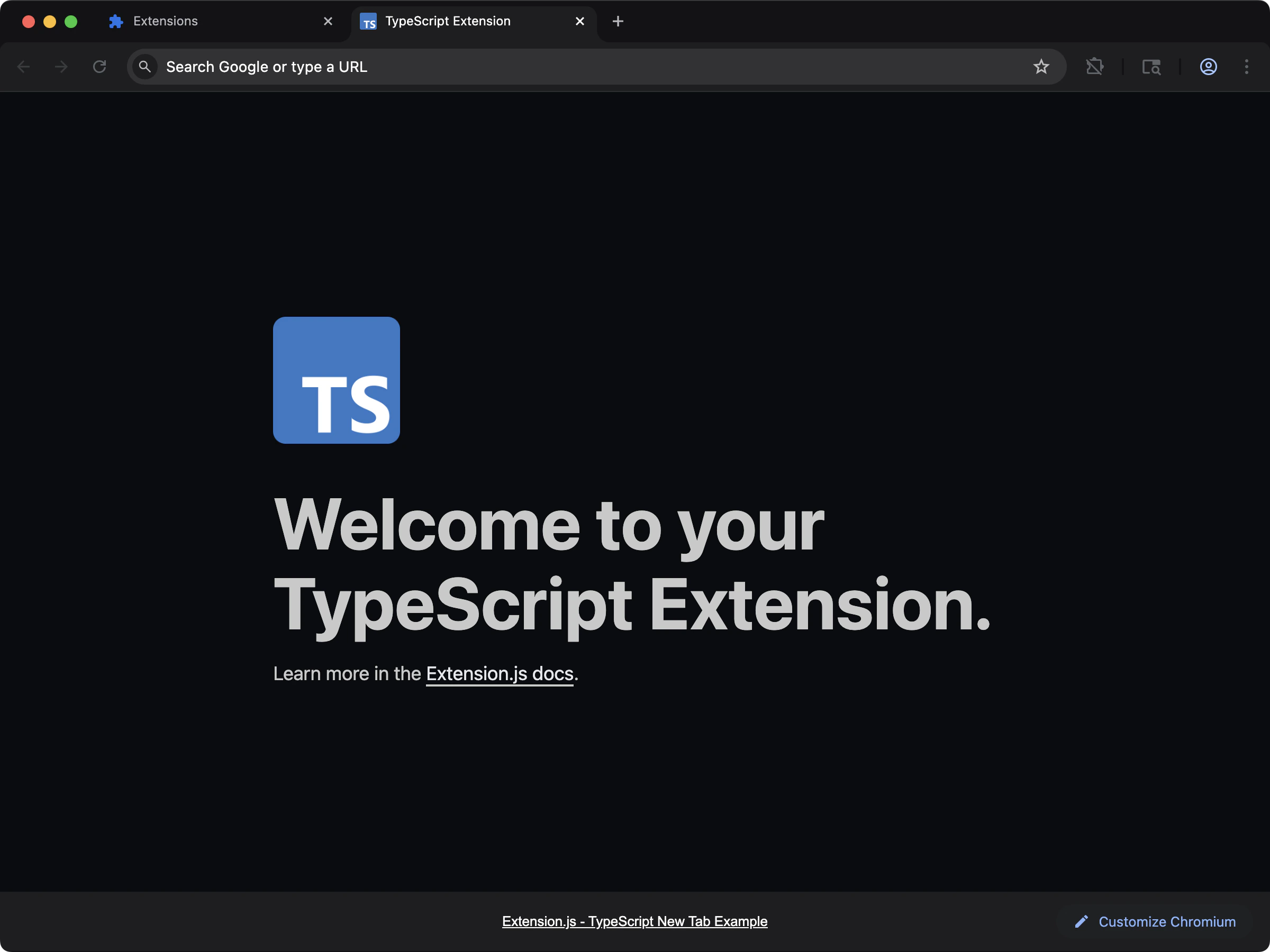 當你的擴充功能需要明確調整打包工具或 polyfill 時,從 TypeScript 基線開始。
```bash npm theme={null}
npx extension@latest create my-extension --template=new-typescript
```
```bash pnpm theme={null}
pnpx extension@latest create my-extension --template=new-typescript
```
```bash yarn theme={null}
yarn dlx extension@latest create my-extension --template=new-typescript
```
```bash bun theme={null}
bunx extension@latest create my-extension --template=new-typescript
```
```bash bun theme={null}
bunx extension@latest create my-extension --template=new-typescript
```
Repository: [extension-js/examples/new-typescript](https://github.com/extension-js/examples/tree/main/examples/new-typescript)
### `content-typescript`
當你的擴充功能需要明確調整打包工具或 polyfill 時,從 TypeScript 基線開始。
```bash npm theme={null}
npx extension@latest create my-extension --template=new-typescript
```
```bash pnpm theme={null}
pnpx extension@latest create my-extension --template=new-typescript
```
```bash yarn theme={null}
yarn dlx extension@latest create my-extension --template=new-typescript
```
```bash bun theme={null}
bunx extension@latest create my-extension --template=new-typescript
```
```bash bun theme={null}
bunx extension@latest create my-extension --template=new-typescript
```
Repository: [extension-js/examples/new-typescript](https://github.com/extension-js/examples/tree/main/examples/new-typescript)
### `content-typescript`
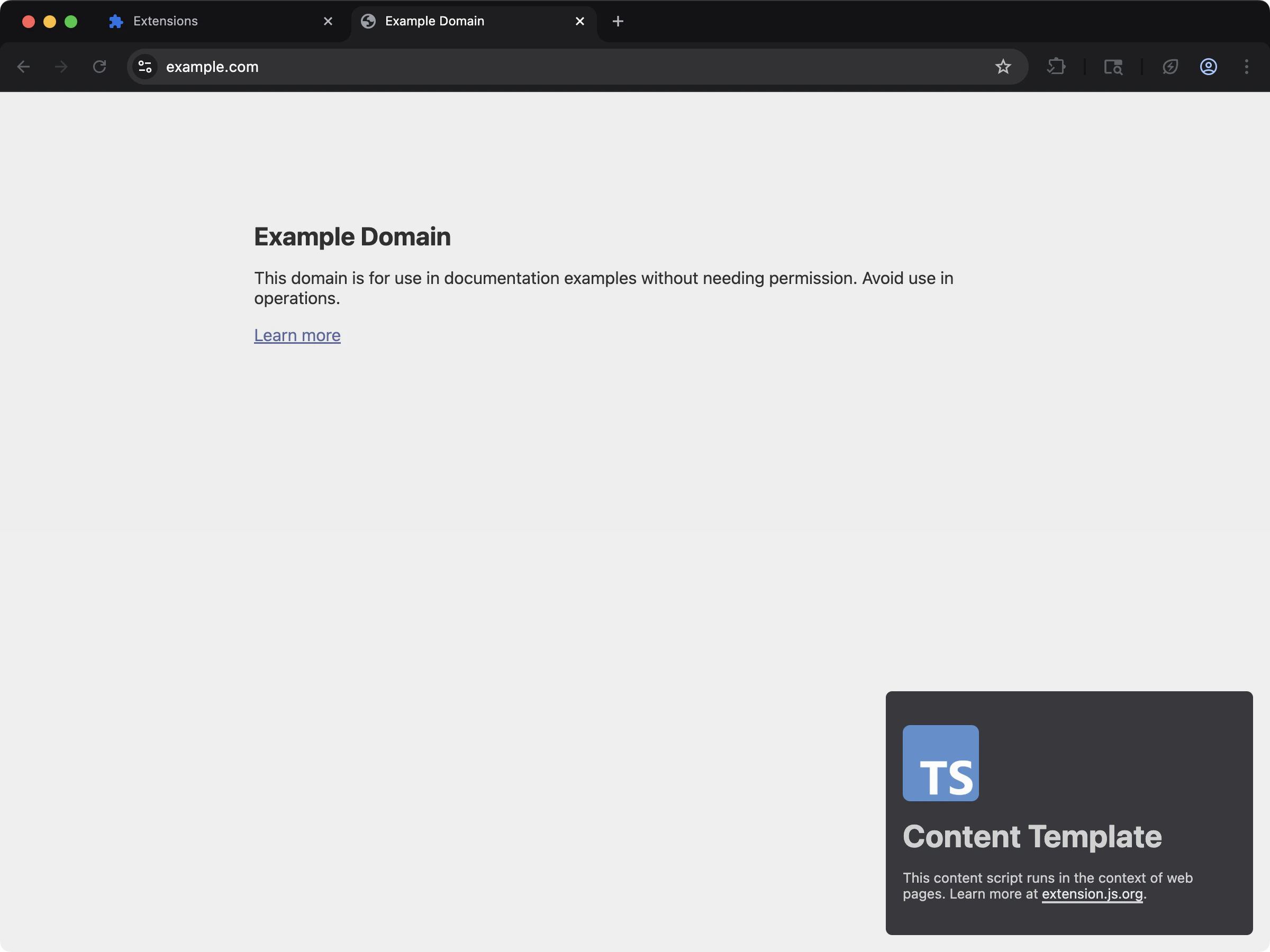 當依賴 Node 的函式庫會在頁面注入流程中執行時,採用 content script 的 TypeScript 基線。
```bash npm theme={null}
npx extension@latest create my-extension --template=content-typescript
```
```bash pnpm theme={null}
pnpx extension@latest create my-extension --template=content-typescript
```
```bash yarn theme={null}
yarn dlx extension@latest create my-extension --template=content-typescript
```
```bash bun theme={null}
bunx extension@latest create my-extension --template=content-typescript
```
```bash bun theme={null}
bunx extension@latest create my-extension --template=content-typescript
```
Repository: [extension-js/examples/content-typescript](https://github.com/extension-js/examples/tree/main/examples/content-typescript)
### `new-crypto`
當依賴 Node 的函式庫會在頁面注入流程中執行時,採用 content script 的 TypeScript 基線。
```bash npm theme={null}
npx extension@latest create my-extension --template=content-typescript
```
```bash pnpm theme={null}
pnpx extension@latest create my-extension --template=content-typescript
```
```bash yarn theme={null}
yarn dlx extension@latest create my-extension --template=content-typescript
```
```bash bun theme={null}
bunx extension@latest create my-extension --template=content-typescript
```
```bash bun theme={null}
bunx extension@latest create my-extension --template=content-typescript
```
Repository: [extension-js/examples/content-typescript](https://github.com/extension-js/examples/tree/main/examples/content-typescript)
### `new-crypto`
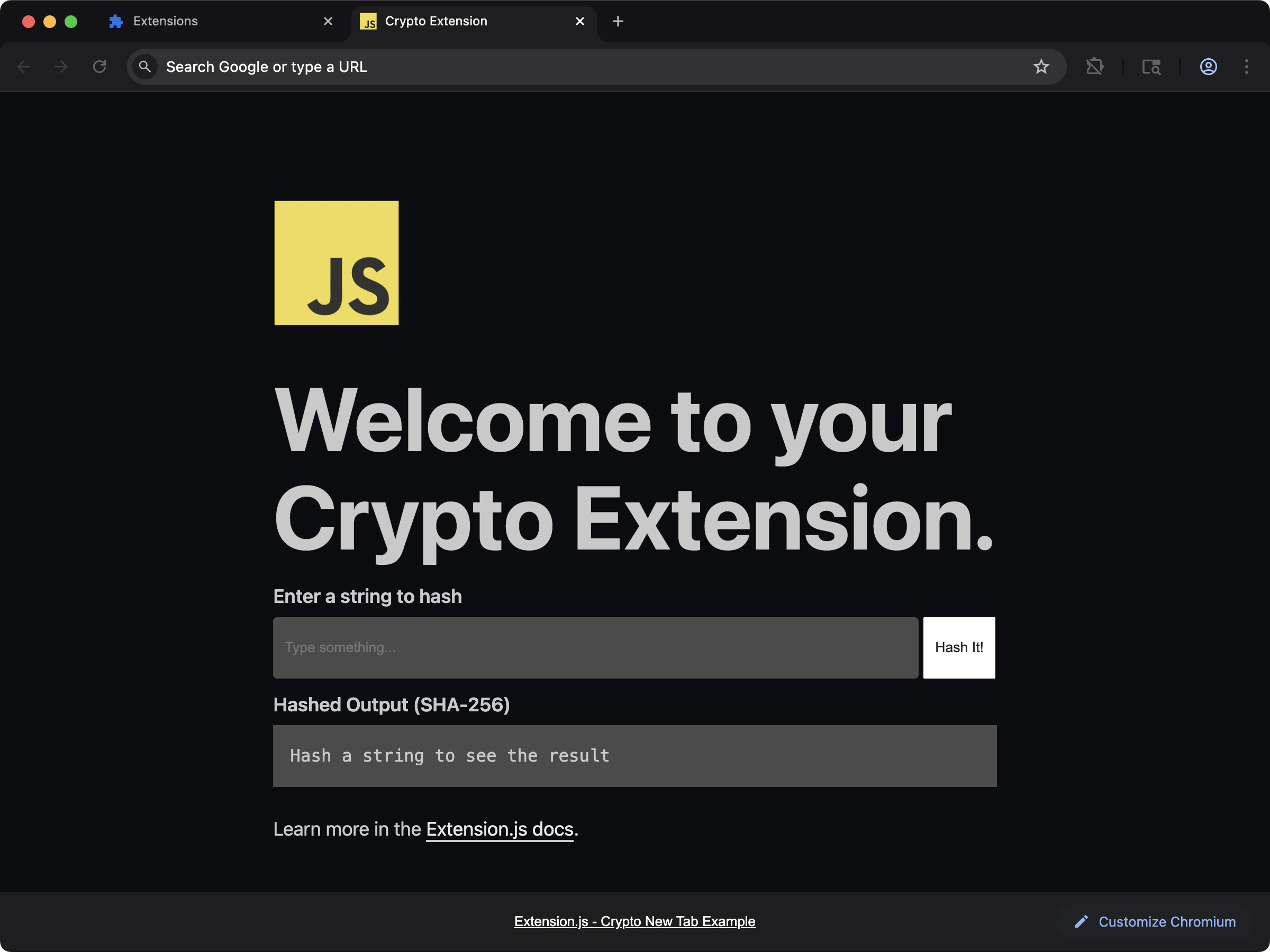 在 new-tab 擴充功能中示範 Node `crypto` polyfill 的用法。
```bash npm theme={null}
npx extension@latest create my-extension --template=new-crypto
```
```bash pnpm theme={null}
pnpx extension@latest create my-extension --template=new-crypto
```
```bash yarn theme={null}
yarn dlx extension@latest create my-extension --template=new-crypto
```
```bash bun theme={null}
bunx extension@latest create my-extension --template=new-crypto
```
```bash bun theme={null}
bunx extension@latest create my-extension --template=new-crypto
```
Repository: [extension-js/examples/new-crypto](https://github.com/extension-js/examples/tree/main/examples/new-crypto)
## 預設行為
* 建置目標以瀏覽器為主(`web`)。
* 模組解析優先採用瀏覽器匯出(`browser`、`module`、`main`)。
* Extension.js 預設停用 Node 核心 fallback(例如 `crypto`、`path`、`fs`)。
這代表匯入 Node API 時,若未明確設定 fallback 就可能失敗。
## 設定 Node polyfill
使用 `extension.config.js`(或 `.mjs` / `.cjs`)擴充 Rspack 設定,並定義安全的 fallback。
```js theme={null}
import NodePolyfillPlugin from "node-polyfill-webpack-plugin";
import { createRequire } from "node:module";
const require = createRequire(import.meta.url);
export default {
config: (config) => {
config.resolve = config.resolve || {};
config.resolve.fallback = {
...(config.resolve.fallback || {}),
crypto: require.resolve("crypto-browserify"),
path: require.resolve("path-browserify"),
fs: false,
};
config.plugins = config.plugins || [];
config.plugins.push(new NodePolyfillPlugin());
return config;
},
};
```
## 安裝選用的 polyfill 套件
## 擴充功能 API 與 Node API 的差別
在 CLI/設定中將 `polyfill` 設為 `true`,會啟用 `webextension-polyfill`——一個讓 Chromium 瀏覽器可取用 `browser.*` API namespace 的相容層。它不會啟用 Node 核心模組的 polyfill。
只有當函式庫無法在標準 Web API 下執行時,才使用 Node polyfill。
## 注意事項
* 不要假設擴充功能執行期可以存取檔案系統;除非你有明確的瀏覽器安全策略,否則請保持 `fs: false`。
* 盡量採用 Web Crypto(`crypto.subtle`),而非引入體積較大的 Node crypto shim。
* Polyfill(Node API 的瀏覽器相容替代品)會增加 bundle 體積,可能影響擴充功能頁面與 content script 的啟動時間。
* 部分使用 `node:` specifier 的套件可能需要明確的 fallback 處理。
## 下一步
* 了解如何自訂 [Rspack 設定](/docs/features/rspack-configuration)。
* 了解如何管理 [Extension 設定](/docs/features/extension-configuration)。
## 影片導覽
在 new-tab 擴充功能中示範 Node `crypto` polyfill 的用法。
```bash npm theme={null}
npx extension@latest create my-extension --template=new-crypto
```
```bash pnpm theme={null}
pnpx extension@latest create my-extension --template=new-crypto
```
```bash yarn theme={null}
yarn dlx extension@latest create my-extension --template=new-crypto
```
```bash bun theme={null}
bunx extension@latest create my-extension --template=new-crypto
```
```bash bun theme={null}
bunx extension@latest create my-extension --template=new-crypto
```
Repository: [extension-js/examples/new-crypto](https://github.com/extension-js/examples/tree/main/examples/new-crypto)
## 預設行為
* 建置目標以瀏覽器為主(`web`)。
* 模組解析優先採用瀏覽器匯出(`browser`、`module`、`main`)。
* Extension.js 預設停用 Node 核心 fallback(例如 `crypto`、`path`、`fs`)。
這代表匯入 Node API 時,若未明確設定 fallback 就可能失敗。
## 設定 Node polyfill
使用 `extension.config.js`(或 `.mjs` / `.cjs`)擴充 Rspack 設定,並定義安全的 fallback。
```js theme={null}
import NodePolyfillPlugin from "node-polyfill-webpack-plugin";
import { createRequire } from "node:module";
const require = createRequire(import.meta.url);
export default {
config: (config) => {
config.resolve = config.resolve || {};
config.resolve.fallback = {
...(config.resolve.fallback || {}),
crypto: require.resolve("crypto-browserify"),
path: require.resolve("path-browserify"),
fs: false,
};
config.plugins = config.plugins || [];
config.plugins.push(new NodePolyfillPlugin());
return config;
},
};
```
## 安裝選用的 polyfill 套件
## 擴充功能 API 與 Node API 的差別
在 CLI/設定中將 `polyfill` 設為 `true`,會啟用 `webextension-polyfill`——一個讓 Chromium 瀏覽器可取用 `browser.*` API namespace 的相容層。它不會啟用 Node 核心模組的 polyfill。
只有當函式庫無法在標準 Web API 下執行時,才使用 Node polyfill。
## 注意事項
* 不要假設擴充功能執行期可以存取檔案系統;除非你有明確的瀏覽器安全策略,否則請保持 `fs: false`。
* 盡量採用 Web Crypto(`crypto.subtle`),而非引入體積較大的 Node crypto shim。
* Polyfill(Node API 的瀏覽器相容替代品)會增加 bundle 體積,可能影響擴充功能頁面與 content script 的啟動時間。
* 部分使用 `node:` specifier 的套件可能需要明確的 fallback 處理。
## 下一步
* 了解如何自訂 [Rspack 設定](/docs/features/rspack-configuration)。
* 了解如何管理 [Extension 設定](/docs/features/extension-configuration)。
## 影片導覽