> ## Documentation Index
> Fetch the complete documentation index at: https://extension.js.org/llms.txt
> Use this file to discover all available pages before exploring further.
# 在擴充功能中使用 ECMAScript modules
> 在背景 script、content script 與擴充功能頁面之間使用現代的 import/export 語法。Extension.js 透過 Rspack pipeline 支援 ESM。
在所有擴充功能情境中以現代的 `import`/`export` 語法撰寫程式碼。
Extension.js 在背景 script、content script 與擴充功能頁面都支援 ECMAScript Modules(ESM),並使用預設的 Rspack pipeline 進行模組解析。
## 什麼情況下適合使用 ESM
* 你希望擴充功能與 web 端的程式碼採用一致的模組語法。
* 你正在與以 ESM 為主的現代套件共用程式碼。
* 你需要更乾淨的 tree-shaking(自動移除未使用的程式碼)與明確的相依界線。
## 範本範例
### `new`
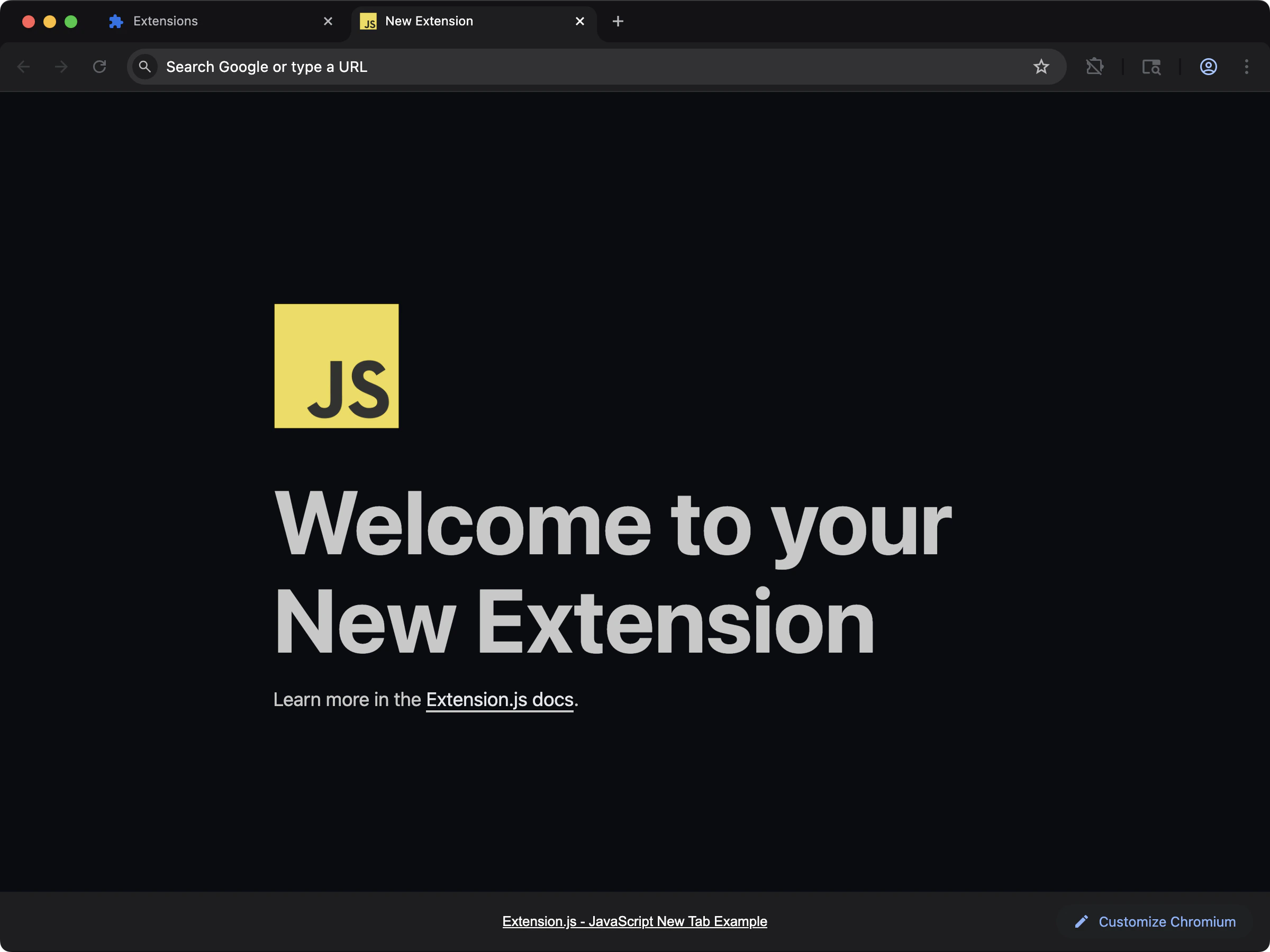 以現代模組語法與最少設定開始一個 new-tab 擴充功能。
```bash npm theme={null}
npx extension@latest create my-extension --template=new
```
```bash pnpm theme={null}
pnpx extension@latest create my-extension --template=new
```
```bash yarn theme={null}
yarn dlx extension@latest create my-extension --template=new
```
```bash bun theme={null}
bunx extension@latest create my-extension --template=new
```
```bash bun theme={null}
bunx extension@latest create my-extension --template=new
```
Repository: [extension-js/examples/new](https://github.com/extension-js/examples/tree/main/examples/new)
### `content`
以現代模組語法與最少設定開始一個 new-tab 擴充功能。
```bash npm theme={null}
npx extension@latest create my-extension --template=new
```
```bash pnpm theme={null}
pnpx extension@latest create my-extension --template=new
```
```bash yarn theme={null}
yarn dlx extension@latest create my-extension --template=new
```
```bash bun theme={null}
bunx extension@latest create my-extension --template=new
```
```bash bun theme={null}
bunx extension@latest create my-extension --template=new
```
Repository: [extension-js/examples/new](https://github.com/extension-js/examples/tree/main/examples/new)
### `content`
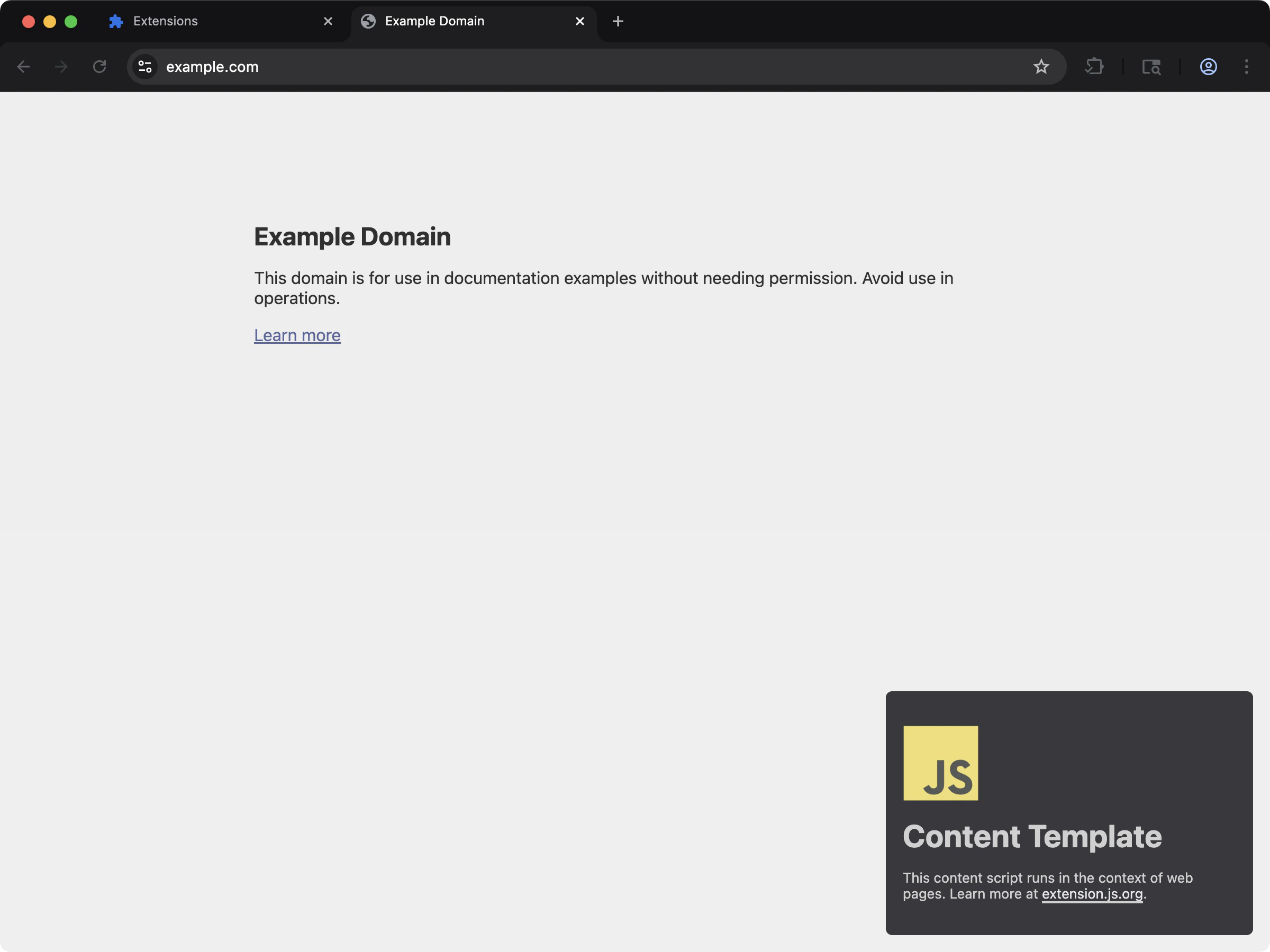 在維持 ESM 風格撰寫的同時,把 script 邏輯注入頁面內容。
```bash npm theme={null}
npx extension@latest create my-extension --template=content
```
```bash pnpm theme={null}
pnpx extension@latest create my-extension --template=content
```
```bash yarn theme={null}
yarn dlx extension@latest create my-extension --template=content
```
```bash bun theme={null}
bunx extension@latest create my-extension --template=content
```
```bash bun theme={null}
bunx extension@latest create my-extension --template=content
```
Repository: [extension-js/examples/content](https://github.com/extension-js/examples/tree/main/examples/content)
## 在既有擴充功能中使用
你可以直接在擴充功能原始碼檔案(`.js`、`.mjs`、`.ts`、`.tsx` 等)中使用 ESM 語法,不需要額外的打包設定。
如果你的 Node.js 專案設定檔也要以 ESM 執行,請在 `package.json` 中設定 `"type": "module"`。這適用於自訂 script 與設定慣例:
```json theme={null}
{
"name": "my-extension",
"version": "1.0",
"description": "My Extension Example",
"type": "module",
"devDependencies": {
"extension": "latest"
},
"scripts": {
"dev": "extension dev",
"start": "extension start",
"build": "extension build"
}
}
```
## Manifest 與 service worker 注意事項
對於 Manifest V3 的背景 worker:
* 想要在 service worker 中以原生 ES module 載入時,請把 `background.type` 設為 `"module"`。
* 若未指定 module worker type,Extension.js 會採用 classic worker 載入方式(打包後的 script,不使用原生 module 語法)。
```json theme={null}
{
"background": {
"service_worker": "src/background.ts",
"type": "module"
}
}
```
## ESM 與 CommonJS 提醒
撰寫 ESM 模組時:
### 相對匯入要加上副檔名
```diff theme={null}
// my-file.mjs
import React from 'react'
// local imports
- import myImport from './myImport'
+ import myImport from './myImport.js'
```
### 與非 ESM 模組的互通性可能不同
從 ESM 匯入 CommonJS 套件時,請依照各套件提供的相容性建議。
### 嚴格 ESM 情境下沒有 CommonJS 全域變數
請避免在 ESM 模組中使用 `require`、`module.exports`、`__filename` 與 `__dirname`。
## 在 ECMAScript modules 中處理環境變數
Extension.js 同時支援:
* `process.env.EXTENSION_PUBLIC_*`
* `import.meta.env.EXTENSION_PUBLIC_*`
希望在擴充功能程式碼中可用的變數,請使用 `EXTENSION_PUBLIC_` 前綴。
```js theme={null}
// example.mjs
console.log(import.meta.env.EXTENSION_PUBLIC_API_KEY);
console.log(process.env.EXTENSION_PUBLIC_API_KEY);
```
## import 一定要寫副檔名嗎?
Node.js 在 ESM import specifier 中要求明確的副檔名(要寫 `import "./util.js"`,不能寫 `import "./util"`)。這條規則適用於 Node 直接執行的程式碼,常常會讓從 server 端轉到擴充功能的人感到困惑。
在 Extension.js 裡,解析 import 的是打包工具而不是 Node,因此擴充功能程式碼中兩種寫法都可以:
```js theme={null}
import { parse } from "./util"; // 由打包工具解析
import { parse } from "./util.js"; // 也沒問題
```
Node 規則仍然重要的兩個情境是:
* `package.json` 中以 Node 直接執行的 script(建置輔助、程式碼產生):那裡副檔名是必要的。
* 在 Node 工具與擴充功能程式碼之間共用的 `.mjs` 檔:撰寫時要讓兩種解析器都能接受。
## 下一步
* 進一步了解 [TypeScript](/docs/languages-and-frameworks/typescript)。
* 探索 Extension.js 如何處理 [CSS modules](/docs/languages-and-frameworks/css-modules)。
## 影片導覽
在維持 ESM 風格撰寫的同時,把 script 邏輯注入頁面內容。
```bash npm theme={null}
npx extension@latest create my-extension --template=content
```
```bash pnpm theme={null}
pnpx extension@latest create my-extension --template=content
```
```bash yarn theme={null}
yarn dlx extension@latest create my-extension --template=content
```
```bash bun theme={null}
bunx extension@latest create my-extension --template=content
```
```bash bun theme={null}
bunx extension@latest create my-extension --template=content
```
Repository: [extension-js/examples/content](https://github.com/extension-js/examples/tree/main/examples/content)
## 在既有擴充功能中使用
你可以直接在擴充功能原始碼檔案(`.js`、`.mjs`、`.ts`、`.tsx` 等)中使用 ESM 語法,不需要額外的打包設定。
如果你的 Node.js 專案設定檔也要以 ESM 執行,請在 `package.json` 中設定 `"type": "module"`。這適用於自訂 script 與設定慣例:
```json theme={null}
{
"name": "my-extension",
"version": "1.0",
"description": "My Extension Example",
"type": "module",
"devDependencies": {
"extension": "latest"
},
"scripts": {
"dev": "extension dev",
"start": "extension start",
"build": "extension build"
}
}
```
## Manifest 與 service worker 注意事項
對於 Manifest V3 的背景 worker:
* 想要在 service worker 中以原生 ES module 載入時,請把 `background.type` 設為 `"module"`。
* 若未指定 module worker type,Extension.js 會採用 classic worker 載入方式(打包後的 script,不使用原生 module 語法)。
```json theme={null}
{
"background": {
"service_worker": "src/background.ts",
"type": "module"
}
}
```
## ESM 與 CommonJS 提醒
撰寫 ESM 模組時:
### 相對匯入要加上副檔名
```diff theme={null}
// my-file.mjs
import React from 'react'
// local imports
- import myImport from './myImport'
+ import myImport from './myImport.js'
```
### 與非 ESM 模組的互通性可能不同
從 ESM 匯入 CommonJS 套件時,請依照各套件提供的相容性建議。
### 嚴格 ESM 情境下沒有 CommonJS 全域變數
請避免在 ESM 模組中使用 `require`、`module.exports`、`__filename` 與 `__dirname`。
## 在 ECMAScript modules 中處理環境變數
Extension.js 同時支援:
* `process.env.EXTENSION_PUBLIC_*`
* `import.meta.env.EXTENSION_PUBLIC_*`
希望在擴充功能程式碼中可用的變數,請使用 `EXTENSION_PUBLIC_` 前綴。
```js theme={null}
// example.mjs
console.log(import.meta.env.EXTENSION_PUBLIC_API_KEY);
console.log(process.env.EXTENSION_PUBLIC_API_KEY);
```
## import 一定要寫副檔名嗎?
Node.js 在 ESM import specifier 中要求明確的副檔名(要寫 `import "./util.js"`,不能寫 `import "./util"`)。這條規則適用於 Node 直接執行的程式碼,常常會讓從 server 端轉到擴充功能的人感到困惑。
在 Extension.js 裡,解析 import 的是打包工具而不是 Node,因此擴充功能程式碼中兩種寫法都可以:
```js theme={null}
import { parse } from "./util"; // 由打包工具解析
import { parse } from "./util.js"; // 也沒問題
```
Node 規則仍然重要的兩個情境是:
* `package.json` 中以 Node 直接執行的 script(建置輔助、程式碼產生):那裡副檔名是必要的。
* 在 Node 工具與擴充功能程式碼之間共用的 `.mjs` 檔:撰寫時要讓兩種解析器都能接受。
## 下一步
* 進一步了解 [TypeScript](/docs/languages-and-frameworks/typescript)。
* 探索 Extension.js 如何處理 [CSS modules](/docs/languages-and-frameworks/css-modules)。
## 影片導覽