> ## Documentation Index
> Fetch the complete documentation index at: https://extension.js.org/llms.txt
> Use this file to discover all available pages before exploring further.
# 在瀏覽器擴充功能中使用 CSS modules
> 透過 Rspack pipeline 提供的零設定 CSS modules,跨擴充功能的 popup、options UI 與 content script 為樣式建立區域作用域,避免命名衝突。
對於採用 module 風格命名的檔案(例如 `styles.module.css`),Extension.js 提供零設定的 CSS modules 支援。它會將這些檔案走 Rspack 的 CSS pipeline,使 class 名稱只在匯入它的元件內部生效。
## 什麼情況下適合使用 CSS modules
* 你需要區域 class 作用域,又不想引入完整的 CSS-in-JS。
* 你會在 popup、options、new-tab 介面之間共用元件。
* 你希望在較大的擴充功能程式碼庫中,樣式的歸屬可預期。
## 範本範例
### `content-css-modules`
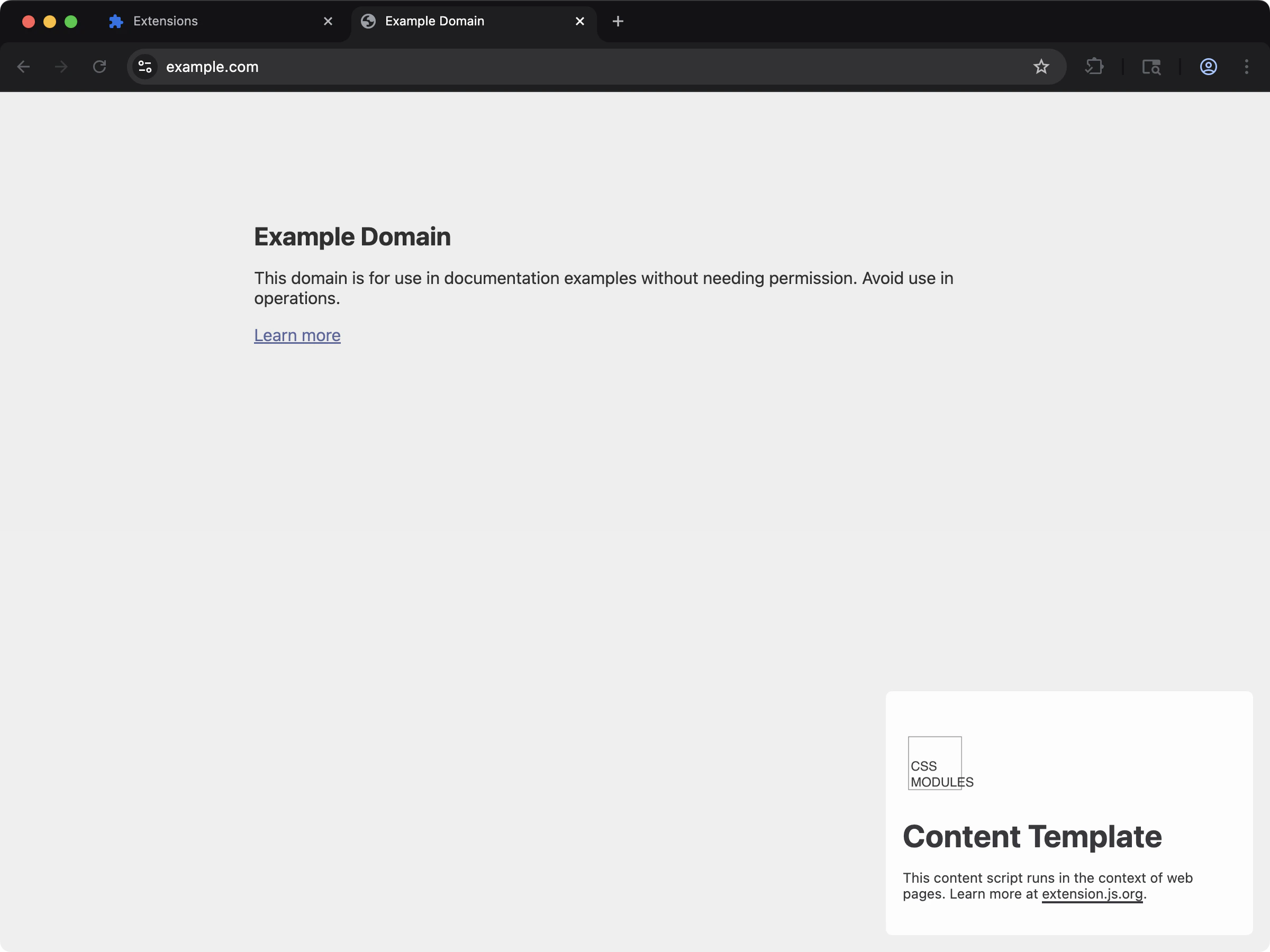 以最少設定為 content script UI 加上具區域作用域的樣式。
```bash npm theme={null}
npx extension@latest create my-extension --template=content-css-modules
```
```bash pnpm theme={null}
pnpx extension@latest create my-extension --template=content-css-modules
```
```bash yarn theme={null}
yarn dlx extension@latest create my-extension --template=content-css-modules
```
```bash bun theme={null}
bunx extension@latest create my-extension --template=content-css-modules
```
```bash bun theme={null}
bunx extension@latest create my-extension --template=content-css-modules
```
Repository: [extension-js/examples/content-css-modules](https://github.com/extension-js/examples/tree/main/examples/content-css-modules)
## 在既有擴充功能中使用
若要使用 CSS modules,請以 module 後綴命名檔案:
* `*.module.css`
* `*.module.scss`
* `*.module.sass`
* `*.module.less`
Sass 與 Less 的設定請參考對應語言的頁面。
```diff theme={null}
- myComponentCss.css
+ myComponentCss.module.css
```
### 使用範例
把樣式表改名後,在你的元件中匯入並使用:
```ts theme={null}
import styles from "./styles/myComponent.module.css";
const button = document.createElement("button");
button.className = styles.primary;
button.innerText = "Click here";
document.body.appendChild(button);
```
## 運作方式
Extension.js 會啟用 Rspack 的 CSS 支援,並透過 CSS module pipeline 處理 module 匯入:
* 預設的 import 風格會對應到樣式表(`import styles from "./x.module.css"`)。
* Rspack 透過 CSS module pipeline 產生具區域作用域的 class 名稱。
* Module class 的匯出可以直接在 JS/TS/TSX 檔案中使用。
在擴充功能頁面情境下(例如 popup、options、new tab),module 匯入會如預期產生獨一無二且具區域作用域的 class 名稱。
## Content script 注意事項
在 content script 中,Extension.js 會把 CSS 以樣式表內容的形式輸出,不會附帶 JavaScript 的 class 名稱對應。
請在 content script 中採用元件層級的區域 class 命名,不要假設 CSS module 的 class 匯入在那裡可用,除非你已經明確測試過。
## React/Preact 使用範例
在 React 或 Preact 中,可以這樣匯入並使用 CSS module:
```jsx theme={null}
import styles from "./styles/myComponent.module.css";
export default function NewTabPage() {
return ;
}
```
## Vue 使用範例
在 Vue 中,你可以在單一檔案元件(SFC)的樣式中使用 module class:
```vue theme={null}
```
## Svelte 使用範例
在 Svelte 中,匯入 module 對應後套用 class 名稱:
```svelte theme={null}
```
## 最佳實務
* 將 module 樣式放在元件附近(`Component.module.css`),方便釐清歸屬。
* 盡量少用 `:global(...)`,僅在有意覆寫全域時才使用。
* 在擴充功能頁面與 class 對應較明確的框架元件中,優先採用 module 樣式。
## 下一步
* 進一步了解 [Sass 與 Sass modules](/docs/languages-and-frameworks/sass)。
* 進一步了解 [Less 與 Less modules](/docs/languages-and-frameworks/less)。
## 影片導覽
以最少設定為 content script UI 加上具區域作用域的樣式。
```bash npm theme={null}
npx extension@latest create my-extension --template=content-css-modules
```
```bash pnpm theme={null}
pnpx extension@latest create my-extension --template=content-css-modules
```
```bash yarn theme={null}
yarn dlx extension@latest create my-extension --template=content-css-modules
```
```bash bun theme={null}
bunx extension@latest create my-extension --template=content-css-modules
```
```bash bun theme={null}
bunx extension@latest create my-extension --template=content-css-modules
```
Repository: [extension-js/examples/content-css-modules](https://github.com/extension-js/examples/tree/main/examples/content-css-modules)
## 在既有擴充功能中使用
若要使用 CSS modules,請以 module 後綴命名檔案:
* `*.module.css`
* `*.module.scss`
* `*.module.sass`
* `*.module.less`
Sass 與 Less 的設定請參考對應語言的頁面。
```diff theme={null}
- myComponentCss.css
+ myComponentCss.module.css
```
### 使用範例
把樣式表改名後,在你的元件中匯入並使用:
```ts theme={null}
import styles from "./styles/myComponent.module.css";
const button = document.createElement("button");
button.className = styles.primary;
button.innerText = "Click here";
document.body.appendChild(button);
```
## 運作方式
Extension.js 會啟用 Rspack 的 CSS 支援,並透過 CSS module pipeline 處理 module 匯入:
* 預設的 import 風格會對應到樣式表(`import styles from "./x.module.css"`)。
* Rspack 透過 CSS module pipeline 產生具區域作用域的 class 名稱。
* Module class 的匯出可以直接在 JS/TS/TSX 檔案中使用。
在擴充功能頁面情境下(例如 popup、options、new tab),module 匯入會如預期產生獨一無二且具區域作用域的 class 名稱。
## Content script 注意事項
在 content script 中,Extension.js 會把 CSS 以樣式表內容的形式輸出,不會附帶 JavaScript 的 class 名稱對應。
請在 content script 中採用元件層級的區域 class 命名,不要假設 CSS module 的 class 匯入在那裡可用,除非你已經明確測試過。
## React/Preact 使用範例
在 React 或 Preact 中,可以這樣匯入並使用 CSS module:
```jsx theme={null}
import styles from "./styles/myComponent.module.css";
export default function NewTabPage() {
return ;
}
```
## Vue 使用範例
在 Vue 中,你可以在單一檔案元件(SFC)的樣式中使用 module class:
```vue theme={null}
```
## Svelte 使用範例
在 Svelte 中,匯入 module 對應後套用 class 名稱:
```svelte theme={null}
```
## 最佳實務
* 將 module 樣式放在元件附近(`Component.module.css`),方便釐清歸屬。
* 盡量少用 `:global(...)`,僅在有意覆寫全域時才使用。
* 在擴充功能頁面與 class 對應較明確的框架元件中,優先採用 module 樣式。
## 下一步
* 進一步了解 [Sass 與 Sass modules](/docs/languages-and-frameworks/sass)。
* 進一步了解 [Less 與 Less modules](/docs/languages-and-frameworks/less)。
## 影片導覽