> ## Documentation Index
> Fetch the complete documentation index at: https://extension.js.org/llms.txt
> Use this file to discover all available pages before exploring further.
# 在瀏覽器擴充功能中使用 PostCSS
> 透過 Autoprefixer 等 PostCSS plugin,跨擴充功能頁面與 content script 轉換 CSS。Extension.js 會自動偵測你的設定與 loader 配置。
以單一 pipeline 跨擴充功能頁面與 content script 一致地轉換 CSS。當你需要 Autoprefixer 或現代 CSS 轉換等 plugin 時,就適合使用 PostCSS。
Extension.js 會偵測 PostCSS 設定,並在需要時套用 `postcss-loader`。
## 什麼情況下適合使用 PostCSS
* 你需要在擴充功能樣式中加上 autoprefix 或現代 CSS 轉換。
* 你想在 popup、options、sidebar 與 content script 之間共用同一條 CSS 轉換 pipeline。
* 你正在使用 Tailwind 或以 plugin 為基礎的樣式處理。
## PostCSS 能做到的事
| 能力 | 帶來什麼好處 |
| ---------------- | -------------------------------------------------- |
| 共用的 CSS pipeline | 在 popup、options、new tab 與 content script 之間使用相同的轉換 |
| 彈性的設定搜尋方式 | 從專用設定檔或 `package.json` 載入 PostCSS 設定 |
| 與 Tailwind 相容 | 透過 PostCSS plugin 與以 Tailwind 為基礎的設定協作 |
| 以 plugin 為基礎的轉換 | 加入 `autoprefixer`、`postcss-preset-env` 等工具 |
## 範本範例
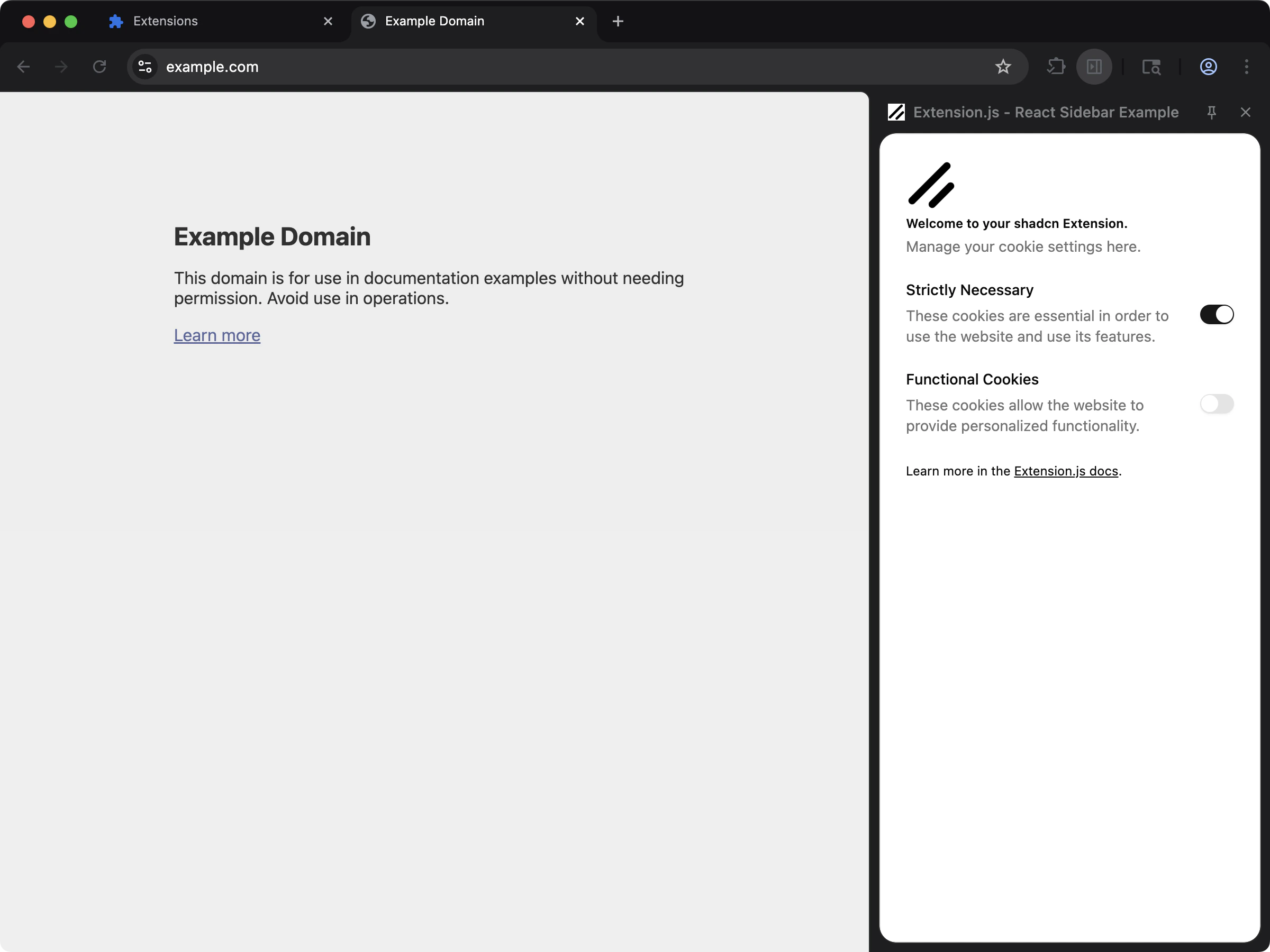
### Tailwind + PostCSS 起手範本
當你想要一份可運作的 PostCSS + Tailwind 設定,且採用元件驅動的 UI 時,使用這個範本。
 ```bash npm theme={null}
npx extension@latest create my-extension --template=sidebar-shadcn
```
```bash pnpm theme={null}
pnpx extension@latest create my-extension --template=sidebar-shadcn
```
```bash yarn theme={null}
yarn dlx extension@latest create my-extension --template=sidebar-shadcn
```
```bash bun theme={null}
bunx extension@latest create my-extension --template=sidebar-shadcn
```
```bash bun theme={null}
bunx extension@latest create my-extension --template=sidebar-shadcn
```
Repository: [examples/sidebar-shadcn](https://github.com/extension-js/examples/tree/main/examples/sidebar-shadcn)
## 偵測機制與設定檔
Extension.js 會檢查下列 PostCSS 設定檔:
* `.postcssrc`
* `.postcssrc.json`
* `.postcssrc.yaml`
* `.postcssrc.yml`
* `postcss.config.mjs`
* `.postcssrc.js` / `.postcssrc.cjs`
* `postcss.config.js` / `postcss.config.cjs`
它也會辨識 `package.json` 中的 `postcss` 設定。
## 在既有擴充功能中使用 PostCSS
安裝 PostCSS 相依套件:
### 建立 `postcss.config.js`
```js theme={null}
export default {
plugins: {
autoprefixer: {},
},
};
```
## 使用方式
在擴充功能頁面中正常匯入樣式:
```ts theme={null}
import "./styles/globals.css";
```
對於 content script,請以相同方式在 content script 的入口檔匯入:
```ts theme={null}
import "./styles/content.css";
```
Extension.js 會在兩種情境下都套用 PostCSS,但會以不同方式包裝輸出(頁面採用 `css` pipeline,content script 採用 asset pipeline)。
## 與 Tailwind 的互動
* 當 Extension.js 偵測到 Tailwind 時,會自動觸發 PostCSS 的設定流程。
* Extension.js 同時處理 Tailwind v3 與 v4,並依偵測到的版本選擇對應的 plugin。
* 在 ECMAScript Module(ESM)專案中,如果你的 PostCSS 設定使用了不相容的 CommonJS(CJS)寫法,Extension.js 可能會繞過你的設定,並改為注入相容性 plugin。
## 最佳實務
* 讓 plugin 鏈保持精簡、明確(例如 `autoprefixer`、`postcss-preset-env`)。
* 確認設定檔格式(`.mjs` 或 `.cjs`)與你的專案模組類型一致。
* 讓 Tailwind 與 PostCSS 的版本對齊,避免 plugin 解析不一致。
* 優先使用共用的樣式入口檔,讓擴充功能各個介面的處理結果可預期。
## 下一步
* 搭配 PostCSS 設定 [Tailwind CSS](/docs/integrations/tailwindcss)。
* 透過 [Stylelint](/docs/integrations/stylelint) 加入樣式表檢查。
```bash npm theme={null}
npx extension@latest create my-extension --template=sidebar-shadcn
```
```bash pnpm theme={null}
pnpx extension@latest create my-extension --template=sidebar-shadcn
```
```bash yarn theme={null}
yarn dlx extension@latest create my-extension --template=sidebar-shadcn
```
```bash bun theme={null}
bunx extension@latest create my-extension --template=sidebar-shadcn
```
```bash bun theme={null}
bunx extension@latest create my-extension --template=sidebar-shadcn
```
Repository: [examples/sidebar-shadcn](https://github.com/extension-js/examples/tree/main/examples/sidebar-shadcn)
## 偵測機制與設定檔
Extension.js 會檢查下列 PostCSS 設定檔:
* `.postcssrc`
* `.postcssrc.json`
* `.postcssrc.yaml`
* `.postcssrc.yml`
* `postcss.config.mjs`
* `.postcssrc.js` / `.postcssrc.cjs`
* `postcss.config.js` / `postcss.config.cjs`
它也會辨識 `package.json` 中的 `postcss` 設定。
## 在既有擴充功能中使用 PostCSS
安裝 PostCSS 相依套件:
### 建立 `postcss.config.js`
```js theme={null}
export default {
plugins: {
autoprefixer: {},
},
};
```
## 使用方式
在擴充功能頁面中正常匯入樣式:
```ts theme={null}
import "./styles/globals.css";
```
對於 content script,請以相同方式在 content script 的入口檔匯入:
```ts theme={null}
import "./styles/content.css";
```
Extension.js 會在兩種情境下都套用 PostCSS,但會以不同方式包裝輸出(頁面採用 `css` pipeline,content script 採用 asset pipeline)。
## 與 Tailwind 的互動
* 當 Extension.js 偵測到 Tailwind 時,會自動觸發 PostCSS 的設定流程。
* Extension.js 同時處理 Tailwind v3 與 v4,並依偵測到的版本選擇對應的 plugin。
* 在 ECMAScript Module(ESM)專案中,如果你的 PostCSS 設定使用了不相容的 CommonJS(CJS)寫法,Extension.js 可能會繞過你的設定,並改為注入相容性 plugin。
## 最佳實務
* 讓 plugin 鏈保持精簡、明確(例如 `autoprefixer`、`postcss-preset-env`)。
* 確認設定檔格式(`.mjs` 或 `.cjs`)與你的專案模組類型一致。
* 讓 Tailwind 與 PostCSS 的版本對齊,避免 plugin 解析不一致。
* 優先使用共用的樣式入口檔,讓擴充功能各個介面的處理結果可預期。
## 下一步
* 搭配 PostCSS 設定 [Tailwind CSS](/docs/integrations/tailwindcss)。
* 透過 [Stylelint](/docs/integrations/stylelint) 加入樣式表檢查。