> ## Documentation Index
> Fetch the complete documentation index at: https://extension.js.org/llms.txt
> Use this file to discover all available pages before exploring further.
# TypeScript 瀏覽器擴充功能範本
> 建立具嚴格型別、Manifest V3 型別與預先串接 popup、content、background script 進入點的 TypeScript 瀏覽器擴充功能。
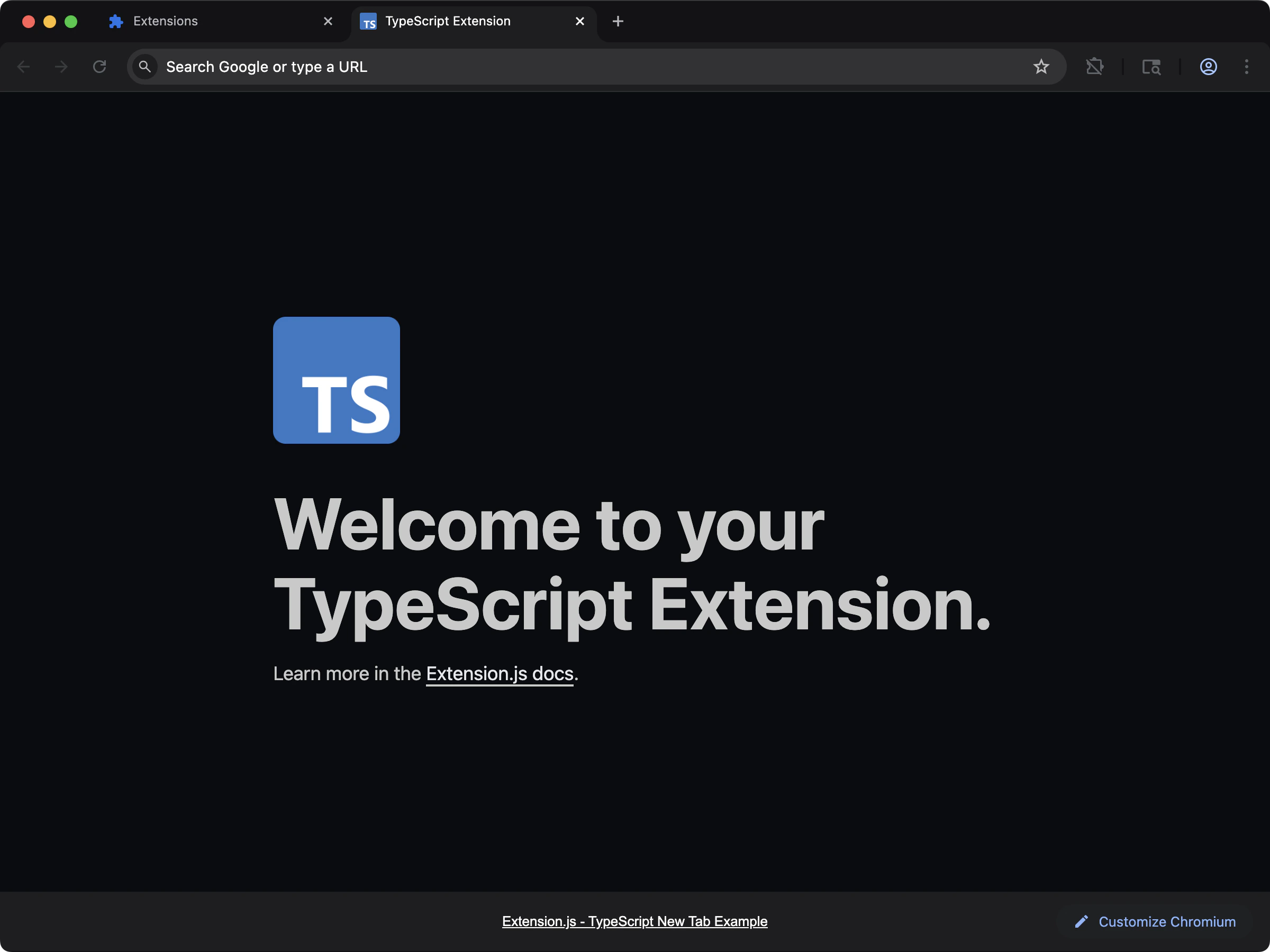 ## 建立專案
```bash npm theme={null}
npx extension@latest create my-extension --template=typescript
```
```bash pnpm theme={null}
pnpx extension@latest create my-extension --template=typescript
```
```bash yarn theme={null}
yarn dlx extension@latest create my-extension --template=typescript
```
```bash bun theme={null}
bunx extension@latest create my-extension --template=typescript
```
```bash bun theme={null}
bunx extension@latest create my-extension --template=typescript
```
## 你會獲得什麼
在 popup、content 與 background script 之間提供靜態型別,並已設定 `chrome` 與 `browser` API 的型別。在編譯期就能抓到 manifest、messaging 與權限相關的錯誤,不必等到瀏覽器主控台才看到問題。
對於希望在擴充功能成長時仍保有重構信心的團隊,這是穩固的選擇。
## 原始碼
在 GitHub 瀏覽完整原始碼:[extension-js/examples/typescript](https://github.com/extension-js/examples/tree/main/examples/typescript)。
## 建立專案
```bash npm theme={null}
npx extension@latest create my-extension --template=typescript
```
```bash pnpm theme={null}
pnpx extension@latest create my-extension --template=typescript
```
```bash yarn theme={null}
yarn dlx extension@latest create my-extension --template=typescript
```
```bash bun theme={null}
bunx extension@latest create my-extension --template=typescript
```
```bash bun theme={null}
bunx extension@latest create my-extension --template=typescript
```
## 你會獲得什麼
在 popup、content 與 background script 之間提供靜態型別,並已設定 `chrome` 與 `browser` API 的型別。在編譯期就能抓到 manifest、messaging 與權限相關的錯誤,不必等到瀏覽器主控台才看到問題。
對於希望在擴充功能成長時仍保有重構信心的團隊,這是穩固的選擇。
## 原始碼
在 GitHub 瀏覽完整原始碼:[extension-js/examples/typescript](https://github.com/extension-js/examples/tree/main/examples/typescript)。