> ## Documentation Index
> Fetch the complete documentation index at: https://extension.js.org/llms.txt
> Use this file to discover all available pages before exploring further.
# 用 ESLint 集成保障代码质量
> 用 ESLint 让扩展的代码质量保持一致。它在 Extension.js 构建管线之外通过脚本或 CI 运行,结果可预期。
让扩展的代码质量保持可预期,在问题流入运行时之前先拦住它们。ESLint 跑在构建管线之外,你可以通过脚本或持续集成(CI)来运行它。
## 什么场景适合用 ESLint
* 你希望团队贡献的代码遵循统一的代码规范。
* 你需要在 CI 中提前发现常见的 JS/TS 错误。
* 你要在发布前强制执行扩展相关的质量规则。
## ESLint 的能力
| 能力 | 它能带来什么 |
| -------------------------- | ------------------------------ |
| JavaScript 和 TypeScript 检查 | 抓出常见错误并强制执行项目规范 |
| Flat config 支持 | 在新项目里使用现代的 `eslint.config.mjs` |
| 对 CI 友好的执行方式 | 在本地脚本和 PR 流水线中跑 lint 检查 |
| 扩展专用规则集 | 当团队需要更严格的检查时,引入浏览器扩展相关的插件/规则 |
## 模板示例
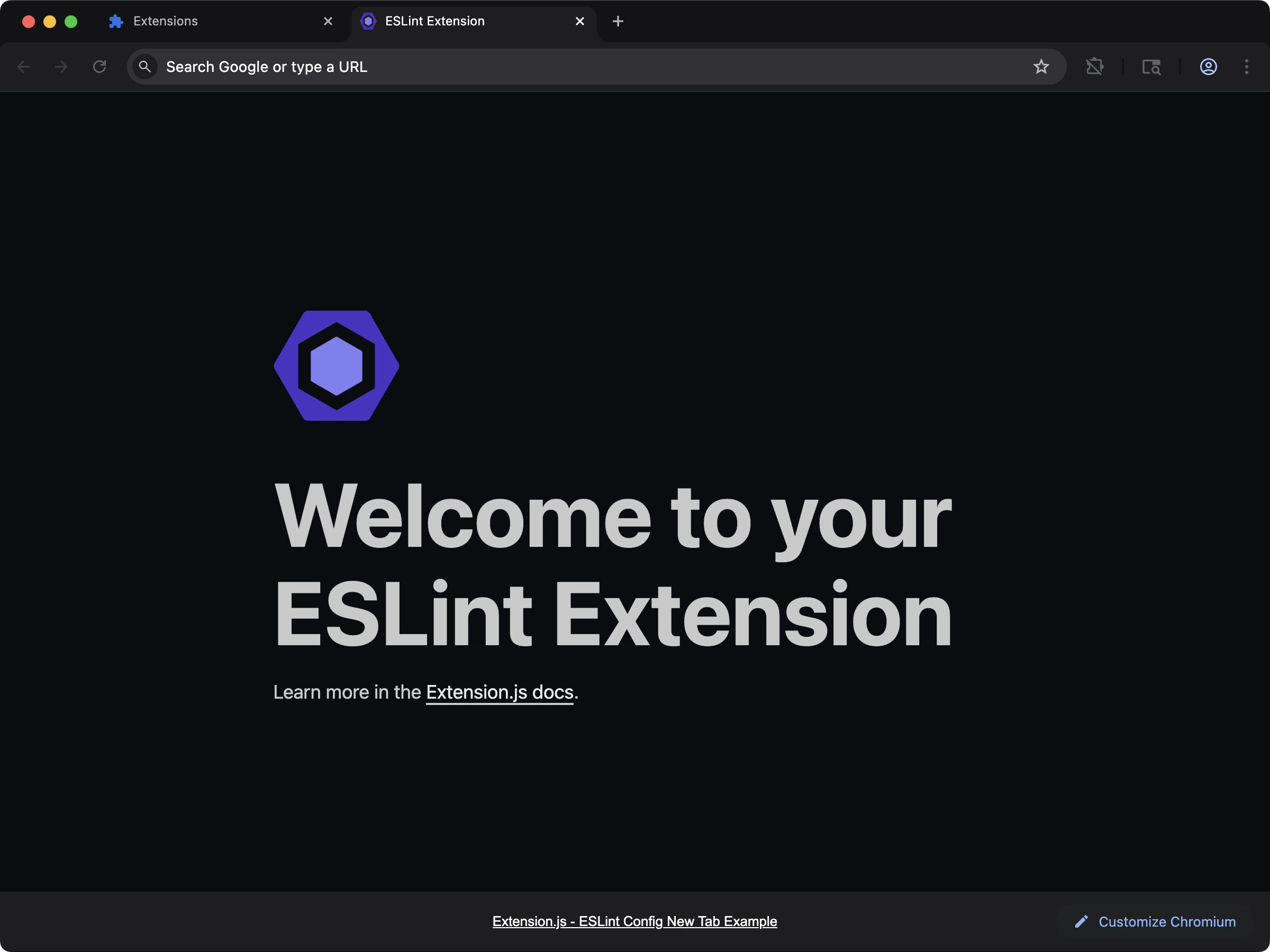
### ESLint 配置模板
可直接使用的预配置 lint 设置。
 ```bash npm theme={null}
npx extension@latest create my-extension --template=new-config-eslint
```
```bash pnpm theme={null}
pnpx extension@latest create my-extension --template=new-config-eslint
```
```bash yarn theme={null}
yarn dlx extension@latest create my-extension --template=new-config-eslint
```
```bash bun theme={null}
bunx extension@latest create my-extension --template=new-config-eslint
```
```bash bun theme={null}
bunx extension@latest create my-extension --template=new-config-eslint
```
仓库:[examples/new-config-eslint](https://github.com/extension-js/examples/tree/main/examples/new-config-eslint)
## 在现有扩展中使用
安装核心包:
创建 `eslint.config.mjs`:
```js theme={null}
import globals from "globals";
import pluginJs from "@eslint/js";
import tseslint from "typescript-eslint";
export default [
{ files: ["**/*.{js,mjs,cjs,ts,tsx,jsx}"] },
{
languageOptions: {
globals: globals.browser,
},
},
pluginJs.configs.recommended,
...tseslint.configs.recommended,
];
```
通过脚本运行 lint 命令:
```bash npm theme={null}
npm run lint
```
```bash pnpm theme={null}
pnpm lint
```
```bash yarn theme={null}
yarn lint
```
```bash bun theme={null}
bun run lint
```
```bash bun theme={null}
bun run lint
```
如果还没有脚本,可以直接运行:
## 最佳实践
* 把 lint 规则纳入版本管理,并在 CI 中执行。
* 使用 lint-staged 或 pre-commit 钩子,让本地反馈更快。
* 仅在确有需要时再加上框架专用插件(例如 React)。
## 下一步
* 集成 [Prettier](/docs/integrations/prettier),避免格式化规则冲突。
* 用 [Stylelint](/docs/integrations/stylelint) 给样式表做 lint。
```bash npm theme={null}
npx extension@latest create my-extension --template=new-config-eslint
```
```bash pnpm theme={null}
pnpx extension@latest create my-extension --template=new-config-eslint
```
```bash yarn theme={null}
yarn dlx extension@latest create my-extension --template=new-config-eslint
```
```bash bun theme={null}
bunx extension@latest create my-extension --template=new-config-eslint
```
```bash bun theme={null}
bunx extension@latest create my-extension --template=new-config-eslint
```
仓库:[examples/new-config-eslint](https://github.com/extension-js/examples/tree/main/examples/new-config-eslint)
## 在现有扩展中使用
安装核心包:
创建 `eslint.config.mjs`:
```js theme={null}
import globals from "globals";
import pluginJs from "@eslint/js";
import tseslint from "typescript-eslint";
export default [
{ files: ["**/*.{js,mjs,cjs,ts,tsx,jsx}"] },
{
languageOptions: {
globals: globals.browser,
},
},
pluginJs.configs.recommended,
...tseslint.configs.recommended,
];
```
通过脚本运行 lint 命令:
```bash npm theme={null}
npm run lint
```
```bash pnpm theme={null}
pnpm lint
```
```bash yarn theme={null}
yarn lint
```
```bash bun theme={null}
bun run lint
```
```bash bun theme={null}
bun run lint
```
如果还没有脚本,可以直接运行:
## 最佳实践
* 把 lint 规则纳入版本管理,并在 CI 中执行。
* 使用 lint-staged 或 pre-commit 钩子,让本地反馈更快。
* 仅在确有需要时再加上框架专用插件(例如 React)。
## 下一步
* 集成 [Prettier](/docs/integrations/prettier),避免格式化规则冲突。
* 用 [Stylelint](/docs/integrations/stylelint) 给样式表做 lint。