> ## Documentation Index
> Fetch the complete documentation index at: https://extension.js.org/llms.txt
> Use this file to discover all available pages before exploring further.
# 语言区域与国际化
> 通过对 _locales 的处理,发布本地化的扩展元数据与 UI 字符串。Extension.js 会为每次构建发现、校验并输出 locale JSON。
Extension.js 会在 manifest 旁边发现 locale 文件,并校验每个声明的 locale 都有一份 `messages.json`。它会把 locale JSON 资源输出到针对每个浏览器的构建产物中。在开发期,它会捕获任意 locale 文件的编辑,而无需完全重启。
## 模板示例
### `action-locales`
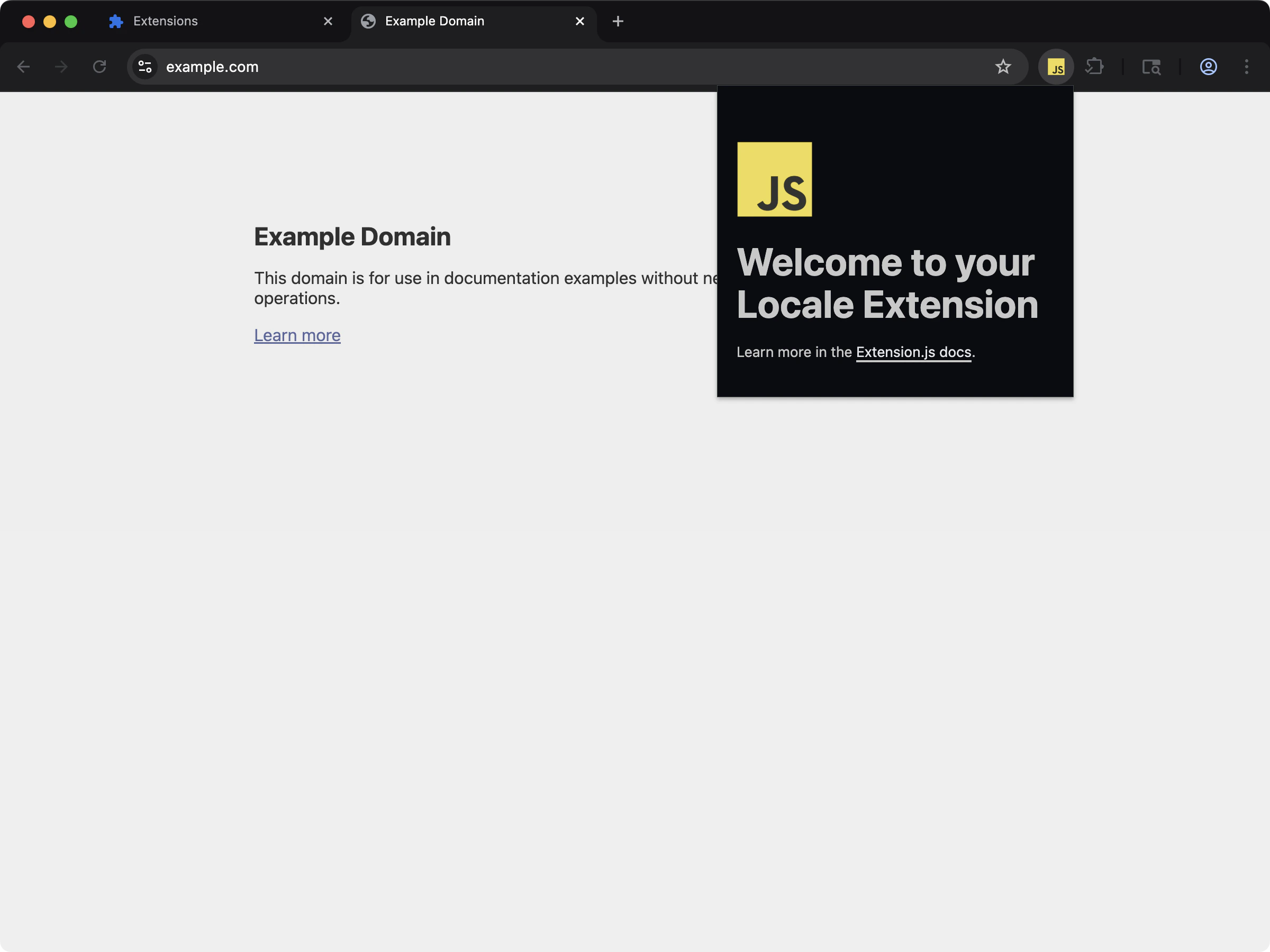 通过 `_locales` 支持来查看本地化的扩展元数据与 UI 字符串。
```bash npm theme={null}
npx extension@latest create my-extension --template=action-locales
```
```bash pnpm theme={null}
pnpx extension@latest create my-extension --template=action-locales
```
```bash yarn theme={null}
yarn dlx extension@latest create my-extension --template=action-locales
```
```bash bun theme={null}
bunx extension@latest create my-extension --template=action-locales
```
```bash bun theme={null}
bunx extension@latest create my-extension --template=action-locales
```
仓库:[extension-js/examples/action-locales](https://github.com/extension-js/examples/tree/main/examples/action-locales)
## Locale 能力
| 能力 | 你会得到什么 |
| --------- | --------------------------------------------------- |
| Locale 发现 | 从 manifest 所在位置检测 `_locales//messages.json` |
| 校验 | 捕获缺失的默认 locale 文件以及未解析的 `__MSG_*__` 键 |
| 构建输出映射 | 按扩展期望的输出结构输出 locale 文件 |
| 开发期监视支持 | 在开发期当 locale 文件变化时重新加载 |
## 期望的目录结构
```plaintext theme={null}
manifest.json
_locales/
en/
messages.json
fr/
messages.json
```
`manifest.json` 中的 `default_locale` 应当映射到一个存在的 `_locales//messages.json`。
## `manifest.json` 中的 locales 声明示例
下面演示了如何在 `manifest.json` 中声明 locales:
```json theme={null}
{
"manifest_version": 3,
"name": "My Extension",
"version": "1.0.0",
"default_locale": "en",
"description": "__MSG_extension_description__"
}
```
然后你需要在 `_locales` 文件夹中为每个 locale 包含 JSON 文件:
```plaintext theme={null}
_locales/
└── en/
└── messages.json
```
## `messages.json` 文件示例
用于翻译的 `messages.json` 文件示例:
```json theme={null}
{
"extension_name": {
"message": "My Extension"
},
"extension_description": {
"message": "This is a localized description of my extension."
}
}
```
## 输出路径
Extension.js 会把 locale JSON 文件输出到:
```plaintext theme={null}
_locales//messages.json
```
## 开发期行为
* Extension.js 会把 locale JSON 文件加入编译依赖并监视它们。
* Locale 变更会触发扩展的重载行为(硬重载),而不是组件式的热模块替换(HMR)。
* 当必需的 locale 文件缺失或无效时,Extension.js 会以可操作的诊断信息让校验失败。
## 校验行为
Extension.js 会校验:
* 当项目使用 `_locales` 时是否存在 `default_locale`
* `_locales//messages.json` 是否存在
* locale 文件的 JSON 合法性
* manifest 中的 `__MSG_*__` 引用是否与默认 locale 的键匹配
### 排查缺失的 locale 键
如果 manifest 使用了 `__MSG_extension_description__`,请确保默认 locale 文件包含 `extension_description`:
```json theme={null}
{
"extension_description": {
"message": "Localized extension description"
}
}
```
如果默认 locale 没有定义该键,Extension.js 会输出一条说明此不一致的诊断信息。
## 最佳实践
* 保持 `messages.json` 的键在各 locale 之间一致。
* 先更新默认 locale,然后再把键扩散到其他 locale。
* 在持续集成(CI)中校验 locale JSON,在打包前发现损坏的文件。
* 把 locale 文件放在 manifest 附近(`manifestDir/_locales`),以获得可预测的解析。
## 下一步
* 在 [dev 更新行为](/docs/workflows/dev-update-behavior) 中了解更新结果。
* 继续阅读 [开发中的 JSON](/docs/implementation-guide/json)。
* 进一步了解 [manifest 开发行为](/docs/implementation-guide/manifest-json)。
通过 `_locales` 支持来查看本地化的扩展元数据与 UI 字符串。
```bash npm theme={null}
npx extension@latest create my-extension --template=action-locales
```
```bash pnpm theme={null}
pnpx extension@latest create my-extension --template=action-locales
```
```bash yarn theme={null}
yarn dlx extension@latest create my-extension --template=action-locales
```
```bash bun theme={null}
bunx extension@latest create my-extension --template=action-locales
```
```bash bun theme={null}
bunx extension@latest create my-extension --template=action-locales
```
仓库:[extension-js/examples/action-locales](https://github.com/extension-js/examples/tree/main/examples/action-locales)
## Locale 能力
| 能力 | 你会得到什么 |
| --------- | --------------------------------------------------- |
| Locale 发现 | 从 manifest 所在位置检测 `_locales//messages.json` |
| 校验 | 捕获缺失的默认 locale 文件以及未解析的 `__MSG_*__` 键 |
| 构建输出映射 | 按扩展期望的输出结构输出 locale 文件 |
| 开发期监视支持 | 在开发期当 locale 文件变化时重新加载 |
## 期望的目录结构
```plaintext theme={null}
manifest.json
_locales/
en/
messages.json
fr/
messages.json
```
`manifest.json` 中的 `default_locale` 应当映射到一个存在的 `_locales//messages.json`。
## `manifest.json` 中的 locales 声明示例
下面演示了如何在 `manifest.json` 中声明 locales:
```json theme={null}
{
"manifest_version": 3,
"name": "My Extension",
"version": "1.0.0",
"default_locale": "en",
"description": "__MSG_extension_description__"
}
```
然后你需要在 `_locales` 文件夹中为每个 locale 包含 JSON 文件:
```plaintext theme={null}
_locales/
└── en/
└── messages.json
```
## `messages.json` 文件示例
用于翻译的 `messages.json` 文件示例:
```json theme={null}
{
"extension_name": {
"message": "My Extension"
},
"extension_description": {
"message": "This is a localized description of my extension."
}
}
```
## 输出路径
Extension.js 会把 locale JSON 文件输出到:
```plaintext theme={null}
_locales//messages.json
```
## 开发期行为
* Extension.js 会把 locale JSON 文件加入编译依赖并监视它们。
* Locale 变更会触发扩展的重载行为(硬重载),而不是组件式的热模块替换(HMR)。
* 当必需的 locale 文件缺失或无效时,Extension.js 会以可操作的诊断信息让校验失败。
## 校验行为
Extension.js 会校验:
* 当项目使用 `_locales` 时是否存在 `default_locale`
* `_locales//messages.json` 是否存在
* locale 文件的 JSON 合法性
* manifest 中的 `__MSG_*__` 引用是否与默认 locale 的键匹配
### 排查缺失的 locale 键
如果 manifest 使用了 `__MSG_extension_description__`,请确保默认 locale 文件包含 `extension_description`:
```json theme={null}
{
"extension_description": {
"message": "Localized extension description"
}
}
```
如果默认 locale 没有定义该键,Extension.js 会输出一条说明此不一致的诊断信息。
## 最佳实践
* 保持 `messages.json` 的键在各 locale 之间一致。
* 先更新默认 locale,然后再把键扩散到其他 locale。
* 在持续集成(CI)中校验 locale JSON,在打包前发现损坏的文件。
* 把 locale 文件放在 manifest 附近(`manifestDir/_locales`),以获得可预测的解析。
## 下一步
* 在 [dev 更新行为](/docs/workflows/dev-update-behavior) 中了解更新结果。
* 继续阅读 [开发中的 JSON](/docs/implementation-guide/json)。
* 进一步了解 [manifest 开发行为](/docs/implementation-guide/manifest-json)。