> ## Documentation Index
> Fetch the complete documentation index at: https://extension.js.org/llms.txt
> Use this file to discover all available pages before exploring further.
# 扩展图标与 manifest 声明
> 在 manifest 字段中声明扩展图标用于品牌和 action UI。Extension.js 会校验路径、重写引用并输出图标资源。
通过在 Extension.js 可以校验、重写并稳定输出的 manifest 字段中声明图标,保持扩展品牌与 action UI 的一致性。
Extension.js 会处理 `manifest.json` 中的图标路径,解析 public/相对路径,输出图标资源,并在开发期监视图标文件。
## 模板示例
### `action`
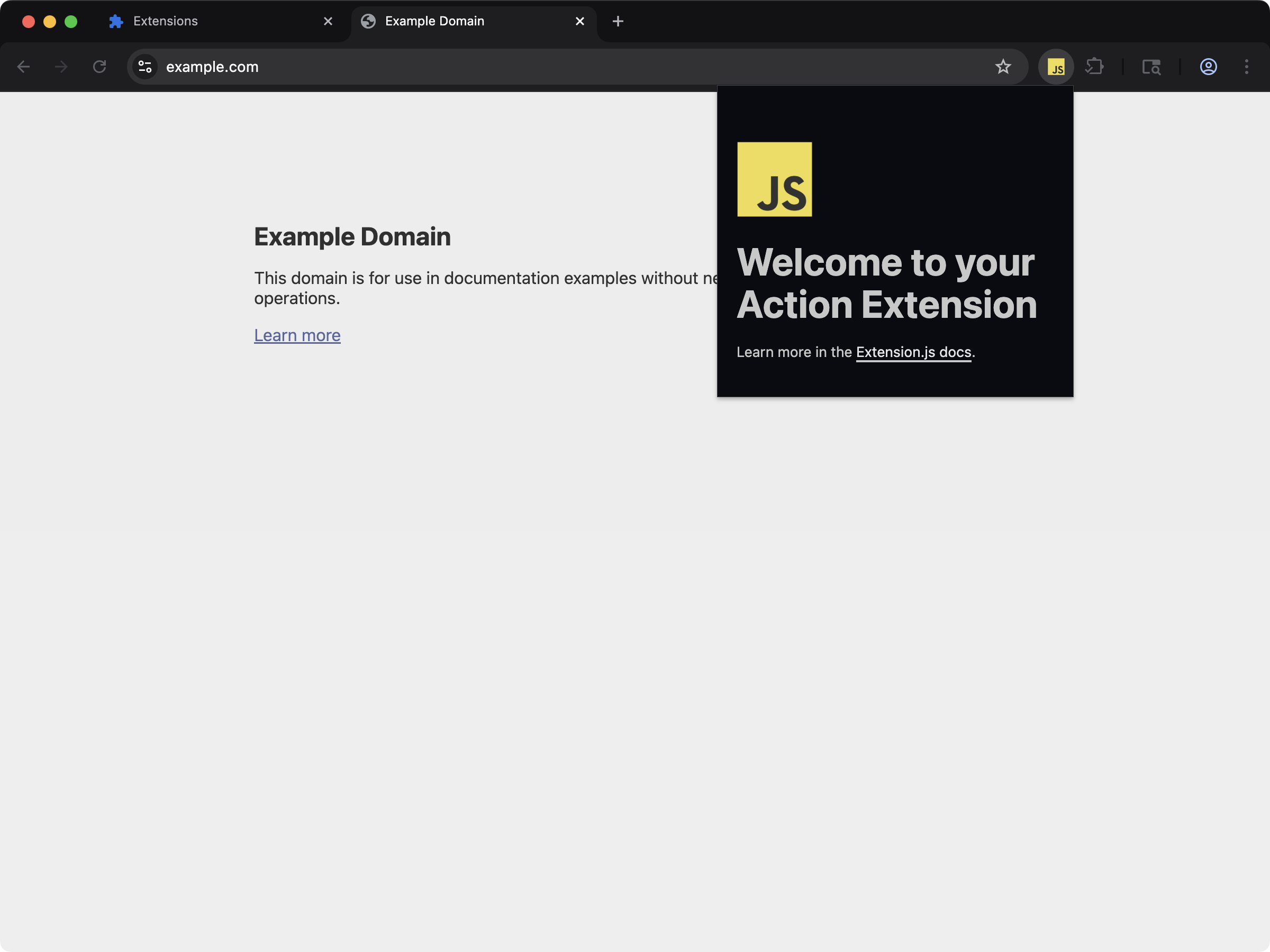 一个 action 扩展,在 `manifest.json` 中声明了工具栏图标。
```bash npm theme={null}
npx extension@latest create my-extension --template=action
```
```bash pnpm theme={null}
pnpx extension@latest create my-extension --template=action
```
```bash yarn theme={null}
yarn dlx extension@latest create my-extension --template=action
```
```bash bun theme={null}
bunx extension@latest create my-extension --template=action
```
```bash bun theme={null}
bunx extension@latest create my-extension --template=action
```
仓库:[extension-js/examples/action](https://github.com/extension-js/examples/tree/main/examples/action)
## 图标能力
| 能力 | 你会得到什么 |
| ---------------- | --------------------------- |
| 支持 manifest 图标字段 | 为受支持的扩展表面校验并编译图标 |
| 路径解析 | 一致地处理相对路径与 public-root 图标路径 |
| 开发期监视 | 在本地开发时重新编译图标变更 |
| 浏览器安全的输出 | 在扩展产物中输出图标资源,并保持稳定的引用 |
## 受支持的图标字段
| Manifest 字段 | 期望的文件类型 |
| ----------------------------- | ------------------ |
| `action.default_icon` | .png、.jpg、.svg |
| `browser_action.default_icon` | .png、.jpg、.svg |
| `icons` | .png、.jpg、.svg |
| `page_action.default_icon` | .png、.jpg、.svg |
| `sidebar_action.default_icon` | .png、.jpg、.svg(\*) |
| `browser_action.theme_icons` | .png、.jpg、.svg |
某些浏览器目前对 `sidebar_action.default_icon` 中的 `.svg` 仅提供部分支持。
在该上下文中使用 SVG 之前,请确认浏览器兼容性。
## `manifest.json` 中的图标声明示例
```json theme={null}
{
"manifest_version": 3,
"name": "My Extension",
"version": "1.0.0",
"icons": {
"16": "icons/icon-16.png",
"48": "icons/icon-48.png",
"128": "icons/icon-128.png"
},
"action": {
"default_icon": "icons/action-icon.png"
}
}
```
## 输出路径
典型的图标输出:
```plaintext theme={null}
icons/
browser_action/ # for theme_icons
```
## 路径行为
* Extension.js 会从 manifest 所在目录解析相对图标路径。
* 以 `/` 开头的路径和 `public/...` 会按扩展 public-root 语义解析。
* Extension.js 可以监视 public 文件夹中的资源,而不必通过图标特性本身重新输出它们。
## 开发期行为
* 修改已存在的图标文件会触发重新编译。
* 修改 manifest 中图标入口的引用可能需要重启开发服务器。
* 缺失必需的图标文件会产生构建错误(某些可选的图标组只会产生警告)。
## 最佳实践
* 显式声明 manifest 图标字段,而不是依赖偶发的资源导入。
* 提供多种图标尺寸(`16`、`32`、`48`、`128`),让 UI 在各浏览器表面更清晰。
* 保持图标文件名稳定,减少开发期对 manifest 的扰动。
* 有意地使用 public-root 路径,并测试由此产生的 manifest 输出路径。
## 下一步
* 继续阅读 [web-accessible 资源](/docs/implementation-guide/web-accessible-resources)。
* 进一步了解 [特殊文件夹](/docs/features/special-folders)。
一个 action 扩展,在 `manifest.json` 中声明了工具栏图标。
```bash npm theme={null}
npx extension@latest create my-extension --template=action
```
```bash pnpm theme={null}
pnpx extension@latest create my-extension --template=action
```
```bash yarn theme={null}
yarn dlx extension@latest create my-extension --template=action
```
```bash bun theme={null}
bunx extension@latest create my-extension --template=action
```
```bash bun theme={null}
bunx extension@latest create my-extension --template=action
```
仓库:[extension-js/examples/action](https://github.com/extension-js/examples/tree/main/examples/action)
## 图标能力
| 能力 | 你会得到什么 |
| ---------------- | --------------------------- |
| 支持 manifest 图标字段 | 为受支持的扩展表面校验并编译图标 |
| 路径解析 | 一致地处理相对路径与 public-root 图标路径 |
| 开发期监视 | 在本地开发时重新编译图标变更 |
| 浏览器安全的输出 | 在扩展产物中输出图标资源,并保持稳定的引用 |
## 受支持的图标字段
| Manifest 字段 | 期望的文件类型 |
| ----------------------------- | ------------------ |
| `action.default_icon` | .png、.jpg、.svg |
| `browser_action.default_icon` | .png、.jpg、.svg |
| `icons` | .png、.jpg、.svg |
| `page_action.default_icon` | .png、.jpg、.svg |
| `sidebar_action.default_icon` | .png、.jpg、.svg(\*) |
| `browser_action.theme_icons` | .png、.jpg、.svg |
某些浏览器目前对 `sidebar_action.default_icon` 中的 `.svg` 仅提供部分支持。
在该上下文中使用 SVG 之前,请确认浏览器兼容性。
## `manifest.json` 中的图标声明示例
```json theme={null}
{
"manifest_version": 3,
"name": "My Extension",
"version": "1.0.0",
"icons": {
"16": "icons/icon-16.png",
"48": "icons/icon-48.png",
"128": "icons/icon-128.png"
},
"action": {
"default_icon": "icons/action-icon.png"
}
}
```
## 输出路径
典型的图标输出:
```plaintext theme={null}
icons/
browser_action/ # for theme_icons
```
## 路径行为
* Extension.js 会从 manifest 所在目录解析相对图标路径。
* 以 `/` 开头的路径和 `public/...` 会按扩展 public-root 语义解析。
* Extension.js 可以监视 public 文件夹中的资源,而不必通过图标特性本身重新输出它们。
## 开发期行为
* 修改已存在的图标文件会触发重新编译。
* 修改 manifest 中图标入口的引用可能需要重启开发服务器。
* 缺失必需的图标文件会产生构建错误(某些可选的图标组只会产生警告)。
## 最佳实践
* 显式声明 manifest 图标字段,而不是依赖偶发的资源导入。
* 提供多种图标尺寸(`16`、`32`、`48`、`128`),让 UI 在各浏览器表面更清晰。
* 保持图标文件名稳定,减少开发期对 manifest 的扰动。
* 有意地使用 public-root 路径,并测试由此产生的 manifest 输出路径。
## 下一步
* 继续阅读 [web-accessible 资源](/docs/implementation-guide/web-accessible-resources)。
* 进一步了解 [特殊文件夹](/docs/features/special-folders)。