> ## Documentation Index
> Fetch the complete documentation index at: https://extension.js.org/llms.txt
> Use this file to discover all available pages before exploring further.
# TypeScript 浏览器扩展模板
> 脚手架生成一个 TypeScript 浏览器扩展,包含严格类型、Manifest V3 类型,以及预接线好的 popup、content 与 background script 入口。
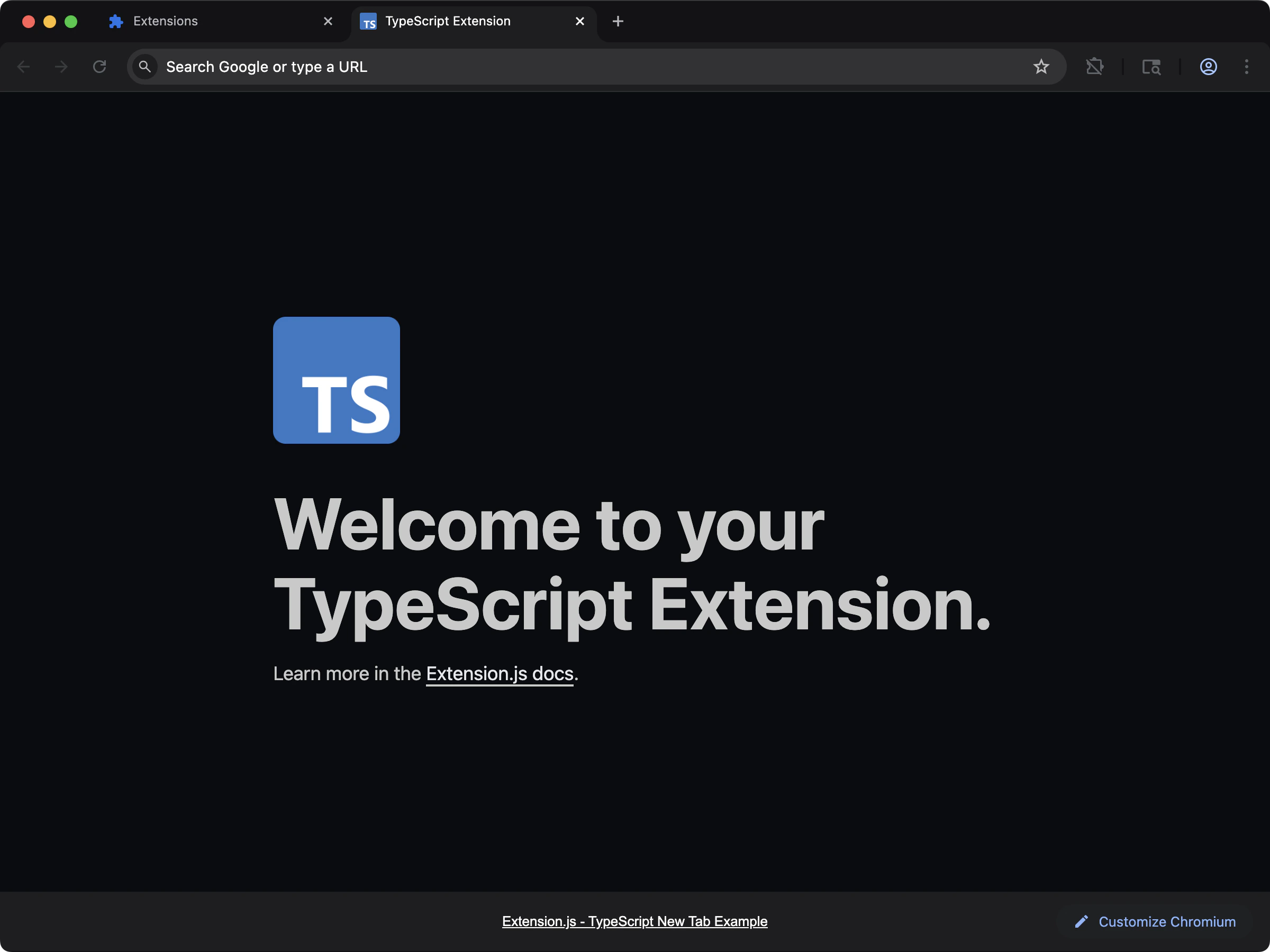 ## 创建项目
```bash npm theme={null}
npx extension@latest create my-extension --template=typescript
```
```bash pnpm theme={null}
pnpx extension@latest create my-extension --template=typescript
```
```bash yarn theme={null}
yarn dlx extension@latest create my-extension --template=typescript
```
```bash bun theme={null}
bunx extension@latest create my-extension --template=typescript
```
```bash bun theme={null}
bunx extension@latest create my-extension --template=typescript
```
## 你将得到什么
跨 popup、content 与 background 脚本的静态类型,并配置好 `chrome` 与 `browser` API 类型定义。把 manifest、消息和权限相关的错误在编译期捕获,而不是在浏览器控制台里才发现。
对于希望随着扩展增长保持强重构信心的团队来说,这是一个稳健的选择。
## 源代码
在 GitHub 上浏览完整源码:[extension-js/examples/typescript](https://github.com/extension-js/examples/tree/main/examples/typescript)。
## 创建项目
```bash npm theme={null}
npx extension@latest create my-extension --template=typescript
```
```bash pnpm theme={null}
pnpx extension@latest create my-extension --template=typescript
```
```bash yarn theme={null}
yarn dlx extension@latest create my-extension --template=typescript
```
```bash bun theme={null}
bunx extension@latest create my-extension --template=typescript
```
```bash bun theme={null}
bunx extension@latest create my-extension --template=typescript
```
## 你将得到什么
跨 popup、content 与 background 脚本的静态类型,并配置好 `chrome` 与 `browser` API 类型定义。把 manifest、消息和权限相关的错误在编译期捕获,而不是在浏览器控制台里才发现。
对于希望随着扩展增长保持强重构信心的团队来说,这是一个稳健的选择。
## 源代码
在 GitHub 上浏览完整源码:[extension-js/examples/typescript](https://github.com/extension-js/examples/tree/main/examples/typescript)。