> ## Documentation Index
> Fetch the complete documentation index at: https://extension.js.org/llms.txt
> Use this file to discover all available pages before exploring further.
# Svelte for browser extensions
> Build extension UIs with Svelte components. Extension.js auto-configures .svelte file resolution, loader setup, and aliases from your dependencies.
Build extension UIs with Svelte components while keeping Extension.js in charge of the framework wiring.
Extension.js detects Svelte from your project dependencies and configures `.svelte` resolution, loader setup, and Svelte client aliases automatically.
## When Svelte is a good fit
* You want a smaller runtime for popup, options, sidebar, or new-tab UIs.
* You prefer component-first authoring with concise syntax.
* You want a framework option that works for both extension pages and content-script UI mounts.
## Template examples
### `new-svelte`
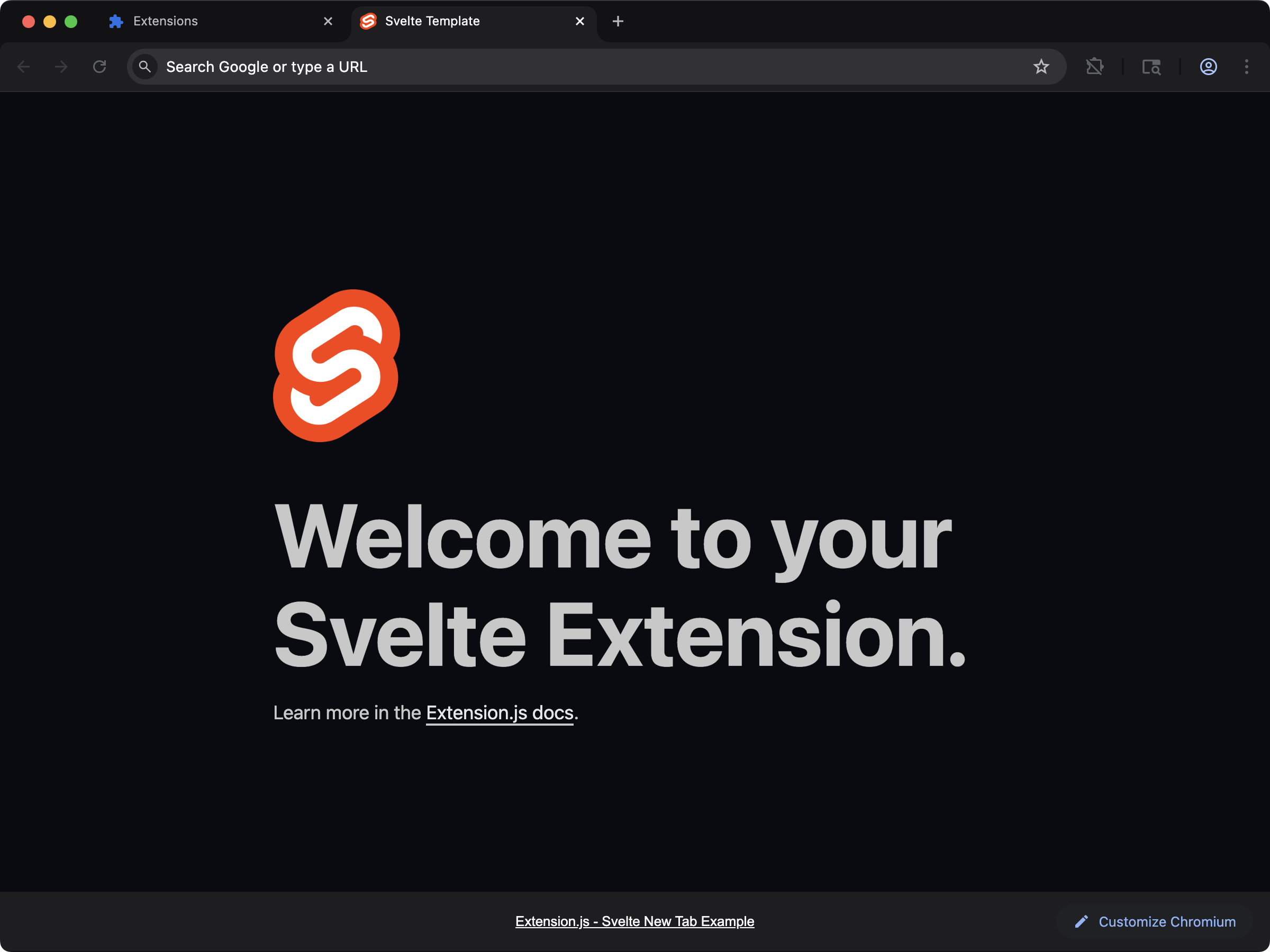 Use the Svelte starter when you want a framework-first extension UI with minimal setup.
```bash npm theme={null}
npx extension@latest create my-extension --template=new-svelte
```
```bash pnpm theme={null}
pnpx extension@latest create my-extension --template=new-svelte
```
```bash yarn theme={null}
yarn dlx extension@latest create my-extension --template=new-svelte
```
```bash bun theme={null}
bunx extension@latest create my-extension --template=new-svelte
```
```bash bun theme={null}
bunx extension@latest create my-extension --template=new-svelte
```
Repository: [extension-js/examples/new-svelte](https://github.com/extension-js/examples/tree/main/examples/new-svelte)
### `content-svelte`
Use the Svelte starter when you want a framework-first extension UI with minimal setup.
```bash npm theme={null}
npx extension@latest create my-extension --template=new-svelte
```
```bash pnpm theme={null}
pnpx extension@latest create my-extension --template=new-svelte
```
```bash yarn theme={null}
yarn dlx extension@latest create my-extension --template=new-svelte
```
```bash bun theme={null}
bunx extension@latest create my-extension --template=new-svelte
```
```bash bun theme={null}
bunx extension@latest create my-extension --template=new-svelte
```
Repository: [extension-js/examples/new-svelte](https://github.com/extension-js/examples/tree/main/examples/new-svelte)
### `content-svelte`
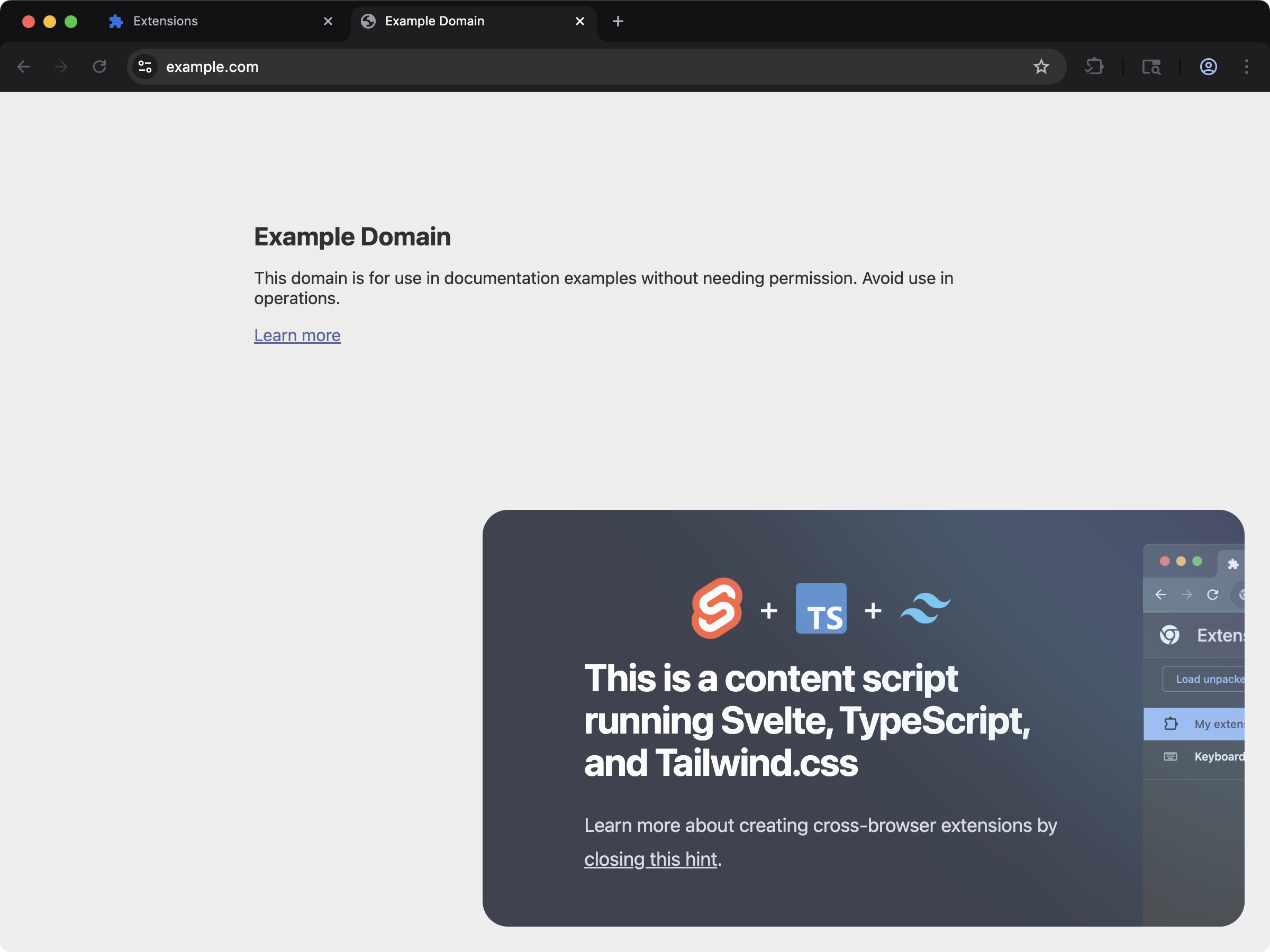 Inject Svelte components into web pages through content scripts.
```bash npm theme={null}
npx extension@latest create my-extension --template=content-svelte
```
```bash pnpm theme={null}
pnpx extension@latest create my-extension --template=content-svelte
```
```bash yarn theme={null}
yarn dlx extension@latest create my-extension --template=content-svelte
```
```bash bun theme={null}
bunx extension@latest create my-extension --template=content-svelte
```
```bash bun theme={null}
bunx extension@latest create my-extension --template=content-svelte
```
Repository: [extension-js/examples/content-svelte](https://github.com/extension-js/examples/tree/main/examples/content-svelte)
## Usage with an existing extension
Install Svelte:
For explicit setup in an existing project, install the Svelte loader too:
## Development behavior
When Extension.js detects Svelte, it:
* Enables `.svelte` file resolution.
* Configures the Svelte loader in the JS framework pipeline.
* Applies Svelte client aliases (for example, `svelte`, `svelte/store`, and `svelte/reactivity`).
If your project lacks optional tooling, Extension.js installs what it needs and asks for a restart.
## Usage examples
### In an extension page
```html theme={null}
Svelte Extension
```
```ts theme={null}
import App from "./App.svelte";
new App({
target: document.getElementById("app")!,
});
```
### In a `content_script` file
For content scripts, create a mount node and return a cleanup function from your default export. This lets Extension.js remount safely in development:
```ts theme={null}
import App from "./App.svelte";
export default function main() {
const target = document.createElement("div");
target.id = "extension-root";
document.body.appendChild(target);
const app = new App({ target });
return () => {
app.$destroy();
target.remove();
};
}
```
## Best practices
* Keep Svelte components focused on UI and move browser API orchestration to dedicated modules.
* In content scripts, always return cleanup so remount behavior stays predictable.
* Use Svelte for extension pages first, then expand to content-script UI once the feature boundary is clear.
## Next steps
* Learn more about [TypeScript support](/docs/languages-and-frameworks/typescript).
* Review the content-script contract in [Content scripts](/docs/implementation-guide/content-scripts).
Inject Svelte components into web pages through content scripts.
```bash npm theme={null}
npx extension@latest create my-extension --template=content-svelte
```
```bash pnpm theme={null}
pnpx extension@latest create my-extension --template=content-svelte
```
```bash yarn theme={null}
yarn dlx extension@latest create my-extension --template=content-svelte
```
```bash bun theme={null}
bunx extension@latest create my-extension --template=content-svelte
```
```bash bun theme={null}
bunx extension@latest create my-extension --template=content-svelte
```
Repository: [extension-js/examples/content-svelte](https://github.com/extension-js/examples/tree/main/examples/content-svelte)
## Usage with an existing extension
Install Svelte:
For explicit setup in an existing project, install the Svelte loader too:
## Development behavior
When Extension.js detects Svelte, it:
* Enables `.svelte` file resolution.
* Configures the Svelte loader in the JS framework pipeline.
* Applies Svelte client aliases (for example, `svelte`, `svelte/store`, and `svelte/reactivity`).
If your project lacks optional tooling, Extension.js installs what it needs and asks for a restart.
## Usage examples
### In an extension page
```html theme={null}
Svelte Extension
```
```ts theme={null}
import App from "./App.svelte";
new App({
target: document.getElementById("app")!,
});
```
### In a `content_script` file
For content scripts, create a mount node and return a cleanup function from your default export. This lets Extension.js remount safely in development:
```ts theme={null}
import App from "./App.svelte";
export default function main() {
const target = document.createElement("div");
target.id = "extension-root";
document.body.appendChild(target);
const app = new App({ target });
return () => {
app.$destroy();
target.remove();
};
}
```
## Best practices
* Keep Svelte components focused on UI and move browser API orchestration to dedicated modules.
* In content scripts, always return cleanup so remount behavior stays predictable.
* Use Svelte for extension pages first, then expand to content-script UI once the feature boundary is clear.
## Next steps
* Learn more about [TypeScript support](/docs/languages-and-frameworks/typescript).
* Review the content-script contract in [Content scripts](/docs/implementation-guide/content-scripts).