> ## Documentation Index
> Fetch the complete documentation index at: https://extension.js.org/llms.txt
> Use this file to discover all available pages before exploring further.
# React for browser extensions
> Build browser extension UIs with React using Extension.js. Get auto-configured JSX transforms, aliases, and fast refresh during development.
Extension.js detects React from your project dependencies and configures JSX/TSX transforms, React module aliases, and fast-refresh support for development automatically.
## When React is a good fit
* You are building rich UI surfaces like popup, options, sidebar, or new tab.
* You want component reuse across extension pages and content-script UI mounts.
* You already use React in web projects and want the same development model in extensions.
## Template examples
### `new-react`
Build a React new-tab experience with a ready-to-run project structure.
```bash npm theme={null}
npx extension@latest create my-extension --template=new-react
```
```bash pnpm theme={null}
pnpx extension@latest create my-extension --template=new-react
```
```bash yarn theme={null}
yarn dlx extension@latest create my-extension --template=new-react
```
```bash bun theme={null}
bunx extension@latest create my-extension --template=new-react
```
```bash deno theme={null}
deno run -A npm:extension@latest create my-extension --template=new-react
```
Repository: [extension-js/examples/new-react](https://github.com/extension-js/examples/tree/main/examples/new-react)
### `content-react`
Inject React UI into existing pages with a content-script-first setup.
```bash npm theme={null}
npx extension@latest create my-extension --template=content-react
```
```bash pnpm theme={null}
pnpx extension@latest create my-extension --template=content-react
```
```bash yarn theme={null}
yarn dlx extension@latest create my-extension --template=content-react
```
```bash bun theme={null}
bunx extension@latest create my-extension --template=content-react
```
```bash deno theme={null}
deno run -A npm:extension@latest create my-extension --template=content-react
```
Repository: [extension-js/examples/content-react](https://github.com/extension-js/examples/tree/main/examples/content-react)
### `new-react-router`
React extension with client-side routing using React Router.
```bash npm theme={null}
npx extension@latest create my-extension --template=new-react-router
```
```bash pnpm theme={null}
pnpx extension@latest create my-extension --template=new-react-router
```
```bash yarn theme={null}
yarn dlx extension@latest create my-extension --template=new-react-router
```
```bash bun theme={null}
bunx extension@latest create my-extension --template=new-react-router
```
```bash deno theme={null}
deno run -A npm:extension@latest create my-extension --template=new-react-router
```
Repository: [extension-js/examples/new-react-router](https://github.com/extension-js/examples/tree/main/examples/new-react-router)
## Usage with an existing extension
Add React to an existing extension with the steps below.
### Installation
Install React runtime dependencies:
If you use TypeScript, also install React type packages:
### Configuration
Common React file patterns:
* JavaScript: `*.jsx`
* TypeScript: `*.tsx`
## Development behavior
In development mode, Extension.js enables React refresh integration when it detects React.
* Extension.js uses `react-refresh` and `@rspack/plugin-react-refresh` for refresh behavior.
* If your project lacks optional refresh dependencies, Extension.js installs them and asks for a restart.
* Extension.js applies React aliases to keep a single React/runtime instance in your bundle.
## Usage examples
### In a new tab extension
Example page entry:
```html theme={null}
New Extension
```
```tsx theme={null}
import React from "react";
import ReactDOM from "react-dom/client";
import App from "./App";
const root = ReactDOM.createRoot(document.getElementById("root"));
root.render(
,
);
```
```tsx theme={null}
export default function App() {
return
Hello, Extension!
;
}
```
### In a `content_script` file
For content scripts, render React into an injected root element:
```tsx theme={null}
import React from "react";
import ReactDOM from "react-dom/client";
import App from "./App";
import "./content.css";
const rootDiv = document.createElement("div");
rootDiv.id = "extension-root";
document.body.appendChild(rootDiv);
const root = ReactDOM.createRoot(rootDiv);
root.render();
```
## Next steps
* Learn more about [TypeScript support](/docs/languages-and-frameworks/typescript).
* Explore how Extension.js handles [Sass modules](/docs/languages-and-frameworks/sass).
## Video walkthrough
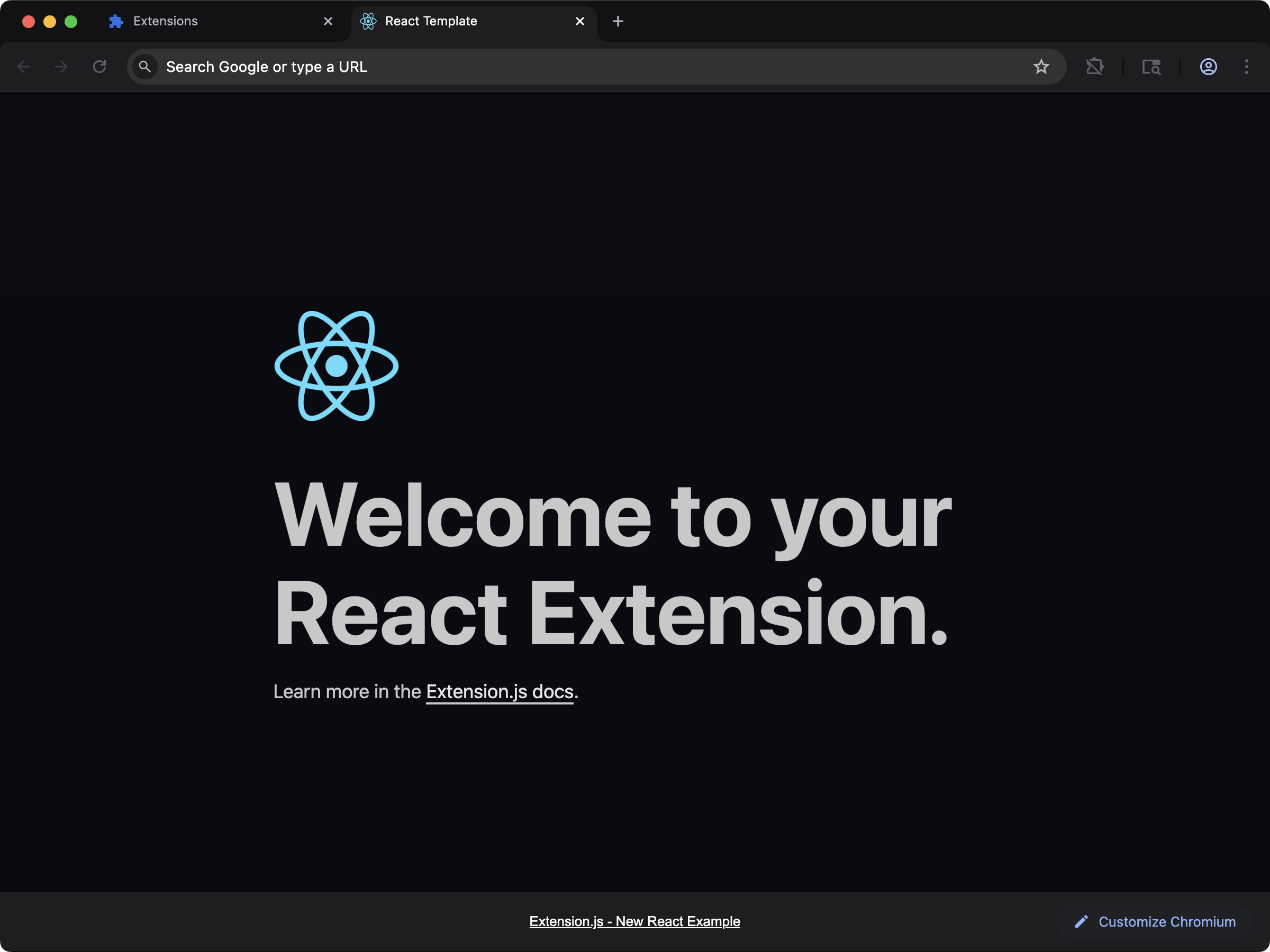 Build a React new-tab experience with a ready-to-run project structure.
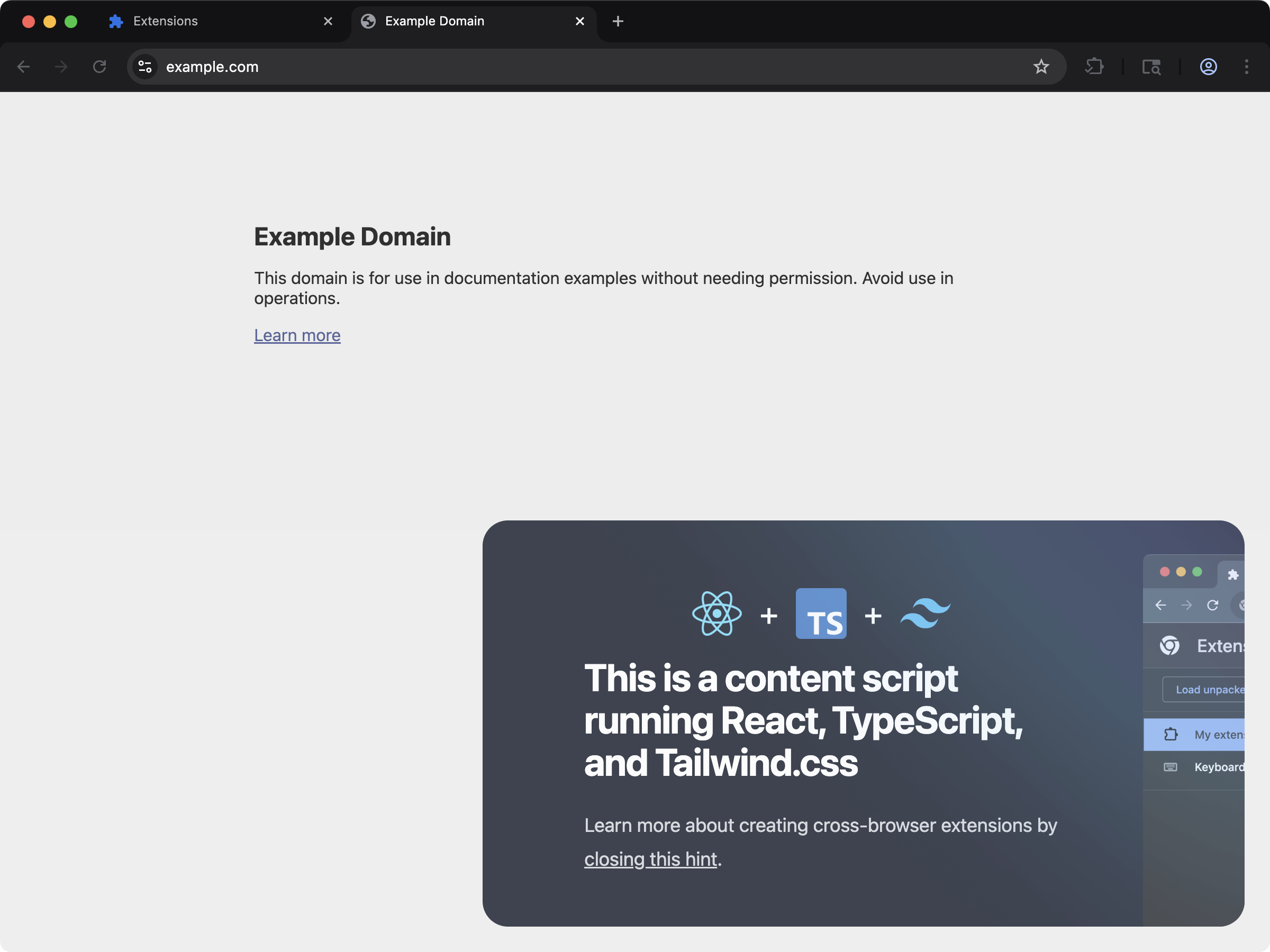 Inject React UI into existing pages with a content-script-first setup.
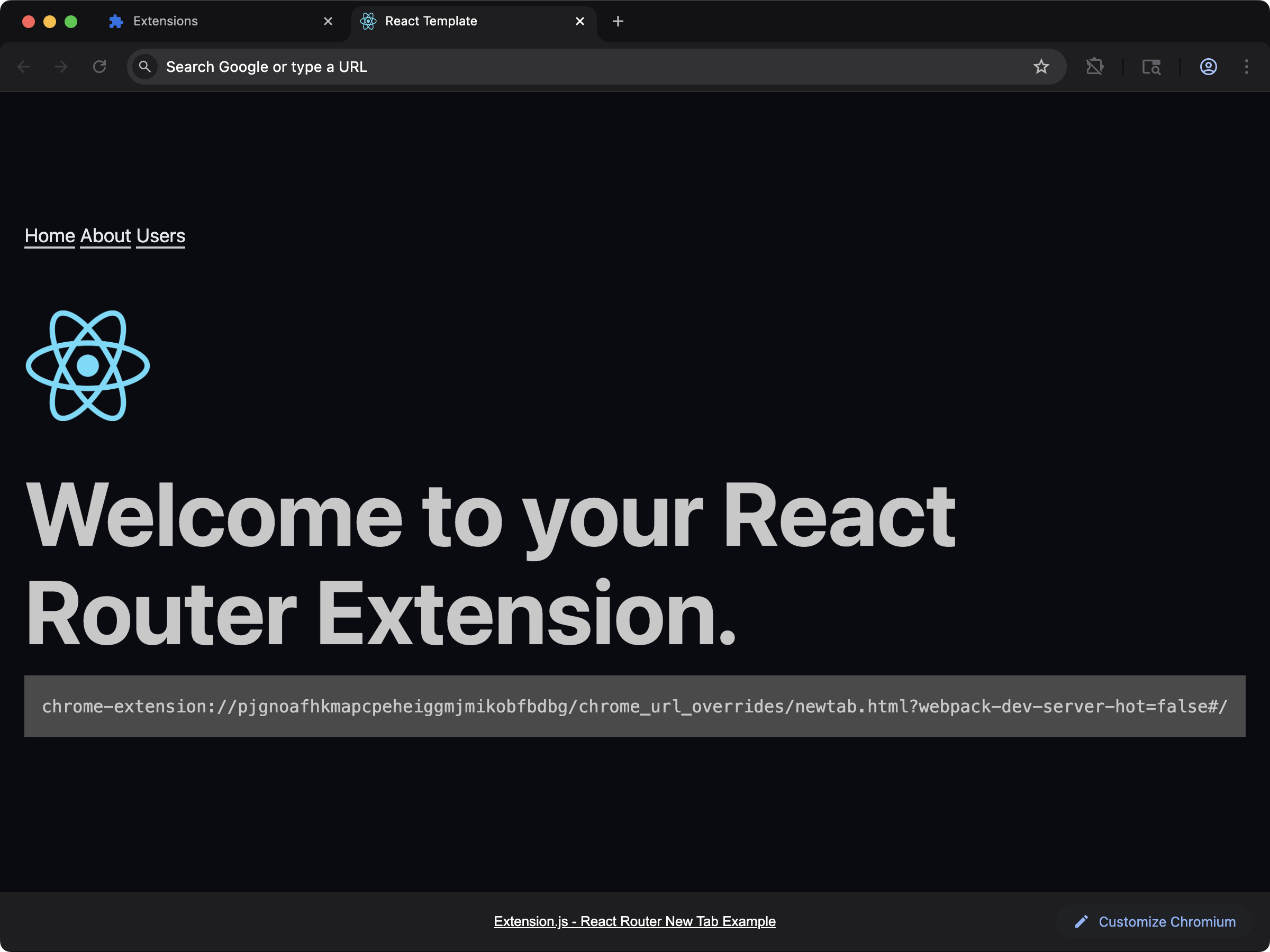 React extension with client-side routing using React Router.