> ## Documentation Index
> Fetch the complete documentation index at: https://extension.js.org/llms.txt
> Use this file to discover all available pages before exploring further.
# Preact for browser extensions
> Ship smaller extension UI bundles with Preact while keeping a React-like DX. Extension.js auto-configures JSX transforms and compat aliases.
Ship smaller extension UI bundles while keeping a React-like developer experience and fast local iteration.
Extension.js detects Preact from your dependencies. It configures JSX/TSX transforms, React compatibility aliases, and fast-refresh support automatically. Your React imports map to Preact through these aliases.
## When Preact is a good fit
* You want smaller UI bundle size for popup/sidebar/new tab surfaces.
* You like React-style components but want a lighter runtime.
* You are optimizing extension startup and UI responsiveness on lower-end devices.
## Template examples
### `new-preact`
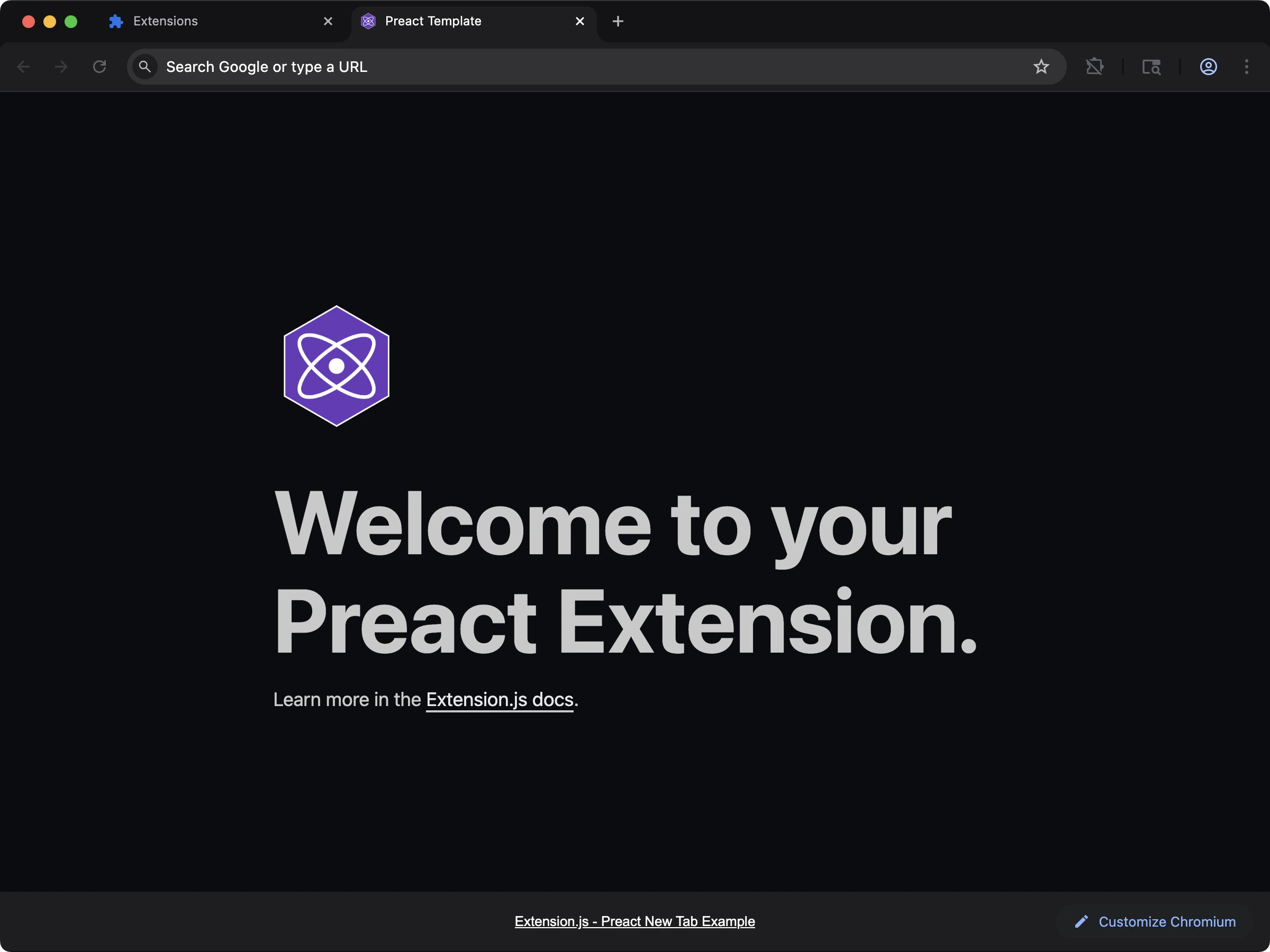 Ship a lighter new-tab UI with Preact and React-compatible ergonomics.
```bash npm theme={null}
npx extension@latest create my-extension --template=new-preact
```
```bash pnpm theme={null}
pnpx extension@latest create my-extension --template=new-preact
```
```bash yarn theme={null}
yarn dlx extension@latest create my-extension --template=new-preact
```
```bash bun theme={null}
bunx extension@latest create my-extension --template=new-preact
```
```bash deno theme={null}
deno run -A npm:extension@latest create my-extension --template=new-preact
```
Repository: [extension-js/examples/new-preact](https://github.com/extension-js/examples/tree/main/examples/new-preact)
### `content-preact`
Ship a lighter new-tab UI with Preact and React-compatible ergonomics.
```bash npm theme={null}
npx extension@latest create my-extension --template=new-preact
```
```bash pnpm theme={null}
pnpx extension@latest create my-extension --template=new-preact
```
```bash yarn theme={null}
yarn dlx extension@latest create my-extension --template=new-preact
```
```bash bun theme={null}
bunx extension@latest create my-extension --template=new-preact
```
```bash deno theme={null}
deno run -A npm:extension@latest create my-extension --template=new-preact
```
Repository: [extension-js/examples/new-preact](https://github.com/extension-js/examples/tree/main/examples/new-preact)
### `content-preact`
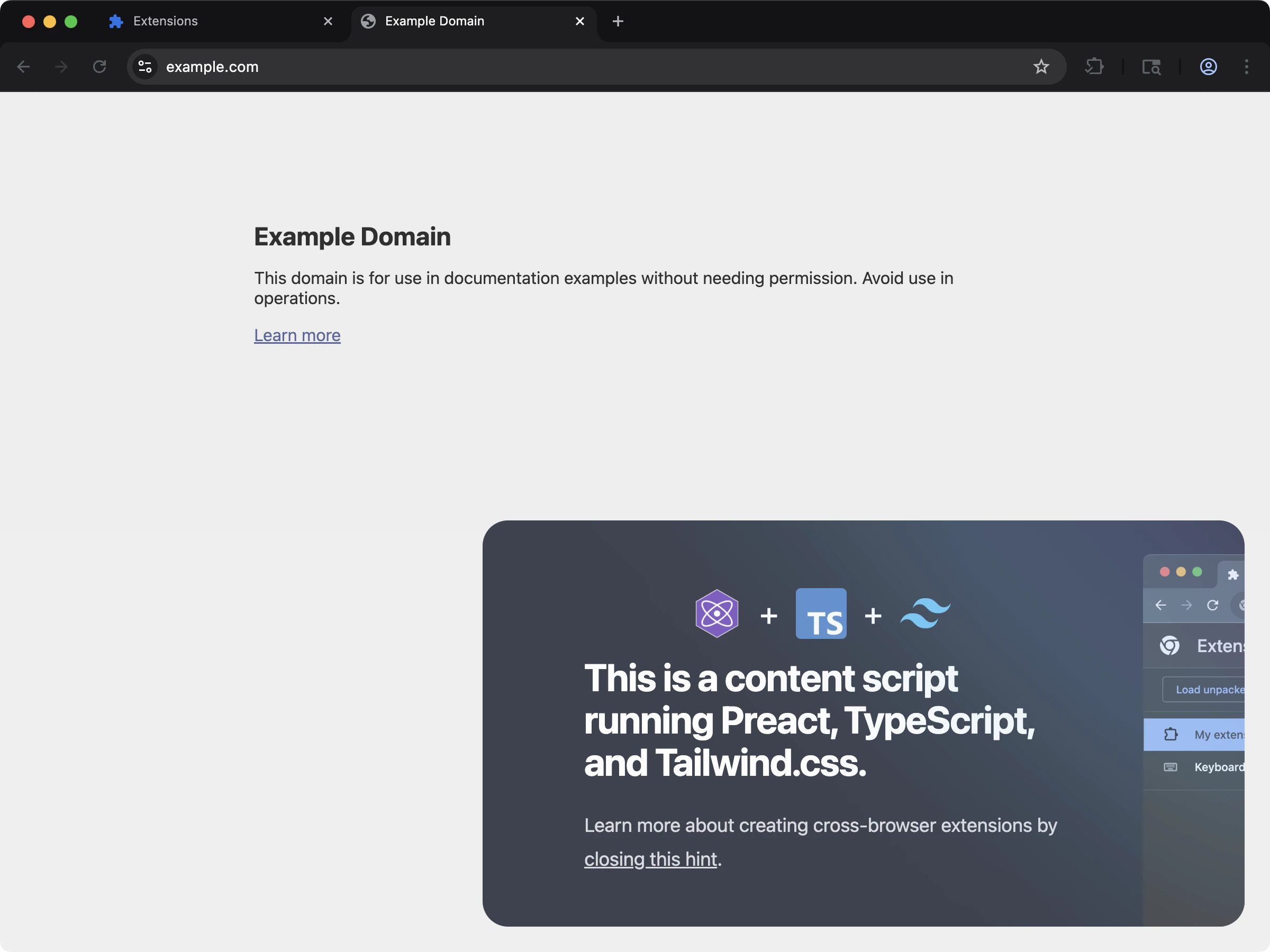 Inject a compact Preact UI into page content using content scripts.
```bash npm theme={null}
npx extension@latest create my-extension --template=content-preact
```
```bash pnpm theme={null}
pnpx extension@latest create my-extension --template=content-preact
```
```bash yarn theme={null}
yarn dlx extension@latest create my-extension --template=content-preact
```
```bash bun theme={null}
bunx extension@latest create my-extension --template=content-preact
```
```bash deno theme={null}
deno run -A npm:extension@latest create my-extension --template=content-preact
```
Repository: [extension-js/examples/content-preact](https://github.com/extension-js/examples/tree/main/examples/content-preact)
## Usage with an existing extension
Add Preact to an existing extension with the steps below.
### Installation
Install the required dependencies:
Preact ships its own TypeScript types, so you do not need a separate `@types/preact` package.
### Configuration
Extension.js expects Preact files to use the following file extensions:
* If you do not enable TypeScript: `*.jsx`
* If you enable TypeScript: `*.tsx`
## Development behavior
When Extension.js detects Preact, it configures:
* Compatibility aliases (for example, `react` → `preact/compat`).
* JSX handling tuned for Preact.
* Refresh integration in development using `@rspack/plugin-preact-refresh`.
If your project lacks optional refresh dependencies, Extension.js installs them and asks for a restart.
### Troubleshooting
* **Missing refresh dependency warning:** Install `@rspack/plugin-preact-refresh` (and related packages if prompted).
* **Prompt to restart after install:** Stop and rerun `extension dev` so the dev server can reload refresh wiring cleanly.
* **No Preact integration detected:** Confirm `preact` appears in `dependencies` or `devDependencies`.
## Usage examples
### In a new tab extension
To use Preact in a new tab extension, include it as a `
Inject a compact Preact UI into page content using content scripts.
```bash npm theme={null}
npx extension@latest create my-extension --template=content-preact
```
```bash pnpm theme={null}
pnpx extension@latest create my-extension --template=content-preact
```
```bash yarn theme={null}
yarn dlx extension@latest create my-extension --template=content-preact
```
```bash bun theme={null}
bunx extension@latest create my-extension --template=content-preact
```
```bash deno theme={null}
deno run -A npm:extension@latest create my-extension --template=content-preact
```
Repository: [extension-js/examples/content-preact](https://github.com/extension-js/examples/tree/main/examples/content-preact)
## Usage with an existing extension
Add Preact to an existing extension with the steps below.
### Installation
Install the required dependencies:
Preact ships its own TypeScript types, so you do not need a separate `@types/preact` package.
### Configuration
Extension.js expects Preact files to use the following file extensions:
* If you do not enable TypeScript: `*.jsx`
* If you enable TypeScript: `*.tsx`
## Development behavior
When Extension.js detects Preact, it configures:
* Compatibility aliases (for example, `react` → `preact/compat`).
* JSX handling tuned for Preact.
* Refresh integration in development using `@rspack/plugin-preact-refresh`.
If your project lacks optional refresh dependencies, Extension.js installs them and asks for a restart.
### Troubleshooting
* **Missing refresh dependency warning:** Install `@rspack/plugin-preact-refresh` (and related packages if prompted).
* **Prompt to restart after install:** Stop and rerun `extension dev` so the dev server can reload refresh wiring cleanly.
* **No Preact integration detected:** Confirm `preact` appears in `dependencies` or `devDependencies`.
## Usage examples
### In a new tab extension
To use Preact in a new tab extension, include it as a `