> ## Documentation Index
> Fetch the complete documentation index at: https://extension.js.org/llms.txt
> Use this file to discover all available pages before exploring further.
# Node APIs in browser extensions
> Use browser-native APIs first, then selectively polyfill Node core modules when needed. Extension.js targets the browser runtime by default.
Extension.js targets the browser runtime by default. It does not automatically polyfill Node core modules, which keeps bundles small. If a dependency reaches for `buffer`, `stream`, or `crypto`, you see a resolution error at build time. The sections below explain when to add polyfills and when to choose a browser-native alternative.
## When Node polyfills are a good fit
* A required dependency needs Node core modules in browser runtime.
* You are incrementally migrating code from Node-centric packages.
* You can accept larger bundles for specific runtime capabilities.
## Template examples
### `new-typescript`
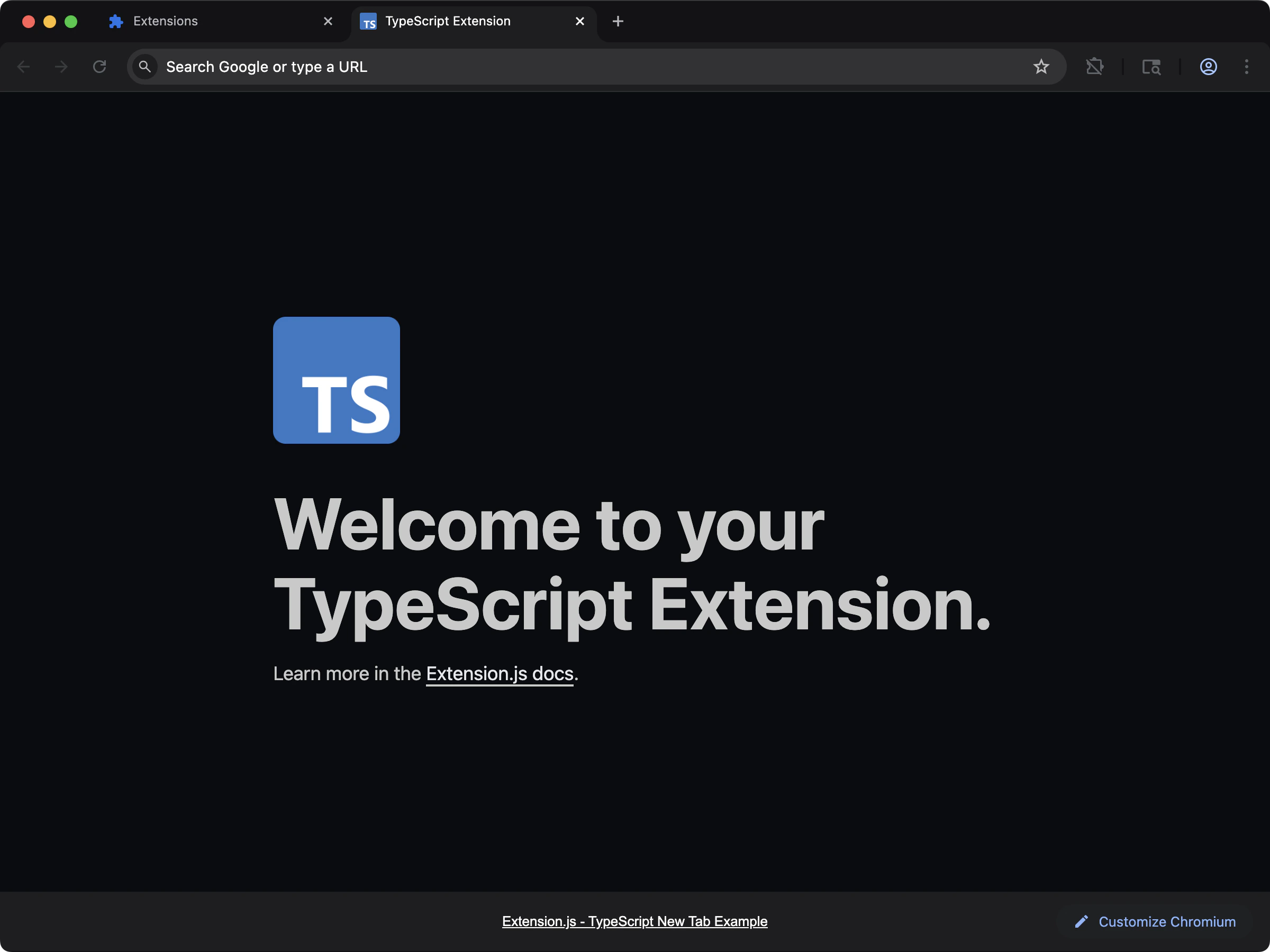 Start from a TypeScript baseline when your extension needs explicit bundler/polyfill tuning.
```bash npm theme={null}
npx extension@latest create my-extension --template=new-typescript
```
```bash pnpm theme={null}
pnpx extension@latest create my-extension --template=new-typescript
```
```bash yarn theme={null}
yarn dlx extension@latest create my-extension --template=new-typescript
```
```bash bun theme={null}
bunx extension@latest create my-extension --template=new-typescript
```
```bash deno theme={null}
deno run -A npm:extension@latest create my-extension --template=new-typescript
```
Repository: [extension-js/examples/new-typescript](https://github.com/extension-js/examples/tree/main/examples/new-typescript)
### `content-typescript`
Start from a TypeScript baseline when your extension needs explicit bundler/polyfill tuning.
```bash npm theme={null}
npx extension@latest create my-extension --template=new-typescript
```
```bash pnpm theme={null}
pnpx extension@latest create my-extension --template=new-typescript
```
```bash yarn theme={null}
yarn dlx extension@latest create my-extension --template=new-typescript
```
```bash bun theme={null}
bunx extension@latest create my-extension --template=new-typescript
```
```bash deno theme={null}
deno run -A npm:extension@latest create my-extension --template=new-typescript
```
Repository: [extension-js/examples/new-typescript](https://github.com/extension-js/examples/tree/main/examples/new-typescript)
### `content-typescript`
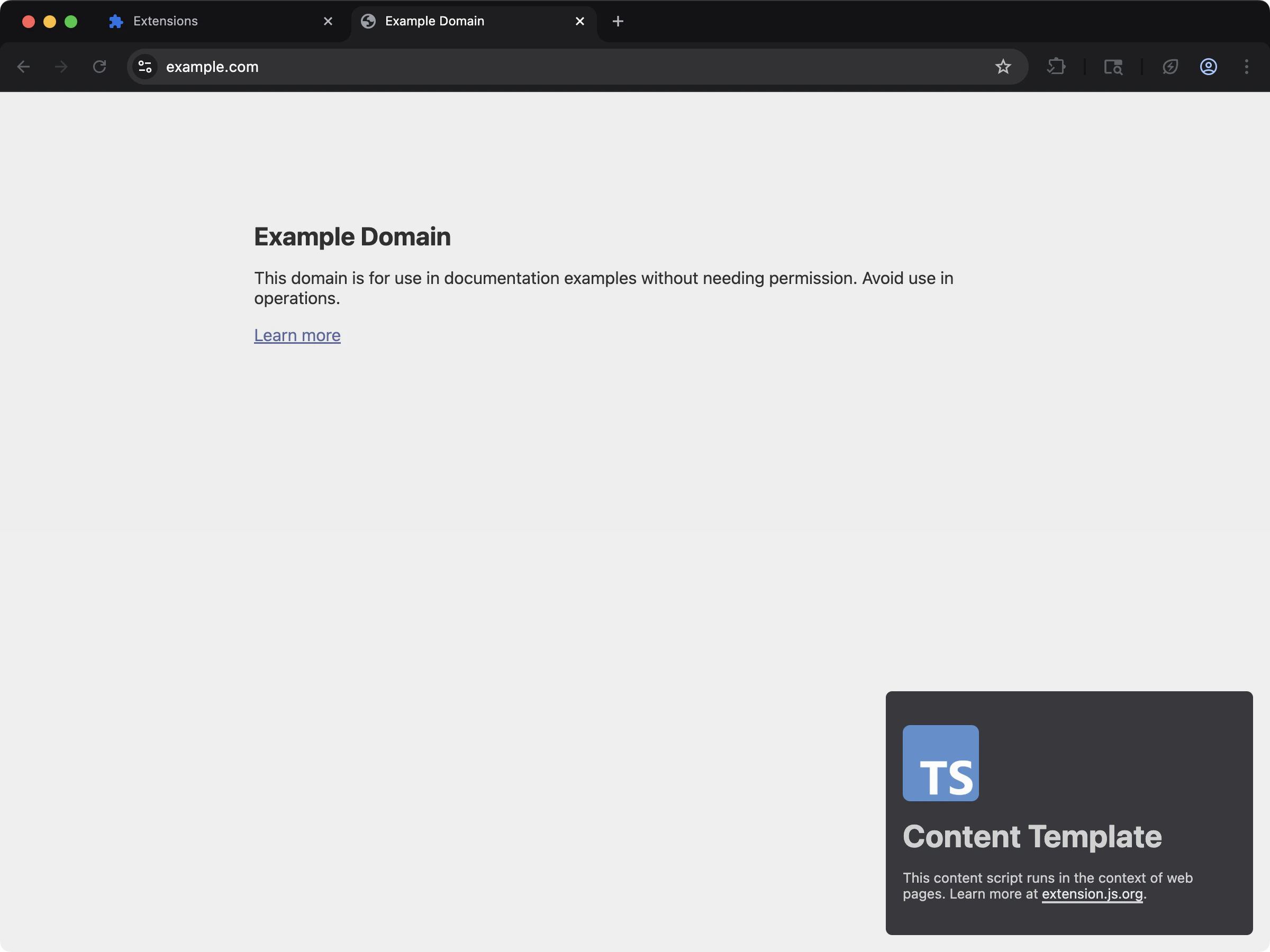 Use a content-script TypeScript base when Node-dependent libraries run inside page-injected flows.
```bash npm theme={null}
npx extension@latest create my-extension --template=content-typescript
```
```bash pnpm theme={null}
pnpx extension@latest create my-extension --template=content-typescript
```
```bash yarn theme={null}
yarn dlx extension@latest create my-extension --template=content-typescript
```
```bash bun theme={null}
bunx extension@latest create my-extension --template=content-typescript
```
```bash deno theme={null}
deno run -A npm:extension@latest create my-extension --template=content-typescript
```
Repository: [extension-js/examples/content-typescript](https://github.com/extension-js/examples/tree/main/examples/content-typescript)
### `new-crypto`
Use a content-script TypeScript base when Node-dependent libraries run inside page-injected flows.
```bash npm theme={null}
npx extension@latest create my-extension --template=content-typescript
```
```bash pnpm theme={null}
pnpx extension@latest create my-extension --template=content-typescript
```
```bash yarn theme={null}
yarn dlx extension@latest create my-extension --template=content-typescript
```
```bash bun theme={null}
bunx extension@latest create my-extension --template=content-typescript
```
```bash deno theme={null}
deno run -A npm:extension@latest create my-extension --template=content-typescript
```
Repository: [extension-js/examples/content-typescript](https://github.com/extension-js/examples/tree/main/examples/content-typescript)
### `new-crypto`
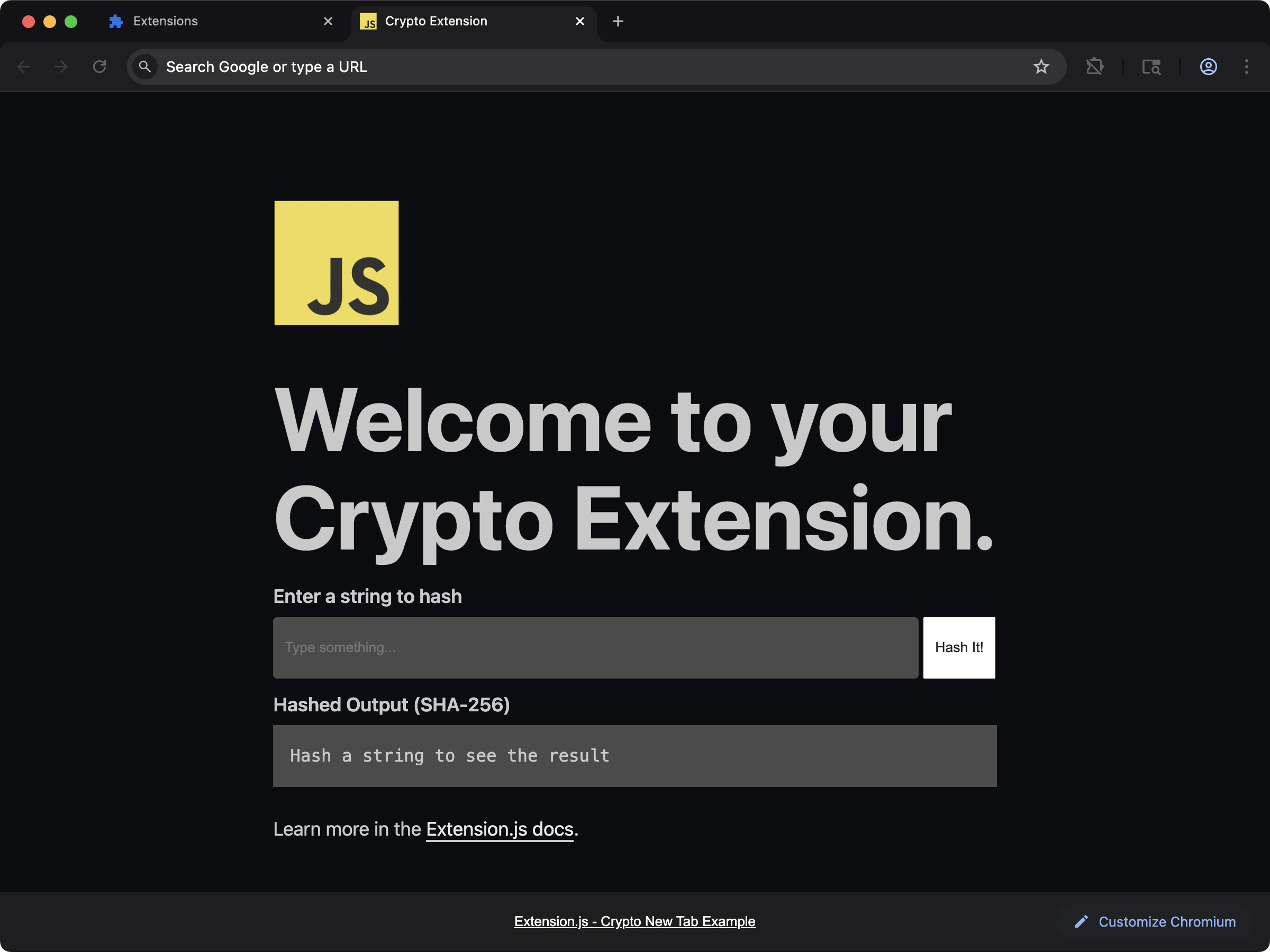 See Node `crypto` polyfill usage in a new-tab extension.
```bash npm theme={null}
npx extension@latest create my-extension --template=new-crypto
```
```bash pnpm theme={null}
pnpx extension@latest create my-extension --template=new-crypto
```
```bash yarn theme={null}
yarn dlx extension@latest create my-extension --template=new-crypto
```
```bash bun theme={null}
bunx extension@latest create my-extension --template=new-crypto
```
```bash deno theme={null}
deno run -A npm:extension@latest create my-extension --template=new-crypto
```
Repository: [extension-js/examples/new-crypto](https://github.com/extension-js/examples/tree/main/examples/new-crypto)
## Default behavior
* Build target is browser-first (`web`).
* Resolution prioritizes browser exports (`browser`, `module`, `main`).
* Extension.js disables Node core fallbacks (for example, `crypto`, `path`, and `fs`) by default.
This means importing Node APIs may fail unless you add explicit fallbacks.
## Setting up Node polyfills
Use `extension.config.js` (or `.mjs` / `.cjs`) to extend the Rspack configuration and define safe fallbacks.
```js theme={null}
import NodePolyfillPlugin from "node-polyfill-webpack-plugin";
import { createRequire } from "node:module";
const require = createRequire(import.meta.url);
export default {
config: (config) => {
config.resolve = config.resolve || {};
config.resolve.fallback = {
...(config.resolve.fallback || {}),
crypto: require.resolve("crypto-browserify"),
path: require.resolve("path-browserify"),
fs: false,
};
config.plugins = config.plugins || [];
config.plugins.push(new NodePolyfillPlugin());
return config;
},
};
```
## Install optional polyfill packages
```bash npm theme={null}
npm install -D node-polyfill-webpack-plugin crypto-browserify path-browserify
```
```bash pnpm theme={null}
pnpm add -D node-polyfill-webpack-plugin crypto-browserify path-browserify
```
```bash yarn theme={null}
yarn add -D node-polyfill-webpack-plugin crypto-browserify path-browserify
```
```bash bun theme={null}
bun add -d node-polyfill-webpack-plugin crypto-browserify path-browserify
```
```bash deno theme={null}
deno add -D npm:node-polyfill-webpack-plugin npm:crypto-browserify npm:path-browserify
```
## Extension APIs vs Node APIs
Setting `polyfill: true` in CLI/config enables `webextension-polyfill`, a compatibility layer that gives Chromium browsers access to the `browser.*` API namespace. It does not enable Node core module polyfills.
Use Node polyfills only for libraries that cannot run with standard Web APIs.
## Caveats
* Do not assume filesystem access in extension runtime; keep `fs: false` unless you have a specific browser-safe strategy.
* Prefer Web Crypto (`crypto.subtle`) over large Node crypto shims when possible.
* Polyfills (browser-compatible replacements for Node APIs) increase bundle size and can affect startup time in extension pages and content scripts.
* Some packages using `node:` specifiers may need explicit fallback handling.
## Next steps
* Learn how to customize [Rspack configuration](/docs/features/rspack-configuration).
* Learn how to manage [Extension configuration](/docs/features/extension-configuration).
## Video walkthrough
See Node `crypto` polyfill usage in a new-tab extension.
```bash npm theme={null}
npx extension@latest create my-extension --template=new-crypto
```
```bash pnpm theme={null}
pnpx extension@latest create my-extension --template=new-crypto
```
```bash yarn theme={null}
yarn dlx extension@latest create my-extension --template=new-crypto
```
```bash bun theme={null}
bunx extension@latest create my-extension --template=new-crypto
```
```bash deno theme={null}
deno run -A npm:extension@latest create my-extension --template=new-crypto
```
Repository: [extension-js/examples/new-crypto](https://github.com/extension-js/examples/tree/main/examples/new-crypto)
## Default behavior
* Build target is browser-first (`web`).
* Resolution prioritizes browser exports (`browser`, `module`, `main`).
* Extension.js disables Node core fallbacks (for example, `crypto`, `path`, and `fs`) by default.
This means importing Node APIs may fail unless you add explicit fallbacks.
## Setting up Node polyfills
Use `extension.config.js` (or `.mjs` / `.cjs`) to extend the Rspack configuration and define safe fallbacks.
```js theme={null}
import NodePolyfillPlugin from "node-polyfill-webpack-plugin";
import { createRequire } from "node:module";
const require = createRequire(import.meta.url);
export default {
config: (config) => {
config.resolve = config.resolve || {};
config.resolve.fallback = {
...(config.resolve.fallback || {}),
crypto: require.resolve("crypto-browserify"),
path: require.resolve("path-browserify"),
fs: false,
};
config.plugins = config.plugins || [];
config.plugins.push(new NodePolyfillPlugin());
return config;
},
};
```
## Install optional polyfill packages
```bash npm theme={null}
npm install -D node-polyfill-webpack-plugin crypto-browserify path-browserify
```
```bash pnpm theme={null}
pnpm add -D node-polyfill-webpack-plugin crypto-browserify path-browserify
```
```bash yarn theme={null}
yarn add -D node-polyfill-webpack-plugin crypto-browserify path-browserify
```
```bash bun theme={null}
bun add -d node-polyfill-webpack-plugin crypto-browserify path-browserify
```
```bash deno theme={null}
deno add -D npm:node-polyfill-webpack-plugin npm:crypto-browserify npm:path-browserify
```
## Extension APIs vs Node APIs
Setting `polyfill: true` in CLI/config enables `webextension-polyfill`, a compatibility layer that gives Chromium browsers access to the `browser.*` API namespace. It does not enable Node core module polyfills.
Use Node polyfills only for libraries that cannot run with standard Web APIs.
## Caveats
* Do not assume filesystem access in extension runtime; keep `fs: false` unless you have a specific browser-safe strategy.
* Prefer Web Crypto (`crypto.subtle`) over large Node crypto shims when possible.
* Polyfills (browser-compatible replacements for Node APIs) increase bundle size and can affect startup time in extension pages and content scripts.
* Some packages using `node:` specifiers may need explicit fallback handling.
## Next steps
* Learn how to customize [Rspack configuration](/docs/features/rspack-configuration).
* Learn how to manage [Extension configuration](/docs/features/extension-configuration).
## Video walkthrough