> ## Documentation Index
> Fetch the complete documentation index at: https://extension.js.org/llms.txt
> Use this file to discover all available pages before exploring further.
# Less CSS in browser extensions
> Use Less CSS and Less modules across browser extension pages and UI components. Extension.js configures the Rspack preprocessor for .less files.
Use Less CSS across browser extension pages and UI components with a single pipeline that also supports module-scoped styles.
Extension.js detects Less usage, configures the preprocessors in the Rspack build, and supports both `.less` and `.module.less` files in browser extensions.
## When Less is a good fit
* You are migrating an existing Less-based web codebase.
* You want variables and nesting with low migration cost.
* You need module-scoped styles while keeping Less conventions.
## Template examples
### `new-less`
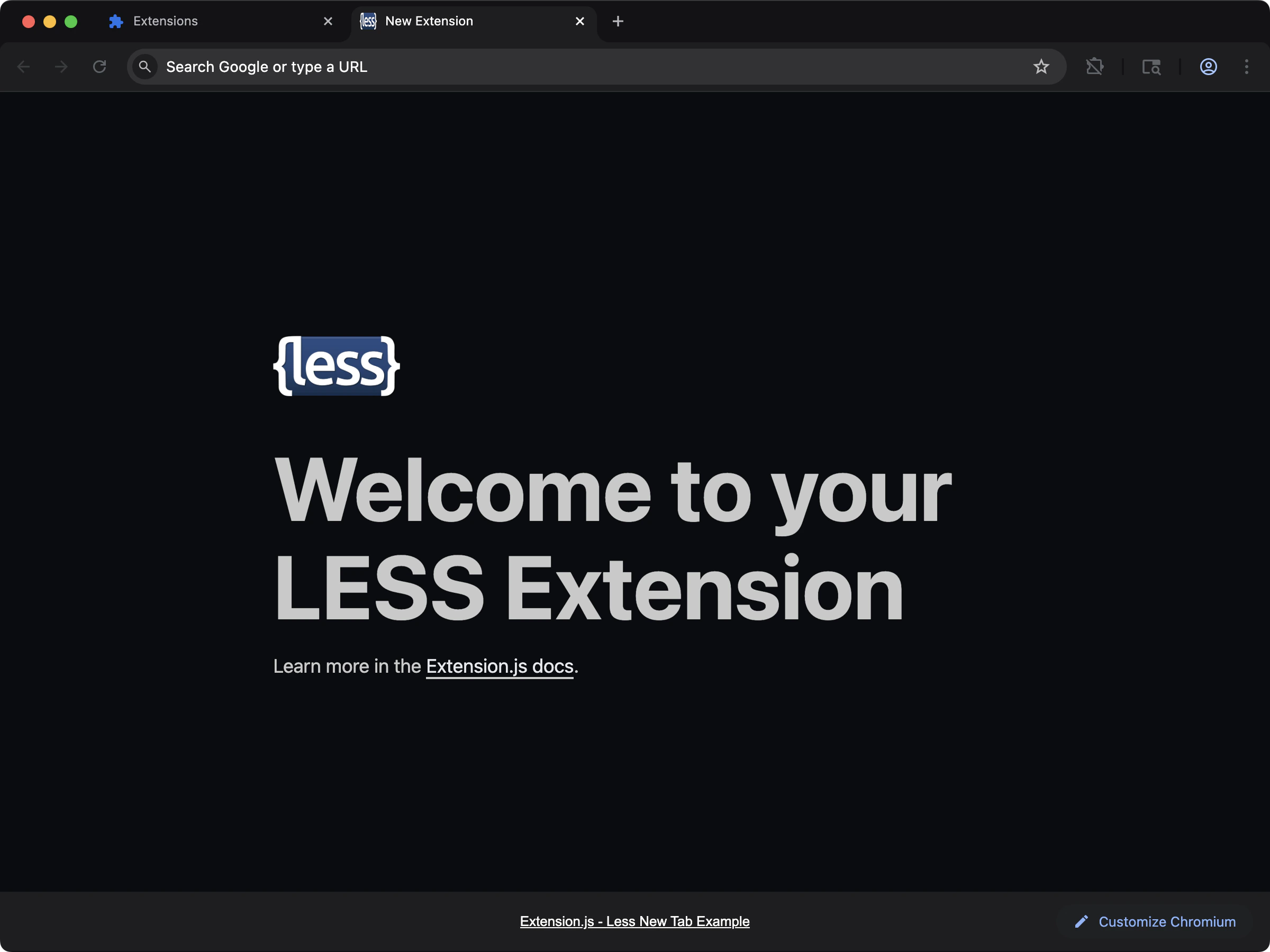 Start a new-tab extension with Less support already configured.
```bash npm theme={null}
npx extension@latest create my-extension --template=new-less
```
```bash pnpm theme={null}
pnpx extension@latest create my-extension --template=new-less
```
```bash yarn theme={null}
yarn dlx extension@latest create my-extension --template=new-less
```
```bash bun theme={null}
bunx extension@latest create my-extension --template=new-less
```
```bash deno theme={null}
deno run -A npm:extension@latest create my-extension --template=new-less
```
Repository: [extension-js/examples/new-less](https://github.com/extension-js/examples/tree/main/examples/new-less)
## Usage with an existing extension
Add Less to an existing extension with the steps below.
### Installation
Install the required dependencies:
### Example usage in an HTML file
In extension pages (popup/options/new tab), import Less through your script entry:
```html theme={null}
New Extension
Start a new-tab extension with Less support already configured.
```bash npm theme={null}
npx extension@latest create my-extension --template=new-less
```
```bash pnpm theme={null}
pnpx extension@latest create my-extension --template=new-less
```
```bash yarn theme={null}
yarn dlx extension@latest create my-extension --template=new-less
```
```bash bun theme={null}
bunx extension@latest create my-extension --template=new-less
```
```bash deno theme={null}
deno run -A npm:extension@latest create my-extension --template=new-less
```
Repository: [extension-js/examples/new-less](https://github.com/extension-js/examples/tree/main/examples/new-less)
## Usage with an existing extension
Add Less to an existing extension with the steps below.
### Installation
Install the required dependencies:
### Example usage in an HTML file
In extension pages (popup/options/new tab), import Less through your script entry:
```html theme={null}
New Extension
Hello, Extension.
```
```ts theme={null}
import "./styles/globals.less";
console.log("Less loaded");
```
### In a `content_script` file
```ts theme={null}
import "./styles/content.less";
console.log("Content styles loaded");
```
## Less modules in browser extensions
Scope class names locally with Less modules, just like CSS modules. This prevents global style conflicts by default, which matters in extensions because content scripts run inside a host page's CSS scope.
### `content-less-modules`
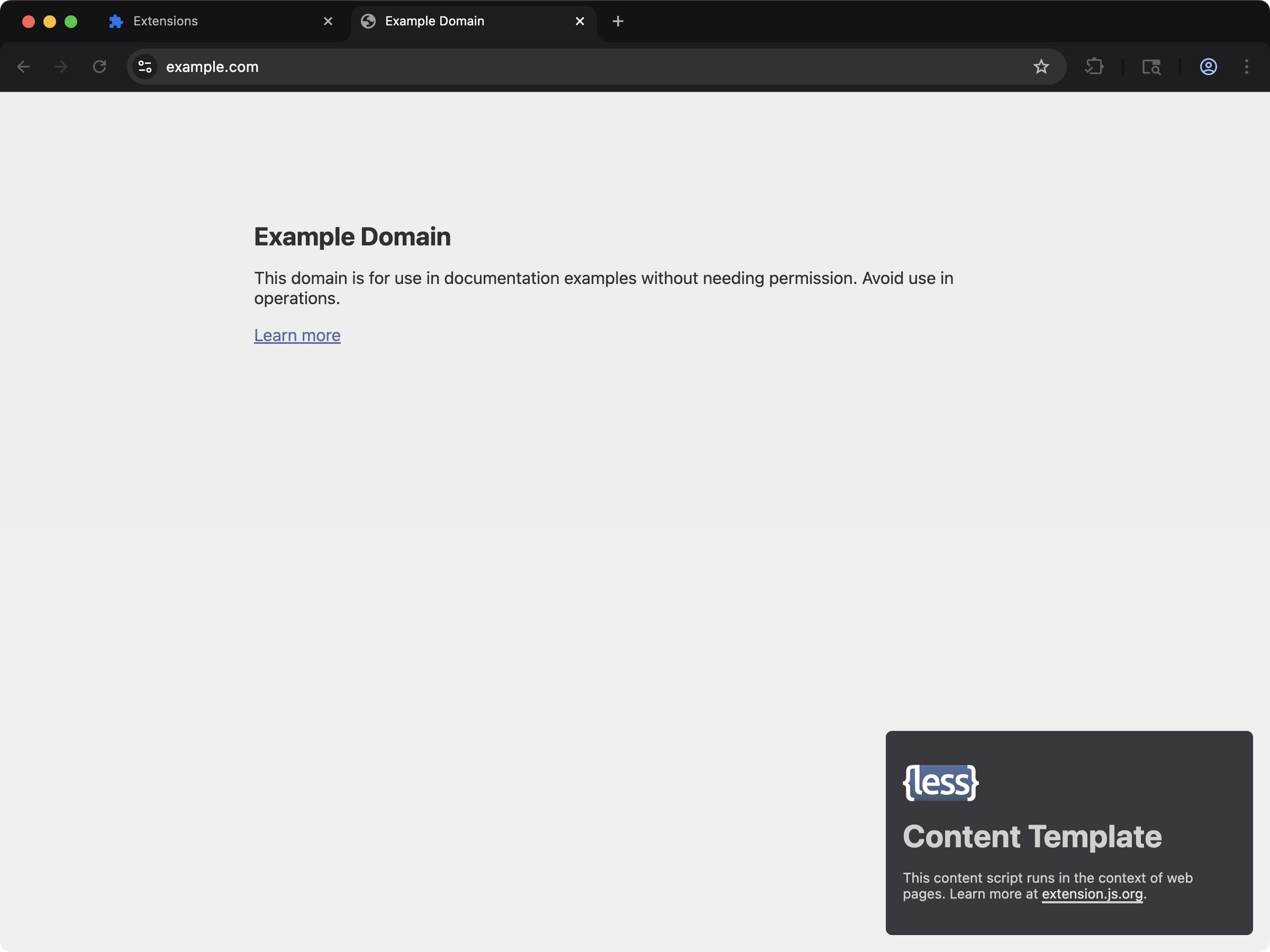 Use Less modules in content scripts when you need scoped styles on injected UI.
```bash npm theme={null}
npx extension@latest create my-extension --template=content-less-modules
```
```bash pnpm theme={null}
pnpx extension@latest create my-extension --template=content-less-modules
```
```bash yarn theme={null}
yarn dlx extension@latest create my-extension --template=content-less-modules
```
```bash bun theme={null}
bunx extension@latest create my-extension --template=content-less-modules
```
```bash deno theme={null}
deno run -A npm:extension@latest create my-extension --template=content-less-modules
```
Repository: [extension-js/examples/content-less-modules](https://github.com/extension-js/examples/tree/main/examples/content-less-modules)
## Using Less modules in an existing extension
To enable Less modules, rename your `.less` files to include `.module.less`. This enables automatic local scoping of class names.
```diff theme={null}
- myStyles.less
+ myStyles.module.less
```
### Example usage
After renaming your Less file, you can import it into your scripts:
```ts theme={null}
import styles from "./styles/myStyles.module.less";
const element = document.createElement("h1");
element.className = styles.primary;
element.innerText = "Hello, Extension!";
document.body.appendChild(element);
```
## React/Preact example usage
To use Less modules in React or Preact, import your Less module and apply styles as you would in any component:
```jsx theme={null}
import styles from "./styles/myStyles.module.less";
export default function MyComponent() {
return
Use Less modules in content scripts when you need scoped styles on injected UI.
```bash npm theme={null}
npx extension@latest create my-extension --template=content-less-modules
```
```bash pnpm theme={null}
pnpx extension@latest create my-extension --template=content-less-modules
```
```bash yarn theme={null}
yarn dlx extension@latest create my-extension --template=content-less-modules
```
```bash bun theme={null}
bunx extension@latest create my-extension --template=content-less-modules
```
```bash deno theme={null}
deno run -A npm:extension@latest create my-extension --template=content-less-modules
```
Repository: [extension-js/examples/content-less-modules](https://github.com/extension-js/examples/tree/main/examples/content-less-modules)
## Using Less modules in an existing extension
To enable Less modules, rename your `.less` files to include `.module.less`. This enables automatic local scoping of class names.
```diff theme={null}
- myStyles.less
+ myStyles.module.less
```
### Example usage
After renaming your Less file, you can import it into your scripts:
```ts theme={null}
import styles from "./styles/myStyles.module.less";
const element = document.createElement("h1");
element.className = styles.primary;
element.innerText = "Hello, Extension!";
document.body.appendChild(element);
```
## React/Preact example usage
To use Less modules in React or Preact, import your Less module and apply styles as you would in any component:
```jsx theme={null}
import styles from "./styles/myStyles.module.less";
export default function MyComponent() {
return Hello, Extension!
;
}
```
## Vue example usage
In Vue, prefer single-file component (SFC) styles with `lang="less"` and `module`:
```vue theme={null}
Hello, Extension!
```
## Svelte example usage
In Svelte, import Less module mappings and apply classes:
```svelte theme={null}
Hello, Extension!
```
## Behavior notes
* In extension page contexts, `.module.less` exports class maps as expected.
* In content scripts, Extension.js emits styles as CSS assets and injects them as stylesheets into the page.
* If your project lacks Less tooling, Extension.js installs the optional dependencies and asks for a restart.
## About the `less` post-install warning
With some package managers, installing a project that uses Less can surface a
notice that build scripts for `less` were not run (pnpm prints
`Ignored build scripts: less` and asks you to approve them). This is expected
and **safe to ignore** — Extension.js compiles Less through its own bundler
pipeline, so it does not rely on Less's optional post-install step (which only
sets up Playwright inside Less's own repository and is a no-op for consumers).
Your `.less` and `.module.less` files build and hot-reload the same either way.
Projects scaffolded with `create-extension` already silence this notice: the
generated `package.json` declares `pnpm.ignoredBuiltDependencies: ["less"]`,
which tells pnpm you have intentionally skipped the (no-op) script, so a single
install is clean with no `approve-builds` prompt. npm and yarn run the script by
default and print nothing.
If you hit the warning in an existing project, you have two equivalent ways to
silence it:
* **Skip it (recommended)** — add `pnpm.ignoredBuiltDependencies: ["less"]` to
your `package.json`. This matches what new scaffolds ship and acknowledges the
script without running the no-op.
* **Run it** — run `pnpm approve-builds` and select `less`, or add
`pnpm.onlyBuiltDependencies: ["less"]`. Harmless, just unnecessary.
Either way there is no functional difference for typical Extension.js projects.
## Next steps
* Learn more about [CSS modules](/docs/languages-and-frameworks/css-modules).
* Configure [PostCSS](/docs/integrations/postcss) in your extension.
## Video walkthrough