> ## Documentation Index
> Fetch the complete documentation index at: https://extension.js.org/llms.txt
> Use this file to discover all available pages before exploring further.
# ECMAScript modules in extensions
> Use modern import/export syntax across background scripts, content scripts, and extension pages. Extension.js supports ESM through its Rspack pipeline.
Author extension code with modern `import`/`export` syntax across all extension contexts.
Extension.js supports ECMAScript Modules (ESM) in background scripts, content scripts, and extension pages. It uses the default Rspack pipeline for module resolution.
## When ESM is a good fit
* You want consistent module syntax across extension and web code.
* You are sharing code with modern ESM-first packages.
* You need cleaner tree-shaking (automatic removal of unused code) and explicit dependency boundaries.
## Template examples
### `new`
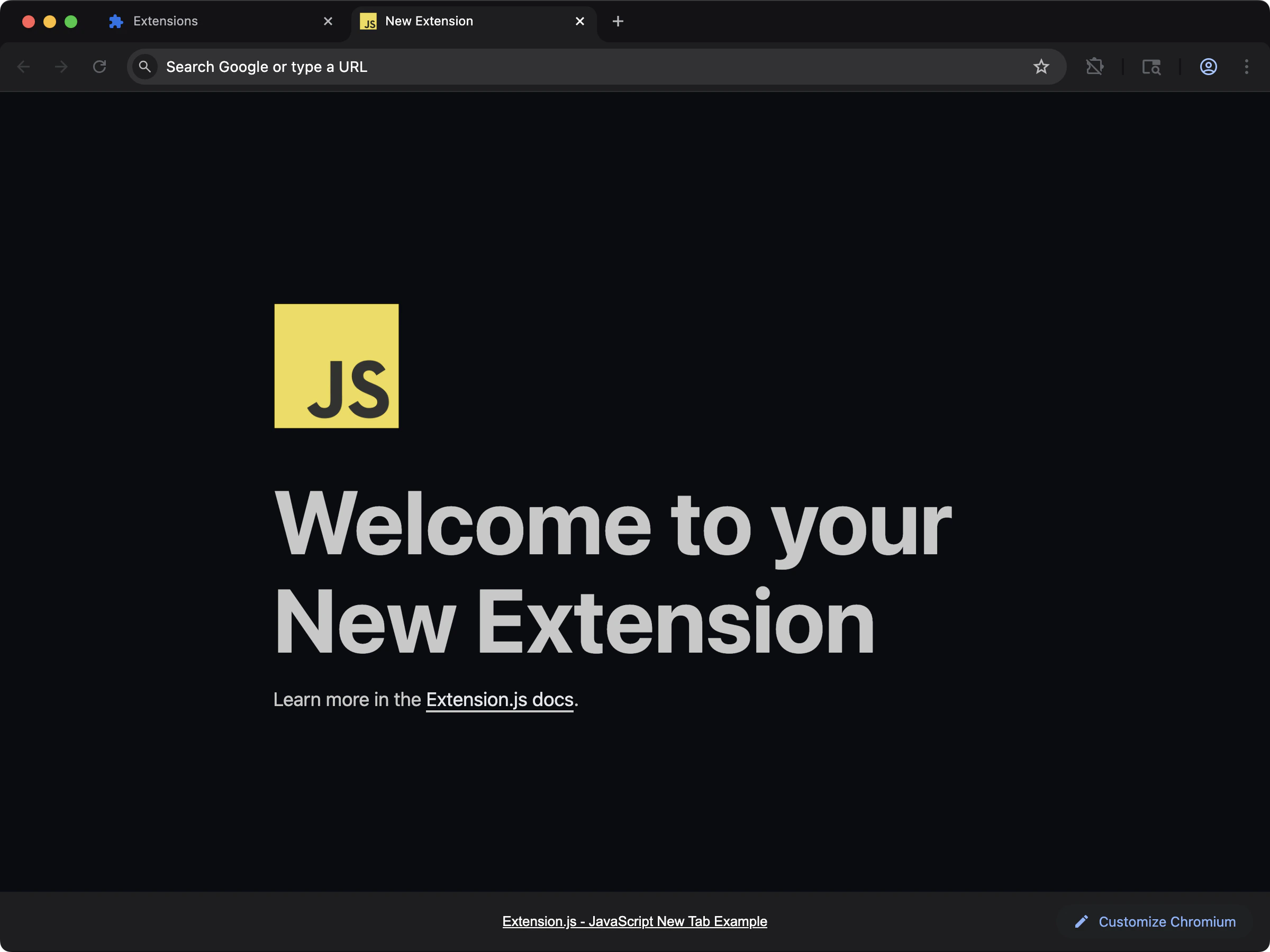 Start a new-tab extension with modern module syntax and minimal setup.
```bash npm theme={null}
npx extension@latest create my-extension --template=new
```
```bash pnpm theme={null}
pnpx extension@latest create my-extension --template=new
```
```bash yarn theme={null}
yarn dlx extension@latest create my-extension --template=new
```
```bash bun theme={null}
bunx extension@latest create my-extension --template=new
```
```bash deno theme={null}
deno run -A npm:extension@latest create my-extension --template=new
```
Repository: [extension-js/examples/new](https://github.com/extension-js/examples/tree/main/examples/new)
### `content`
Start a new-tab extension with modern module syntax and minimal setup.
```bash npm theme={null}
npx extension@latest create my-extension --template=new
```
```bash pnpm theme={null}
pnpx extension@latest create my-extension --template=new
```
```bash yarn theme={null}
yarn dlx extension@latest create my-extension --template=new
```
```bash bun theme={null}
bunx extension@latest create my-extension --template=new
```
```bash deno theme={null}
deno run -A npm:extension@latest create my-extension --template=new
```
Repository: [extension-js/examples/new](https://github.com/extension-js/examples/tree/main/examples/new)
### `content`
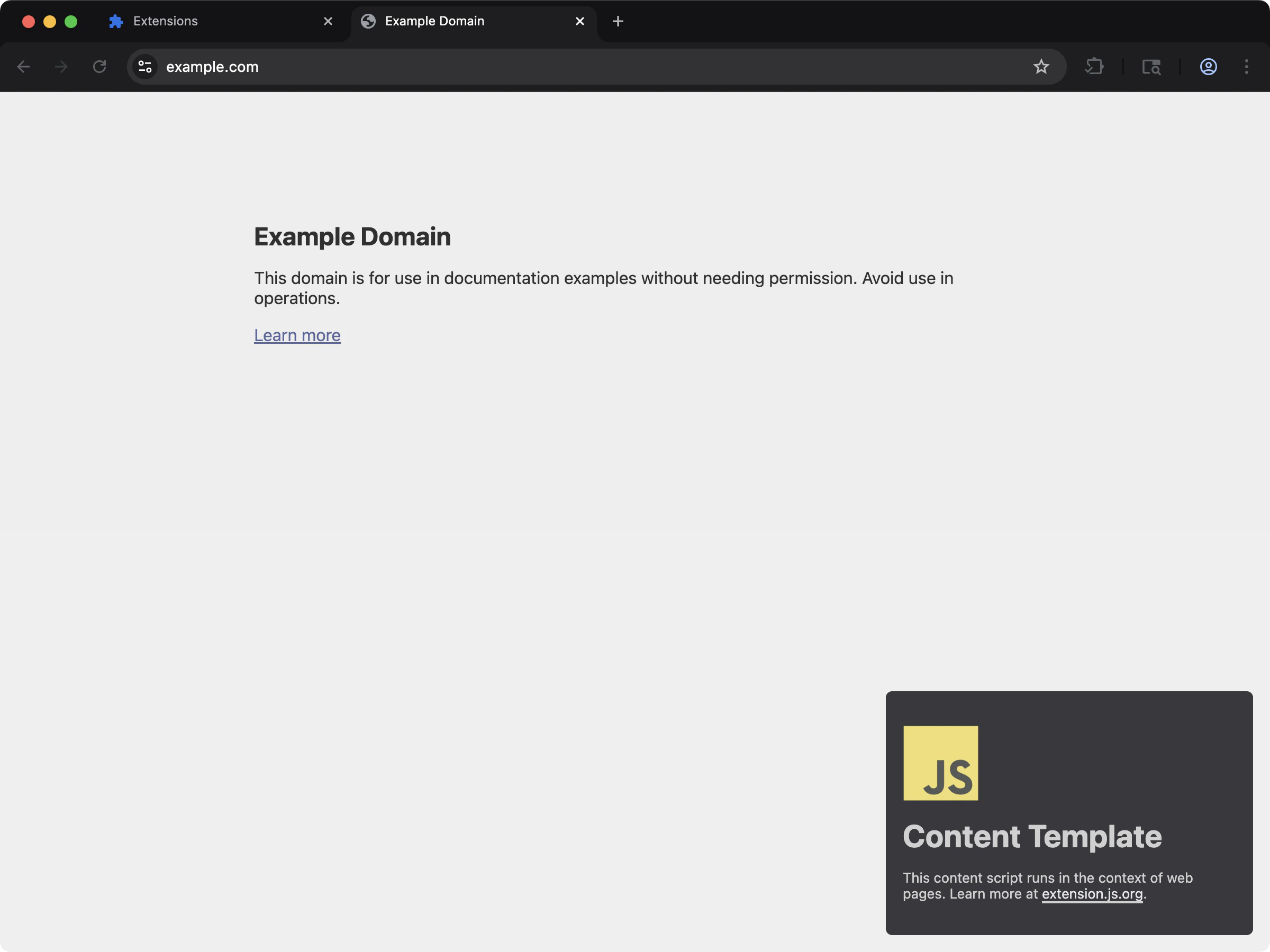 Inject script logic into page content while keeping ESM-style authoring.
```bash npm theme={null}
npx extension@latest create my-extension --template=content
```
```bash pnpm theme={null}
pnpx extension@latest create my-extension --template=content
```
```bash yarn theme={null}
yarn dlx extension@latest create my-extension --template=content
```
```bash bun theme={null}
bunx extension@latest create my-extension --template=content
```
```bash deno theme={null}
deno run -A npm:extension@latest create my-extension --template=content
```
Repository: [extension-js/examples/content](https://github.com/extension-js/examples/tree/main/examples/content)
## Usage with an existing extension
You can use ESM syntax directly in extension source files (`.js`, `.mjs`, `.ts`, `.tsx`, etc.) without custom bundler setup.
If your Node.js project configuration files should also run as ESM, set `"type": "module"` in `package.json`. This applies to custom scripts and configuration conventions:
```json theme={null}
{
"name": "my-extension",
"version": "1.0",
"description": "My Extension Example",
"type": "module",
"devDependencies": {
"extension": "latest"
},
"scripts": {
"dev": "extension dev",
"start": "extension start",
"build": "extension build"
}
}
```
## Manifest and service worker notes
For Manifest V3 background workers:
* Set `background.type` to `"module"` when you want native ES module loading in the service worker.
* Without module worker type, Extension.js uses classic worker loading (bundled scripts without native module syntax).
```json theme={null}
{
"background": {
"service_worker": "src/background.ts",
"type": "module"
}
}
```
## ESM vs CommonJS reminders
When writing ESM modules:
### Include file extensions in relative imports
```diff theme={null}
// my-file.mjs
import React from 'react'
// local imports
- import myImport from './myImport'
+ import myImport from './myImport.js'
```
### Interoperability with non-ESM modules can differ
When importing CommonJS packages from ESM, follow the compatibility guidance each package provides.
### CommonJS globals are not available in strict ESM contexts
Avoid relying on `require`, `module.exports`, `__filename`, and `__dirname` inside ESM modules.
## Handling environment variables in ECMAScript modules
Extension.js supports both:
* `process.env.EXTENSION_PUBLIC_*`
* `import.meta.env.EXTENSION_PUBLIC_*`
Use `EXTENSION_PUBLIC_` for variables you want available in extension code.
```js theme={null}
// example.mjs
console.log(import.meta.env.EXTENSION_PUBLIC_API_KEY);
console.log(process.env.EXTENSION_PUBLIC_API_KEY);
```
## Do imports need mandatory file extensions?
Node.js requires explicit file extensions in ESM import specifiers (`import "./util.js"`, never `import "./util"`). That rule applies to code Node runs directly, and it confuses people coming to extensions from server code.
In Extension.js the bundler resolves imports, not Node, so both styles work in extension code:
```js theme={null}
import { parse } from "./util"; // resolved by the bundler
import { parse } from "./util.js"; // also fine
```
Two places the Node rule still matters:
* Scripts your `package.json` runs with Node directly (build helpers, codegen): extensions are mandatory there.
* `.mjs` files shared between Node tooling and extension code: write extensions so both resolvers accept them.
## Next steps
* Learn more about [TypeScript](/docs/languages-and-frameworks/typescript).
* Explore how Extension.js handles [CSS modules](/docs/languages-and-frameworks/css-modules).
## Video walkthrough
Inject script logic into page content while keeping ESM-style authoring.
```bash npm theme={null}
npx extension@latest create my-extension --template=content
```
```bash pnpm theme={null}
pnpx extension@latest create my-extension --template=content
```
```bash yarn theme={null}
yarn dlx extension@latest create my-extension --template=content
```
```bash bun theme={null}
bunx extension@latest create my-extension --template=content
```
```bash deno theme={null}
deno run -A npm:extension@latest create my-extension --template=content
```
Repository: [extension-js/examples/content](https://github.com/extension-js/examples/tree/main/examples/content)
## Usage with an existing extension
You can use ESM syntax directly in extension source files (`.js`, `.mjs`, `.ts`, `.tsx`, etc.) without custom bundler setup.
If your Node.js project configuration files should also run as ESM, set `"type": "module"` in `package.json`. This applies to custom scripts and configuration conventions:
```json theme={null}
{
"name": "my-extension",
"version": "1.0",
"description": "My Extension Example",
"type": "module",
"devDependencies": {
"extension": "latest"
},
"scripts": {
"dev": "extension dev",
"start": "extension start",
"build": "extension build"
}
}
```
## Manifest and service worker notes
For Manifest V3 background workers:
* Set `background.type` to `"module"` when you want native ES module loading in the service worker.
* Without module worker type, Extension.js uses classic worker loading (bundled scripts without native module syntax).
```json theme={null}
{
"background": {
"service_worker": "src/background.ts",
"type": "module"
}
}
```
## ESM vs CommonJS reminders
When writing ESM modules:
### Include file extensions in relative imports
```diff theme={null}
// my-file.mjs
import React from 'react'
// local imports
- import myImport from './myImport'
+ import myImport from './myImport.js'
```
### Interoperability with non-ESM modules can differ
When importing CommonJS packages from ESM, follow the compatibility guidance each package provides.
### CommonJS globals are not available in strict ESM contexts
Avoid relying on `require`, `module.exports`, `__filename`, and `__dirname` inside ESM modules.
## Handling environment variables in ECMAScript modules
Extension.js supports both:
* `process.env.EXTENSION_PUBLIC_*`
* `import.meta.env.EXTENSION_PUBLIC_*`
Use `EXTENSION_PUBLIC_` for variables you want available in extension code.
```js theme={null}
// example.mjs
console.log(import.meta.env.EXTENSION_PUBLIC_API_KEY);
console.log(process.env.EXTENSION_PUBLIC_API_KEY);
```
## Do imports need mandatory file extensions?
Node.js requires explicit file extensions in ESM import specifiers (`import "./util.js"`, never `import "./util"`). That rule applies to code Node runs directly, and it confuses people coming to extensions from server code.
In Extension.js the bundler resolves imports, not Node, so both styles work in extension code:
```js theme={null}
import { parse } from "./util"; // resolved by the bundler
import { parse } from "./util.js"; // also fine
```
Two places the Node rule still matters:
* Scripts your `package.json` runs with Node directly (build helpers, codegen): extensions are mandatory there.
* `.mjs` files shared between Node tooling and extension code: write extensions so both resolvers accept them.
## Next steps
* Learn more about [TypeScript](/docs/languages-and-frameworks/typescript).
* Explore how Extension.js handles [CSS modules](/docs/languages-and-frameworks/css-modules).
## Video walkthrough