> ## Documentation Index
> Fetch the complete documentation index at: https://extension.js.org/llms.txt
> Use this file to discover all available pages before exploring further.
# Stylelint for browser extension CSS
> Catch CSS issues early and keep stylesheet quality consistent across browser extension surfaces. Stylelint runs via scripts or CI alongside Extension.js builds.
Keep stylesheet quality consistent across extension surfaces and catch CSS issues early. Stylelint runs through scripts or continuous integration (CI), not through the Extension.js dev/build pipeline.
## When Stylelint is a good fit
* You maintain shared CSS/Sass/Less across multiple extension surfaces.
* You want style-quality checks before pull requests merge.
* You need consistent stylesheet conventions in team workflows.
## Stylelint capabilities
| Capability | What it gives you |
| ------------------------- | ---------------------------------------------------- |
| CSS quality checks | Catch invalid patterns and enforce style conventions |
| Preprocessor support | Lint CSS, Sass, and Less in one workflow |
| Script and CI integration | Run style checks before merge and release |
| Formatter alignment | Combine with Prettier to reduce style-tool conflicts |
## Template examples
### Stylelint configuration template
Preconfigured setup for style linting.
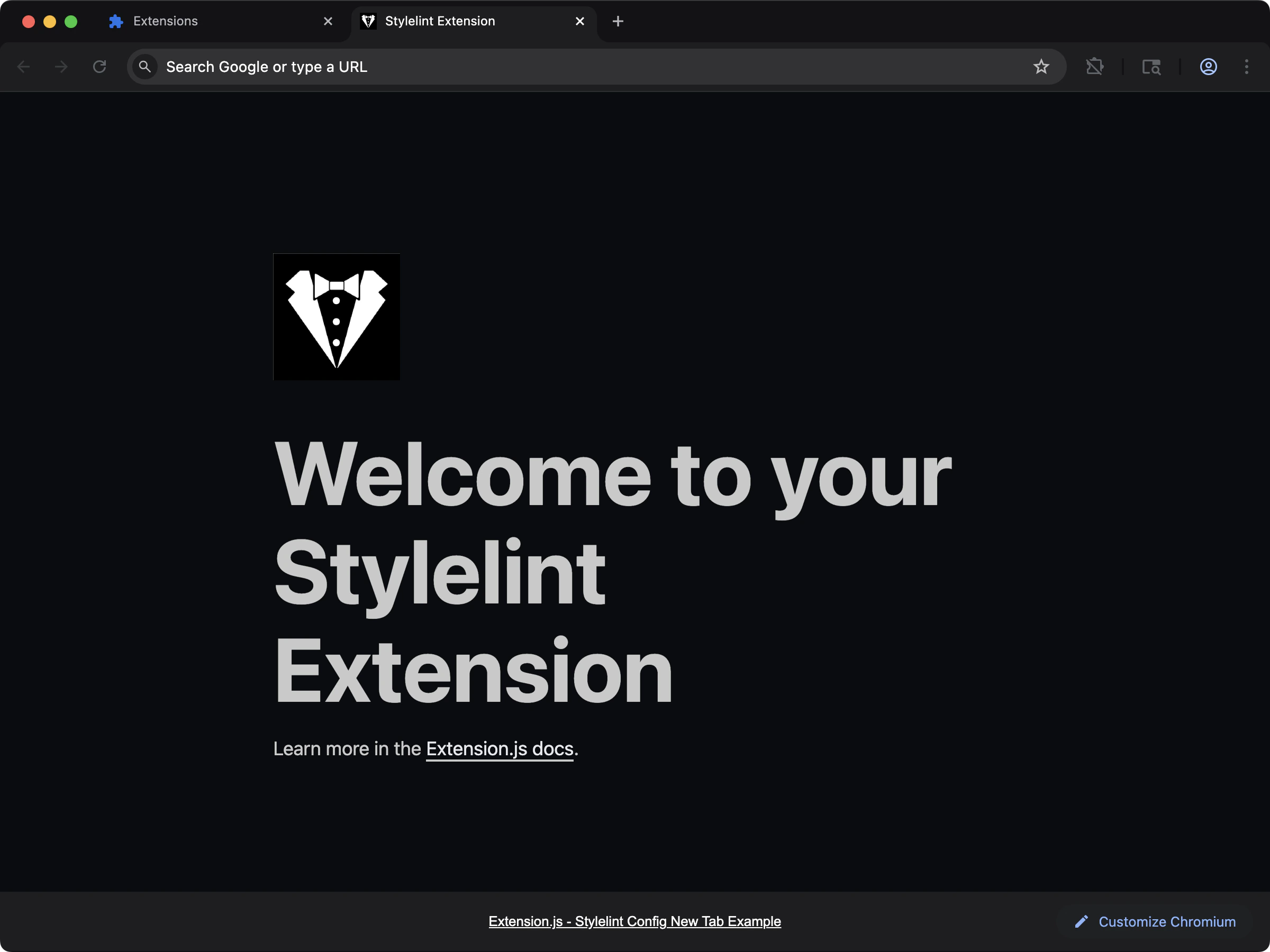 ```bash npm theme={null}
npx extension@latest create my-extension --template=new-config-stylelint
```
```bash pnpm theme={null}
pnpx extension@latest create my-extension --template=new-config-stylelint
```
```bash yarn theme={null}
yarn dlx extension@latest create my-extension --template=new-config-stylelint
```
```bash bun theme={null}
bunx extension@latest create my-extension --template=new-config-stylelint
```
```bash deno theme={null}
deno run -A npm:extension@latest create my-extension --template=new-config-stylelint
```
Repository: [examples/new-config-stylelint](https://github.com/extension-js/examples/tree/main/examples/new-config-stylelint)
## Usage with an existing extension
Install Stylelint dependencies:
### Stylelint configuration
Create a Stylelint configuration file at the project root (for example, `.stylelintrc.json`):
```json theme={null}
{
"extends": "stylelint-config-standard-scss",
"rules": {
"color-no-invalid-hex": true,
"block-no-empty": true
}
}
```
### Run Stylelint
```bash npm theme={null}
npm run lint:styles
```
```bash pnpm theme={null}
pnpm lint:styles
```
```bash yarn theme={null}
yarn lint:styles
```
```bash bun theme={null}
bun run lint:styles
```
```bash deno theme={null}
deno task lint:styles
```
If you do not have a script yet:
## Integration with Prettier
Integrate Stylelint with Prettier to format and lint your styles together. Install the following dependencies:
Then, update your `.stylelintrc.json` file to include Prettier:
```json theme={null}
{
"extends": [
"stylelint-config-standard-scss",
"stylelint-prettier/recommended"
]
}
```
This keeps style formatting and linting concerns aligned.
## Best practices
* Keep a dedicated `lint:styles` command and run it in CI.
* Use one shared configuration across extension packages in monorepos.
* Pair Stylelint and Prettier so style formatting stays deterministic.
## Detection notes
Extension.js can detect Stylelint configuration files for diagnostics/reporting, but it does not inject Stylelint into the build pipeline.
## Next steps
* Learn how to integrate [Prettier](/docs/integrations/prettier) into your formatting workflow.
* Configure [PostCSS](/docs/integrations/postcss) for stylesheet transforms.
```bash npm theme={null}
npx extension@latest create my-extension --template=new-config-stylelint
```
```bash pnpm theme={null}
pnpx extension@latest create my-extension --template=new-config-stylelint
```
```bash yarn theme={null}
yarn dlx extension@latest create my-extension --template=new-config-stylelint
```
```bash bun theme={null}
bunx extension@latest create my-extension --template=new-config-stylelint
```
```bash deno theme={null}
deno run -A npm:extension@latest create my-extension --template=new-config-stylelint
```
Repository: [examples/new-config-stylelint](https://github.com/extension-js/examples/tree/main/examples/new-config-stylelint)
## Usage with an existing extension
Install Stylelint dependencies:
### Stylelint configuration
Create a Stylelint configuration file at the project root (for example, `.stylelintrc.json`):
```json theme={null}
{
"extends": "stylelint-config-standard-scss",
"rules": {
"color-no-invalid-hex": true,
"block-no-empty": true
}
}
```
### Run Stylelint
```bash npm theme={null}
npm run lint:styles
```
```bash pnpm theme={null}
pnpm lint:styles
```
```bash yarn theme={null}
yarn lint:styles
```
```bash bun theme={null}
bun run lint:styles
```
```bash deno theme={null}
deno task lint:styles
```
If you do not have a script yet:
## Integration with Prettier
Integrate Stylelint with Prettier to format and lint your styles together. Install the following dependencies:
Then, update your `.stylelintrc.json` file to include Prettier:
```json theme={null}
{
"extends": [
"stylelint-config-standard-scss",
"stylelint-prettier/recommended"
]
}
```
This keeps style formatting and linting concerns aligned.
## Best practices
* Keep a dedicated `lint:styles` command and run it in CI.
* Use one shared configuration across extension packages in monorepos.
* Pair Stylelint and Prettier so style formatting stays deterministic.
## Detection notes
Extension.js can detect Stylelint configuration files for diagnostics/reporting, but it does not inject Stylelint into the build pipeline.
## Next steps
* Learn how to integrate [Prettier](/docs/integrations/prettier) into your formatting workflow.
* Configure [PostCSS](/docs/integrations/postcss) for stylesheet transforms.