> ## Documentation Index
> Fetch the complete documentation index at: https://extension.js.org/llms.txt
> Use this file to discover all available pages before exploring further.
# Prettier for browser extensions
> Keep formatting consistent across your browser extension codebase with Prettier. Runs from scripts, editor plugins, and CI outside the Extension.js pipeline.
Keep formatting consistent across the extension codebase with minimal manual effort. Prettier runs from scripts, editor integration, and continuous integration (CI). It does not run inside the Extension.js build pipeline.
## When Prettier is a good fit
* You want deterministic formatting in local and CI workflows.
* You are onboarding contributors and need low-friction style consistency.
* You want ESLint to focus on correctness while Prettier handles formatting.
## Prettier capabilities
| Capability | What it gives you |
| -------------------------- | -------------------------------------------------------- |
| Consistent formatting | One shared style for JS, TS, JSON, CSS, and Markdown |
| Script and editor workflow | Format on save locally and enforce in CI |
| Lint conflict reduction | Pair with `eslint-config-prettier` to avoid rule overlap |
| Low-maintenance defaults | Adopt a stable baseline with minimal configuration |
## Template examples
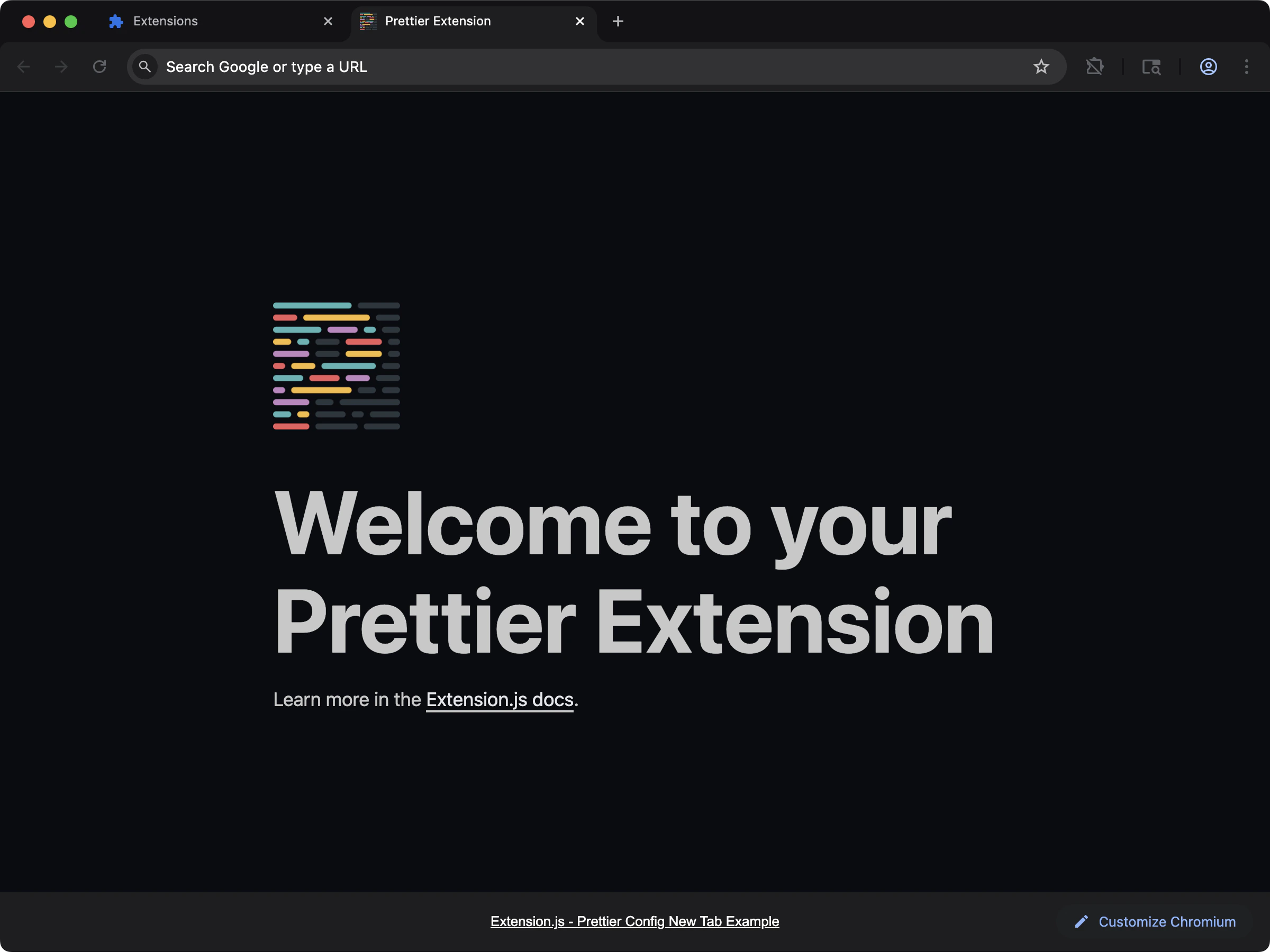
### Prettier configuration template
Preconfigured formatter setup for new projects.
 ```bash npm theme={null}
npx extension@latest create my-extension --template=new-config-prettier
```
```bash pnpm theme={null}
pnpx extension@latest create my-extension --template=new-config-prettier
```
```bash yarn theme={null}
yarn dlx extension@latest create my-extension --template=new-config-prettier
```
```bash bun theme={null}
bunx extension@latest create my-extension --template=new-config-prettier
```
```bash bun theme={null}
bunx extension@latest create my-extension --template=new-config-prettier
```
Repository: [examples/new-config-prettier](https://github.com/extension-js/examples/tree/main/examples/new-config-prettier)
## Usage with an existing extension
Install Prettier:
Create a configuration file (for example, `.prettierrc`):
```json theme={null}
{
"semi": false,
"singleQuote": true,
"trailingComma": "none",
"printWidth": 80,
"tabWidth": 2,
"arrowParens": "always"
}
```
Run Prettier from scripts or manually:
```bash npm theme={null}
npm run format
```
```bash pnpm theme={null}
pnpm format
```
```bash yarn theme={null}
yarn format
```
```bash bun theme={null}
bun run format
```
```bash bun theme={null}
bun run format
```
If no format script exists yet:
## Integration with ESLint
To avoid formatting-rule conflicts in ESLint, install:
Then add `eslint-config-prettier` in your ESLint configuration chain so ESLint defers formatting concerns to Prettier.
## Best practices
* Keep formatting automatic in editor and CI, not manual.
* Use `--check` in CI and `--write` locally.
* Format staged files pre-commit in larger repositories.
## Next steps
* Learn how to configure [ESLint](/docs/integrations/eslint).
* Add stylesheet linting with [Stylelint](/docs/integrations/stylelint).
```bash npm theme={null}
npx extension@latest create my-extension --template=new-config-prettier
```
```bash pnpm theme={null}
pnpx extension@latest create my-extension --template=new-config-prettier
```
```bash yarn theme={null}
yarn dlx extension@latest create my-extension --template=new-config-prettier
```
```bash bun theme={null}
bunx extension@latest create my-extension --template=new-config-prettier
```
```bash bun theme={null}
bunx extension@latest create my-extension --template=new-config-prettier
```
Repository: [examples/new-config-prettier](https://github.com/extension-js/examples/tree/main/examples/new-config-prettier)
## Usage with an existing extension
Install Prettier:
Create a configuration file (for example, `.prettierrc`):
```json theme={null}
{
"semi": false,
"singleQuote": true,
"trailingComma": "none",
"printWidth": 80,
"tabWidth": 2,
"arrowParens": "always"
}
```
Run Prettier from scripts or manually:
```bash npm theme={null}
npm run format
```
```bash pnpm theme={null}
pnpm format
```
```bash yarn theme={null}
yarn format
```
```bash bun theme={null}
bun run format
```
```bash bun theme={null}
bun run format
```
If no format script exists yet:
## Integration with ESLint
To avoid formatting-rule conflicts in ESLint, install:
Then add `eslint-config-prettier` in your ESLint configuration chain so ESLint defers formatting concerns to Prettier.
## Best practices
* Keep formatting automatic in editor and CI, not manual.
* Use `--check` in CI and `--write` locally.
* Format staged files pre-commit in larger repositories.
## Next steps
* Learn how to configure [ESLint](/docs/integrations/eslint).
* Add stylesheet linting with [Stylelint](/docs/integrations/stylelint).