> ## Documentation Index
> Fetch the complete documentation index at: https://extension.js.org/llms.txt
> Use this file to discover all available pages before exploring further.
# ESLint integration for code quality
> Keep extension code quality consistent with ESLint. Runs outside the Extension.js build pipeline through your scripts or CI for predictable results.
Keep extension code quality predictable before issues reach runtime. ESLint runs outside the build pipeline. Run it from your scripts or continuous integration (CI).
## When ESLint is a good fit
* You want consistent code standards across team contributions.
* You need CI checks that catch common JS/TS mistakes early.
* You are enforcing extension-specific quality rules before release.
## ESLint capabilities
| Capability | What it gives you |
| --------------------------------- | ------------------------------------------------------------------------ |
| JavaScript and TypeScript linting | Catch common mistakes and enforce project standards |
| Flat config support | Use modern `eslint.config.mjs` in new projects |
| CI-friendly execution | Run lint checks in local scripts and pull request pipelines |
| Extension-specific rulesets | Add browser-extension plugins/rules when your team needs stricter checks |
## Template examples
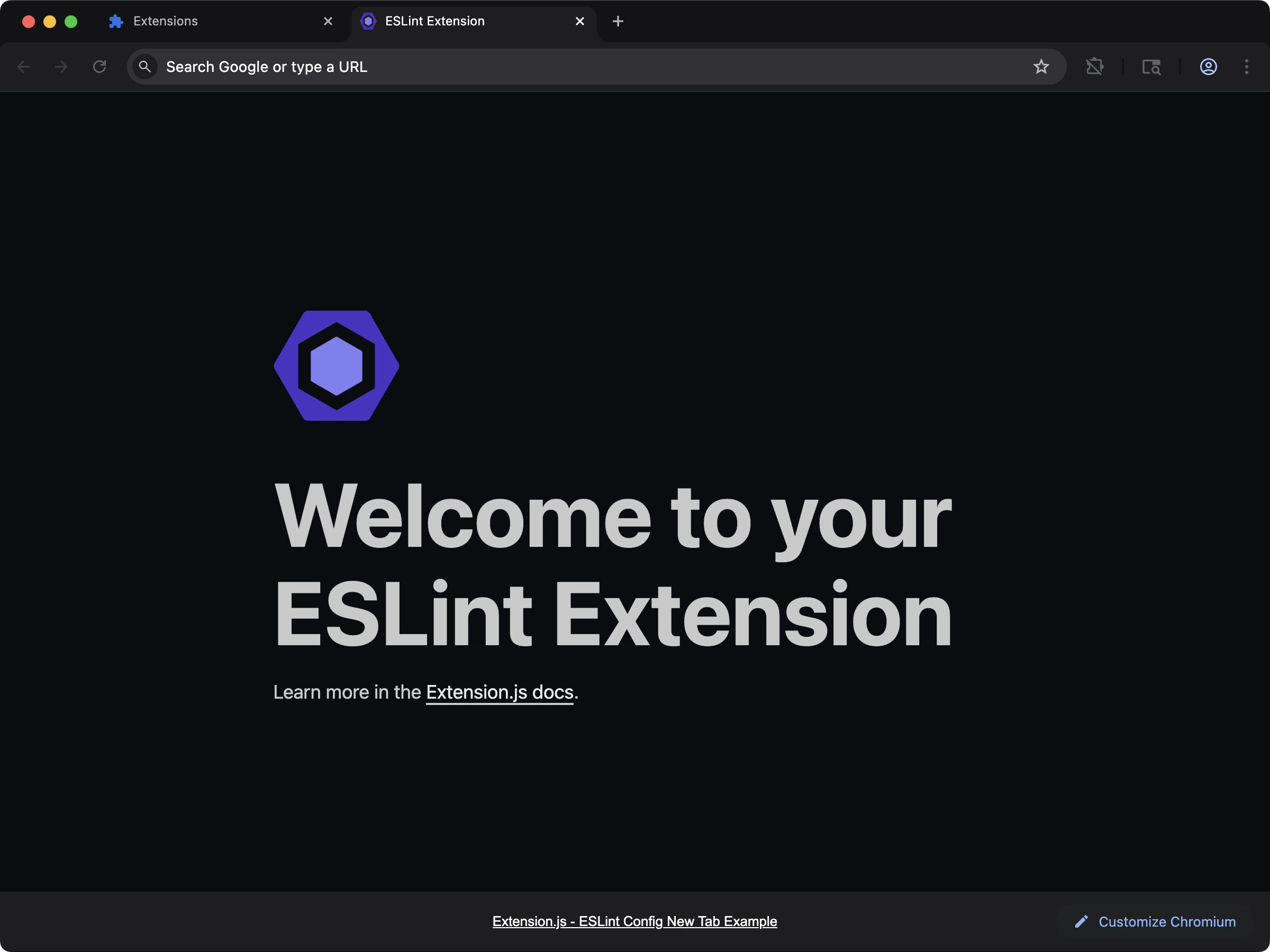
### ESLint configuration template
Preconfigured lint setup you can use immediately.
 ```bash npm theme={null}
npx extension@latest create my-extension --template=new-config-eslint
```
```bash pnpm theme={null}
pnpx extension@latest create my-extension --template=new-config-eslint
```
```bash yarn theme={null}
yarn dlx extension@latest create my-extension --template=new-config-eslint
```
```bash bun theme={null}
bunx extension@latest create my-extension --template=new-config-eslint
```
```bash deno theme={null}
deno run -A npm:extension@latest create my-extension --template=new-config-eslint
```
Repository: [examples/new-config-eslint](https://github.com/extension-js/examples/tree/main/examples/new-config-eslint)
## Usage with an existing extension
Install the core packages:
Create `eslint.config.mjs`:
```js theme={null}
import globals from "globals";
import pluginJs from "@eslint/js";
import tseslint from "typescript-eslint";
export default [
{ files: ["**/*.{js,mjs,cjs,ts,tsx,jsx}"] },
{
languageOptions: {
globals: globals.browser,
},
},
pluginJs.configs.recommended,
...tseslint.configs.recommended,
];
```
Run lint commands from your scripts:
```bash npm theme={null}
npm run lint
```
```bash pnpm theme={null}
pnpm lint
```
```bash yarn theme={null}
yarn lint
```
```bash bun theme={null}
bun run lint
```
```bash deno theme={null}
deno task lint
```
If no script exists yet, run:
## Best practices
* Keep lint rules in source control and apply them in CI.
* Use lint-staged or pre-commit hooks for faster local feedback.
* Add framework-specific plugins (for example, React) only when needed.
## Next steps
* Integrate [Prettier](/docs/integrations/prettier) to avoid formatting-rule conflicts.
* Add [Stylelint](/docs/integrations/stylelint) for stylesheet linting.
```bash npm theme={null}
npx extension@latest create my-extension --template=new-config-eslint
```
```bash pnpm theme={null}
pnpx extension@latest create my-extension --template=new-config-eslint
```
```bash yarn theme={null}
yarn dlx extension@latest create my-extension --template=new-config-eslint
```
```bash bun theme={null}
bunx extension@latest create my-extension --template=new-config-eslint
```
```bash deno theme={null}
deno run -A npm:extension@latest create my-extension --template=new-config-eslint
```
Repository: [examples/new-config-eslint](https://github.com/extension-js/examples/tree/main/examples/new-config-eslint)
## Usage with an existing extension
Install the core packages:
Create `eslint.config.mjs`:
```js theme={null}
import globals from "globals";
import pluginJs from "@eslint/js";
import tseslint from "typescript-eslint";
export default [
{ files: ["**/*.{js,mjs,cjs,ts,tsx,jsx}"] },
{
languageOptions: {
globals: globals.browser,
},
},
pluginJs.configs.recommended,
...tseslint.configs.recommended,
];
```
Run lint commands from your scripts:
```bash npm theme={null}
npm run lint
```
```bash pnpm theme={null}
pnpm lint
```
```bash yarn theme={null}
yarn lint
```
```bash bun theme={null}
bun run lint
```
```bash deno theme={null}
deno task lint
```
If no script exists yet, run:
## Best practices
* Keep lint rules in source control and apply them in CI.
* Use lint-staged or pre-commit hooks for faster local feedback.
* Add framework-specific plugins (for example, React) only when needed.
## Next steps
* Integrate [Prettier](/docs/integrations/prettier) to avoid formatting-rule conflicts.
* Add [Stylelint](/docs/integrations/stylelint) for stylesheet linting.