> ## Documentation Index
> Fetch the complete documentation index at: https://extension.js.org/llms.txt
> Use this file to discover all available pages before exploring further.
# JavaScript and TypeScript in extensions
> Ship JavaScript and TypeScript across background, content scripts, and UI pages with one Extension.js pipeline powered by Rspack and SWC transforms.
Ship extension behavior across background, content scripts, and UI pages with one JavaScript/TypeScript pipeline.
Extension.js collects script entrypoints from `manifest.json`, HTML pages, and special folders. It compiles them with the default SWC (Speedy Web Compiler)-based setup.
## Template examples
### `javascript`
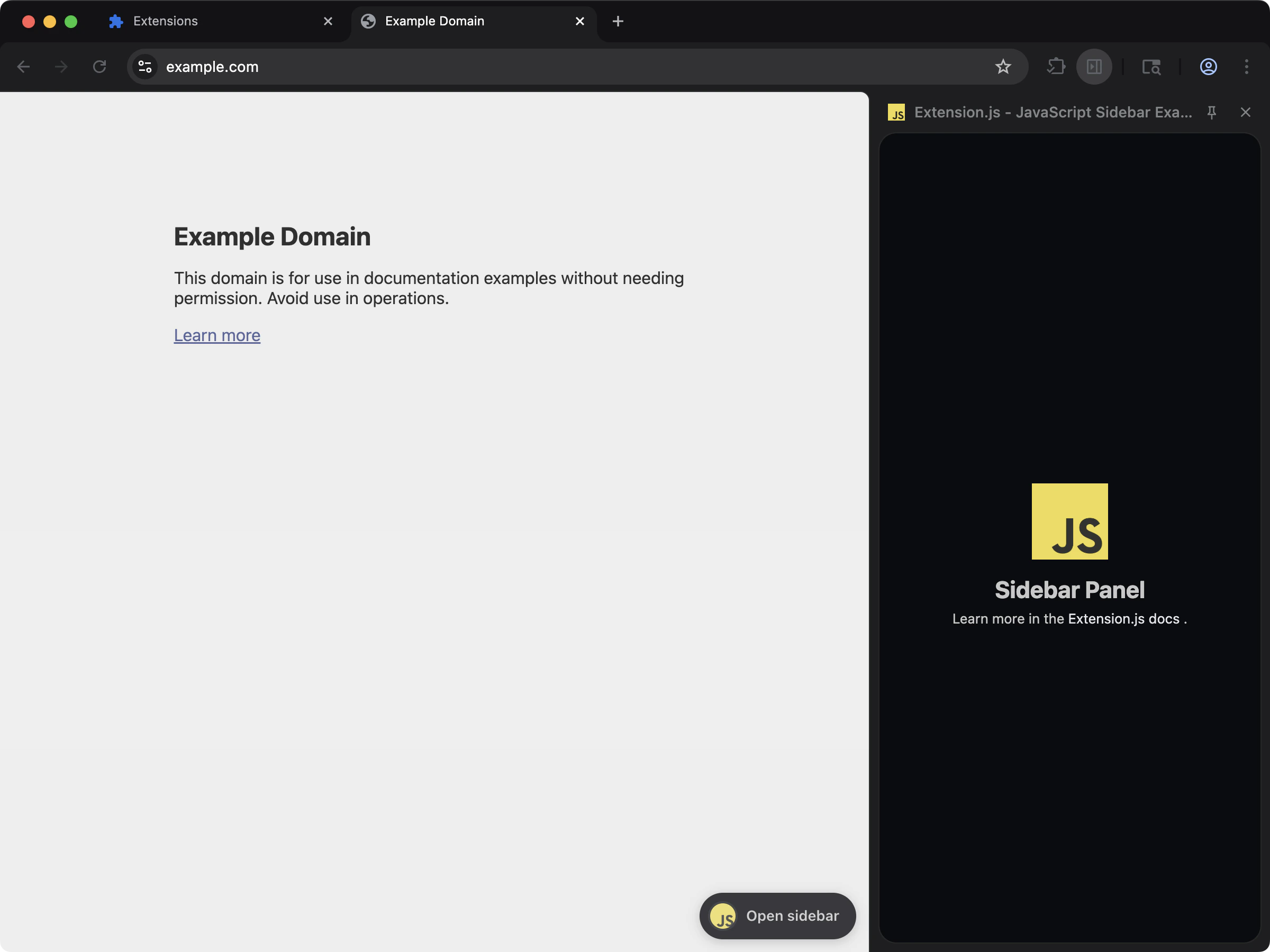 Vanilla JavaScript extension with a new-tab page.
```bash npm theme={null}
npx extension@latest create my-extension --template=javascript
```
```bash pnpm theme={null}
pnpx extension@latest create my-extension --template=javascript
```
```bash yarn theme={null}
yarn dlx extension@latest create my-extension --template=javascript
```
```bash bun theme={null}
bunx extension@latest create my-extension --template=javascript
```
```bash deno theme={null}
deno run -A npm:extension@latest create my-extension --template=javascript
```
Repository: [extension-js/examples/javascript](https://github.com/extension-js/examples/tree/main/examples/javascript)
### `content`
Vanilla JavaScript extension with a new-tab page.
```bash npm theme={null}
npx extension@latest create my-extension --template=javascript
```
```bash pnpm theme={null}
pnpx extension@latest create my-extension --template=javascript
```
```bash yarn theme={null}
yarn dlx extension@latest create my-extension --template=javascript
```
```bash bun theme={null}
bunx extension@latest create my-extension --template=javascript
```
```bash deno theme={null}
deno run -A npm:extension@latest create my-extension --template=javascript
```
Repository: [extension-js/examples/javascript](https://github.com/extension-js/examples/tree/main/examples/javascript)
### `content`
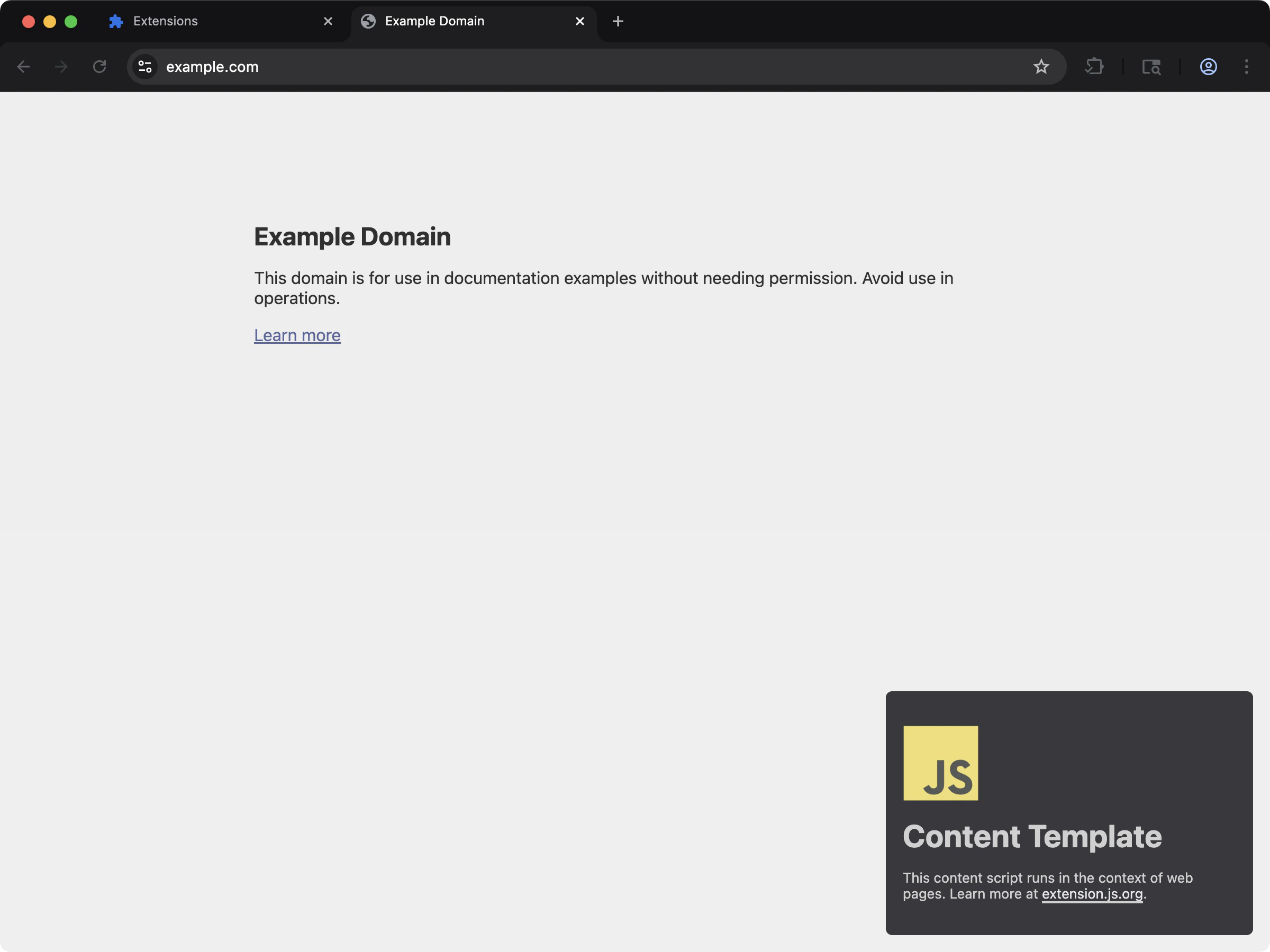 Vanilla JavaScript content script injected into web pages.
```bash npm theme={null}
npx extension@latest create my-extension --template=content
```
```bash pnpm theme={null}
pnpx extension@latest create my-extension --template=content
```
```bash yarn theme={null}
yarn dlx extension@latest create my-extension --template=content
```
```bash bun theme={null}
bunx extension@latest create my-extension --template=content
```
```bash deno theme={null}
deno run -A npm:extension@latest create my-extension --template=content
```
Repository: [extension-js/examples/content](https://github.com/extension-js/examples/tree/main/examples/content)
## JavaScript capabilities
| Capability | What it gives you |
| --------------------- | -------------------------------------------------------------- |
| Shared JS/TS pipeline | Compile extension scripts with one default transformer setup |
| Entrypoint discovery | Load script entries from manifest, pages, and special folders |
| Runtime-safe outputs | Emit predictable script artifacts for each extension context |
| Path normalization | Rewrite supported extension-path literals to output-safe paths |
## Supported script entrypoints
| Manifest field | File type expected |
| --------------------------- | ---------------------------- |
| `background.service_worker` | `.js`, `.ts`, `.mjs`, `.tsx` |
| `background.scripts` | `.js`, `.ts`, `.mjs`, `.tsx` |
| `content_scripts.js` | `.js`, `.ts`, `.mjs`, `.tsx` |
| `user_scripts.api_script` | `.js`, `.ts`, `.mjs`, `.tsx` |
## Sample script declaration in `manifest.json`
Example script declaration in `manifest.json`:
```json theme={null}
{
"manifest_version": 3,
"name": "My Extension",
"version": "1.0.0",
"background": {
"service_worker": "./scripts/background.ts"
},
"content_scripts": [
{
"matches": [""],
"js": ["./scripts/content-script.ts"]
}
]
}
```
## Development behavior
* **Content scripts:** Extension.js injects hot module replacement (HMR)/remount flow for fast updates.
* **Extension pages:** Page scripts follow page HMR behavior.
* **Background/service worker:** Script updates can trigger a hard extension reload depending on the change type.
* **Entrypoint list changes:** Changing manifest script structure may require a dev server restart.
## Script locations and conventions
* Use `scripts/` at project root for script-centric extension entries.
* Use `pages/` for HTML entrypoints with their own scripts.
* Keep manifest-referenced paths stable; avoid moving entry files without updating manifest.
## Transform and bundling defaults
* SWC is the default transformer for JS/TS/JSX/TSX.
* Extension.js uses browser-first `package.json` field resolution (`browser`, `module`, `main`).
* Extension.js emits entries predictably and does not split code into separate output files by default.
* Path resolution rewrites static extension-path literals in supported APIs.
## Dynamic import caveats
* Content-script dynamic import has runtime constraints; Extension.js uses loader fallbacks where possible.
* Service worker lazy-loading has browser limitations; prefer eager imports in code that must be available immediately when the service worker starts.
## Best practices
* Keep entry scripts thin and move feature logic into shared modules.
* Prefer static import paths for extension APIs so path resolution can normalize them safely.
* Avoid unnecessary dynamic import in content scripts and service workers.
* Treat manifest script list edits as structural changes in development workflows.
## Next steps
* Understand update outcomes in [dev update behavior](/docs/workflows/dev-update-behavior).
* Learn how to structure files with [Special folders](/docs/features/special-folders).
* Continue with [background scripts and service workers](/docs/implementation-guide/background).
Vanilla JavaScript content script injected into web pages.
```bash npm theme={null}
npx extension@latest create my-extension --template=content
```
```bash pnpm theme={null}
pnpx extension@latest create my-extension --template=content
```
```bash yarn theme={null}
yarn dlx extension@latest create my-extension --template=content
```
```bash bun theme={null}
bunx extension@latest create my-extension --template=content
```
```bash deno theme={null}
deno run -A npm:extension@latest create my-extension --template=content
```
Repository: [extension-js/examples/content](https://github.com/extension-js/examples/tree/main/examples/content)
## JavaScript capabilities
| Capability | What it gives you |
| --------------------- | -------------------------------------------------------------- |
| Shared JS/TS pipeline | Compile extension scripts with one default transformer setup |
| Entrypoint discovery | Load script entries from manifest, pages, and special folders |
| Runtime-safe outputs | Emit predictable script artifacts for each extension context |
| Path normalization | Rewrite supported extension-path literals to output-safe paths |
## Supported script entrypoints
| Manifest field | File type expected |
| --------------------------- | ---------------------------- |
| `background.service_worker` | `.js`, `.ts`, `.mjs`, `.tsx` |
| `background.scripts` | `.js`, `.ts`, `.mjs`, `.tsx` |
| `content_scripts.js` | `.js`, `.ts`, `.mjs`, `.tsx` |
| `user_scripts.api_script` | `.js`, `.ts`, `.mjs`, `.tsx` |
## Sample script declaration in `manifest.json`
Example script declaration in `manifest.json`:
```json theme={null}
{
"manifest_version": 3,
"name": "My Extension",
"version": "1.0.0",
"background": {
"service_worker": "./scripts/background.ts"
},
"content_scripts": [
{
"matches": [""],
"js": ["./scripts/content-script.ts"]
}
]
}
```
## Development behavior
* **Content scripts:** Extension.js injects hot module replacement (HMR)/remount flow for fast updates.
* **Extension pages:** Page scripts follow page HMR behavior.
* **Background/service worker:** Script updates can trigger a hard extension reload depending on the change type.
* **Entrypoint list changes:** Changing manifest script structure may require a dev server restart.
## Script locations and conventions
* Use `scripts/` at project root for script-centric extension entries.
* Use `pages/` for HTML entrypoints with their own scripts.
* Keep manifest-referenced paths stable; avoid moving entry files without updating manifest.
## Transform and bundling defaults
* SWC is the default transformer for JS/TS/JSX/TSX.
* Extension.js uses browser-first `package.json` field resolution (`browser`, `module`, `main`).
* Extension.js emits entries predictably and does not split code into separate output files by default.
* Path resolution rewrites static extension-path literals in supported APIs.
## Dynamic import caveats
* Content-script dynamic import has runtime constraints; Extension.js uses loader fallbacks where possible.
* Service worker lazy-loading has browser limitations; prefer eager imports in code that must be available immediately when the service worker starts.
## Best practices
* Keep entry scripts thin and move feature logic into shared modules.
* Prefer static import paths for extension APIs so path resolution can normalize them safely.
* Avoid unnecessary dynamic import in content scripts and service workers.
* Treat manifest script list edits as structural changes in development workflows.
## Next steps
* Understand update outcomes in [dev update behavior](/docs/workflows/dev-update-behavior).
* Learn how to structure files with [Special folders](/docs/features/special-folders).
* Continue with [background scripts and service workers](/docs/implementation-guide/background).