> ## Documentation Index
> Fetch the complete documentation index at: https://extension.js.org/llms.txt
> Use this file to discover all available pages before exploring further.
# Extension icons and manifest declarations
> Declare extension icons in manifest fields for branding and action UI. Extension.js validates paths, rewrites references, and emits icon assets.
Keep extension branding and action UI consistent by declaring icons in manifest fields that Extension.js can validate, rewrite, and emit predictably.
Extension.js processes icon paths from `manifest.json`, resolves public/relative paths, emits icon assets, and watches icon files during development.
## Template example
### `action`
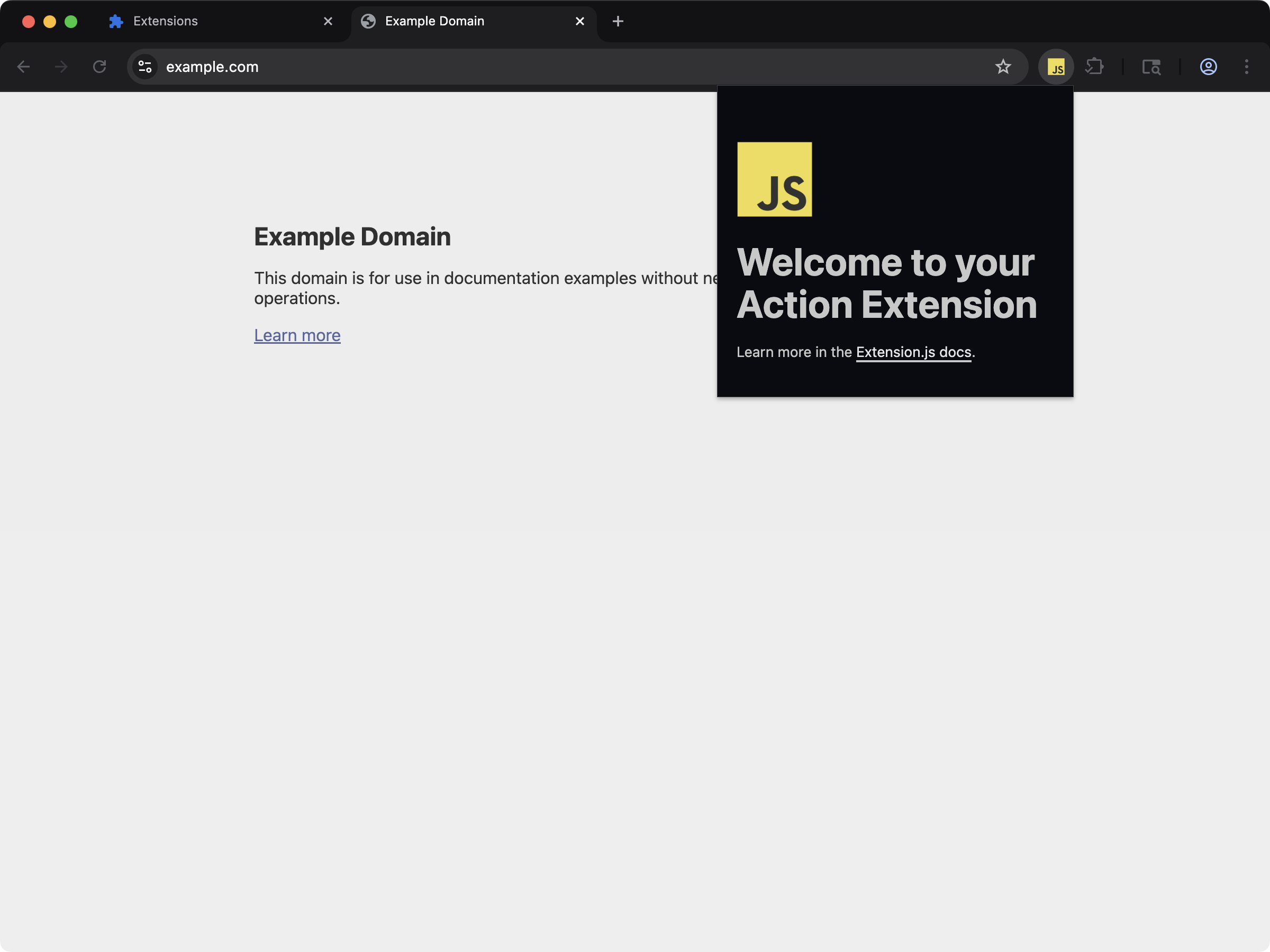 An action extension with toolbar icons declared in `manifest.json`.
```bash npm theme={null}
npx extension@latest create my-extension --template=action
```
```bash pnpm theme={null}
pnpx extension@latest create my-extension --template=action
```
```bash yarn theme={null}
yarn dlx extension@latest create my-extension --template=action
```
```bash bun theme={null}
bunx extension@latest create my-extension --template=action
```
```bash deno theme={null}
deno run -A npm:extension@latest create my-extension --template=action
```
Repository: [extension-js/examples/action](https://github.com/extension-js/examples/tree/main/examples/action)
## Icon capabilities
| Capability | What it gives you |
| --------------------------- | ----------------------------------------------------------- |
| Manifest icon field support | Validate and compile icons for supported extension surfaces |
| Path resolution | Handle relative and public-root icon paths consistently |
| Dev watch updates | Recompile icon changes during local development |
| Browser-safe output | Emit icon assets in extension output with stable references |
## Supported icon fields
| Manifest field | File type expected |
| ----------------------------- | --------------------- |
| `action.default_icon` | .png, .jpg, .svg |
| `browser_action.default_icon` | .png, .jpg, .svg |
| `icons` | .png, .jpg, .svg |
| `page_action.default_icon` | .png, .jpg, .svg |
| `sidebar_action.default_icon` | .png, .jpg, .svg (\*) |
| `browser_action.theme_icons` | .png, .jpg, .svg |
Support for `.svg` is currently partial in some browsers for
`sidebar_action.default_icon`. Review browser compatibility before using SVGs
in this context.
## Sample icon declaration in `manifest.json`
```json theme={null}
{
"manifest_version": 3,
"name": "My Extension",
"version": "1.0.0",
"icons": {
"16": "icons/icon-16.png",
"48": "icons/icon-48.png",
"128": "icons/icon-128.png"
},
"action": {
"default_icon": "icons/action-icon.png"
}
}
```
## Output path
Typical icon outputs:
```plaintext theme={null}
icons/
browser_action/ # for theme_icons
```
## Path behavior
* Extension.js resolves relative icon paths from the manifest folder.
* Leading `/` and `public/...` resolve to extension public-root semantics.
* Extension.js can watch public-folder assets without re-emitting them through the icon feature itself.
## Development behavior
* Changing existing icon files triggers recompilation.
* Changing manifest icon entrypoint references can require restarting the dev server.
* Missing required icon files produce build errors (some optional icon groups can warn instead).
## Best practices
* Declare manifest icon fields explicitly instead of relying on incidental asset imports.
* Provide multiple icon sizes (`16`, `32`, `48`, `128`) for sharper UI across browser surfaces.
* Keep icon filenames stable to reduce manifest churn during development.
* Use public-root paths intentionally and test resulting manifest output paths.
## Next steps
* Continue with [web-accessible resources](/docs/implementation-guide/web-accessible-resources).
* Learn more about [Special folders](/docs/features/special-folders).
An action extension with toolbar icons declared in `manifest.json`.
```bash npm theme={null}
npx extension@latest create my-extension --template=action
```
```bash pnpm theme={null}
pnpx extension@latest create my-extension --template=action
```
```bash yarn theme={null}
yarn dlx extension@latest create my-extension --template=action
```
```bash bun theme={null}
bunx extension@latest create my-extension --template=action
```
```bash deno theme={null}
deno run -A npm:extension@latest create my-extension --template=action
```
Repository: [extension-js/examples/action](https://github.com/extension-js/examples/tree/main/examples/action)
## Icon capabilities
| Capability | What it gives you |
| --------------------------- | ----------------------------------------------------------- |
| Manifest icon field support | Validate and compile icons for supported extension surfaces |
| Path resolution | Handle relative and public-root icon paths consistently |
| Dev watch updates | Recompile icon changes during local development |
| Browser-safe output | Emit icon assets in extension output with stable references |
## Supported icon fields
| Manifest field | File type expected |
| ----------------------------- | --------------------- |
| `action.default_icon` | .png, .jpg, .svg |
| `browser_action.default_icon` | .png, .jpg, .svg |
| `icons` | .png, .jpg, .svg |
| `page_action.default_icon` | .png, .jpg, .svg |
| `sidebar_action.default_icon` | .png, .jpg, .svg (\*) |
| `browser_action.theme_icons` | .png, .jpg, .svg |
Support for `.svg` is currently partial in some browsers for
`sidebar_action.default_icon`. Review browser compatibility before using SVGs
in this context.
## Sample icon declaration in `manifest.json`
```json theme={null}
{
"manifest_version": 3,
"name": "My Extension",
"version": "1.0.0",
"icons": {
"16": "icons/icon-16.png",
"48": "icons/icon-48.png",
"128": "icons/icon-128.png"
},
"action": {
"default_icon": "icons/action-icon.png"
}
}
```
## Output path
Typical icon outputs:
```plaintext theme={null}
icons/
browser_action/ # for theme_icons
```
## Path behavior
* Extension.js resolves relative icon paths from the manifest folder.
* Leading `/` and `public/...` resolve to extension public-root semantics.
* Extension.js can watch public-folder assets without re-emitting them through the icon feature itself.
## Development behavior
* Changing existing icon files triggers recompilation.
* Changing manifest icon entrypoint references can require restarting the dev server.
* Missing required icon files produce build errors (some optional icon groups can warn instead).
## Best practices
* Declare manifest icon fields explicitly instead of relying on incidental asset imports.
* Provide multiple icon sizes (`16`, `32`, `48`, `128`) for sharper UI across browser surfaces.
* Keep icon filenames stable to reduce manifest churn during development.
* Use public-root paths intentionally and test resulting manifest output paths.
## Next steps
* Continue with [web-accessible resources](/docs/implementation-guide/web-accessible-resources).
* Learn more about [Special folders](/docs/features/special-folders).