> ## Documentation Index
> Fetch the complete documentation index at: https://extension.js.org/llms.txt
> Use this file to discover all available pages before exploring further.
# Vue browser extension template
> Scaffold a Vue 3 browser extension with single-file components and the Composition API wired up for popup, options, and content script contexts.
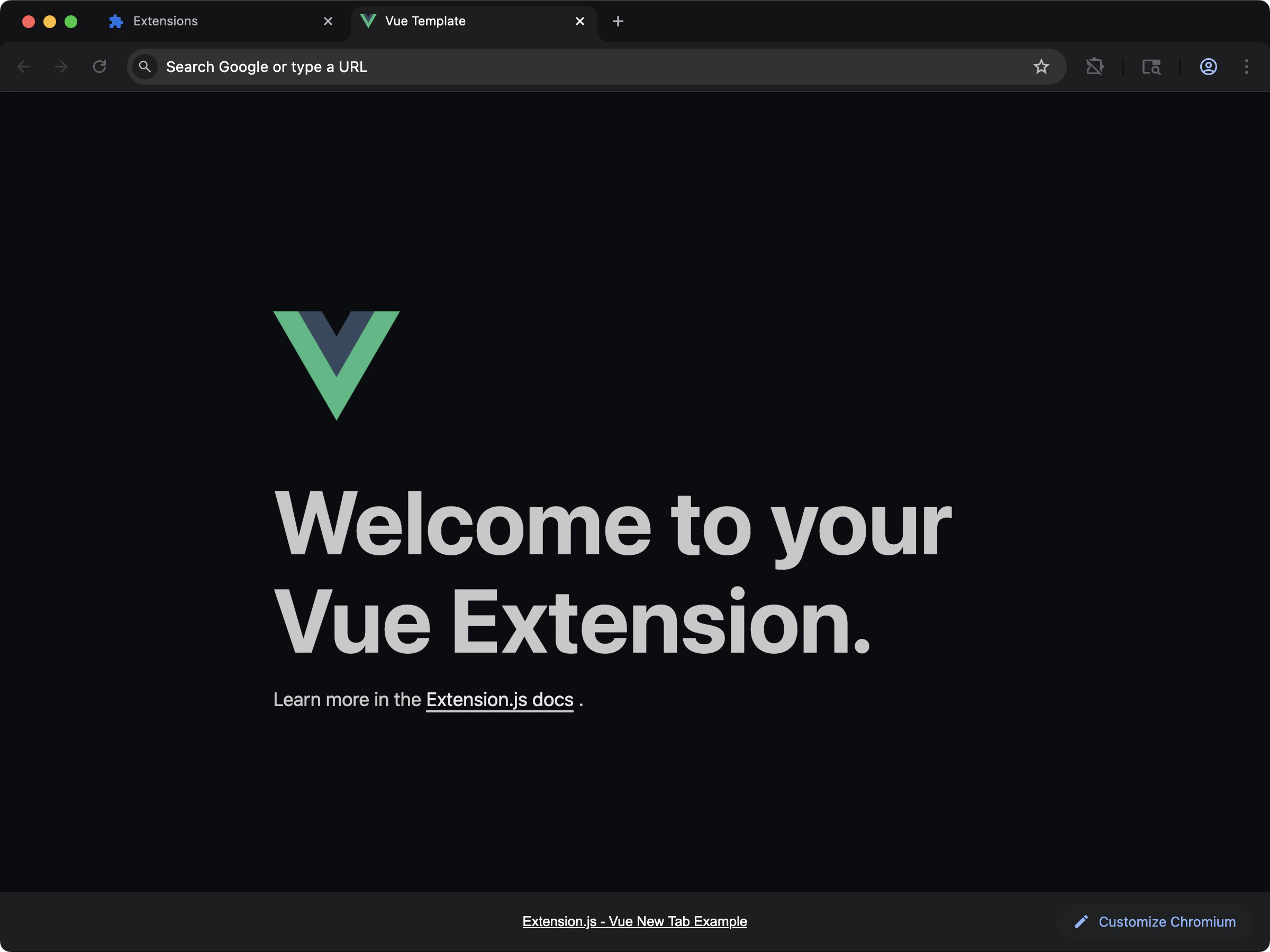 ## Create the project
```bash npm theme={null}
npx extension@latest create my-extension --template=vue
```
```bash pnpm theme={null}
pnpx extension@latest create my-extension --template=vue
```
```bash yarn theme={null}
yarn dlx extension@latest create my-extension --template=vue
```
```bash bun theme={null}
bunx extension@latest create my-extension --template=vue
```
```bash bun theme={null}
bunx extension@latest create my-extension --template=vue
```
## What you get
A progressive setup with `.vue` single-file components, ready for popup, options, and content-script contexts. The template handles SFC compilation and reload behavior so you can focus on UI.
A good fit for teams already shipping Vue apps who want their extension to feel native to the same workflow.
## Source
Browse the full source on GitHub: [extension-js/examples/vue](https://github.com/extension-js/examples/tree/main/examples/vue).
## Create the project
```bash npm theme={null}
npx extension@latest create my-extension --template=vue
```
```bash pnpm theme={null}
pnpx extension@latest create my-extension --template=vue
```
```bash yarn theme={null}
yarn dlx extension@latest create my-extension --template=vue
```
```bash bun theme={null}
bunx extension@latest create my-extension --template=vue
```
```bash bun theme={null}
bunx extension@latest create my-extension --template=vue
```
## What you get
A progressive setup with `.vue` single-file components, ready for popup, options, and content-script contexts. The template handles SFC compilation and reload behavior so you can focus on UI.
A good fit for teams already shipping Vue apps who want their extension to feel native to the same workflow.
## Source
Browse the full source on GitHub: [extension-js/examples/vue](https://github.com/extension-js/examples/tree/main/examples/vue).