> ## Documentation Index
> Fetch the complete documentation index at: https://extension.js.org/llms.txt
> Use this file to discover all available pages before exploring further.
# Svelte browser extension template
> Scaffold a Svelte browser extension with single-file components, a compiled runtime, and ready-made popup, options, and content script wiring.
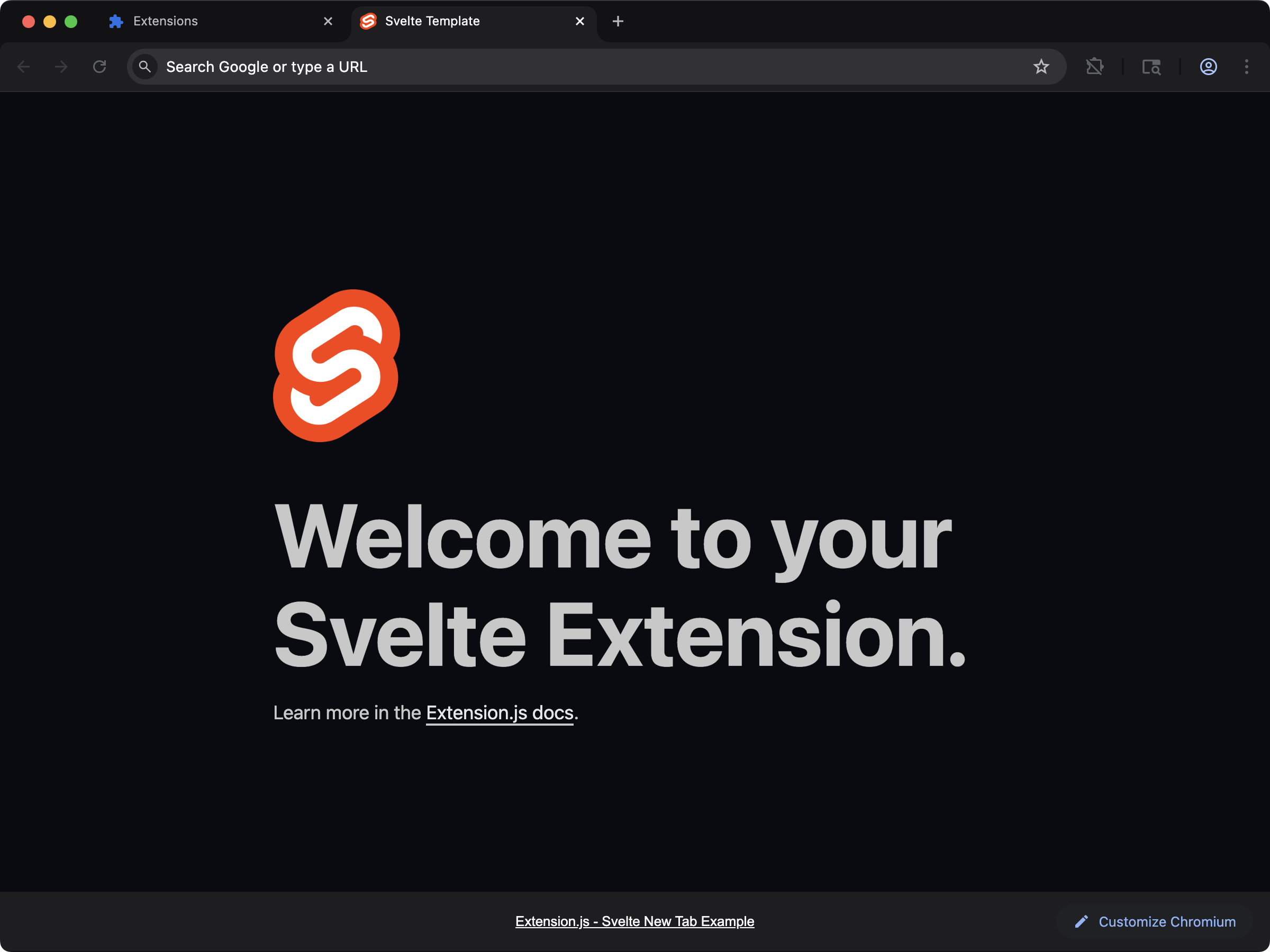 ## Create the project
```bash npm theme={null}
npx extension@latest create my-extension --template=svelte
```
```bash pnpm theme={null}
pnpx extension@latest create my-extension --template=svelte
```
```bash yarn theme={null}
yarn dlx extension@latest create my-extension --template=svelte
```
```bash bun theme={null}
bunx extension@latest create my-extension --template=svelte
```
```bash bun theme={null}
bunx extension@latest create my-extension --template=svelte
```
## What you get
Compile-time UI with single-file `.svelte` components and a minimal runtime footprint. A good fit for content scripts and popups where every kilobyte counts.
The template includes the build configuration needed for HMR-friendly Svelte authoring inside an extension context.
## Source
Browse the full source on GitHub: [extension-js/examples/svelte](https://github.com/extension-js/examples/tree/main/examples/svelte).
## Create the project
```bash npm theme={null}
npx extension@latest create my-extension --template=svelte
```
```bash pnpm theme={null}
pnpx extension@latest create my-extension --template=svelte
```
```bash yarn theme={null}
yarn dlx extension@latest create my-extension --template=svelte
```
```bash bun theme={null}
bunx extension@latest create my-extension --template=svelte
```
```bash bun theme={null}
bunx extension@latest create my-extension --template=svelte
```
## What you get
Compile-time UI with single-file `.svelte` components and a minimal runtime footprint. A good fit for content scripts and popups where every kilobyte counts.
The template includes the build configuration needed for HMR-friendly Svelte authoring inside an extension context.
## Source
Browse the full source on GitHub: [extension-js/examples/svelte](https://github.com/extension-js/examples/tree/main/examples/svelte).