> ## Documentation Index
> Fetch the complete documentation index at: https://extension.js.org/llms.txt
> Use this file to discover all available pages before exploring further.
# React browser extension template
> Scaffold a React browser extension with full Manifest V3 support, JSX, and ready-to-ship popup, options, and content script entry points.
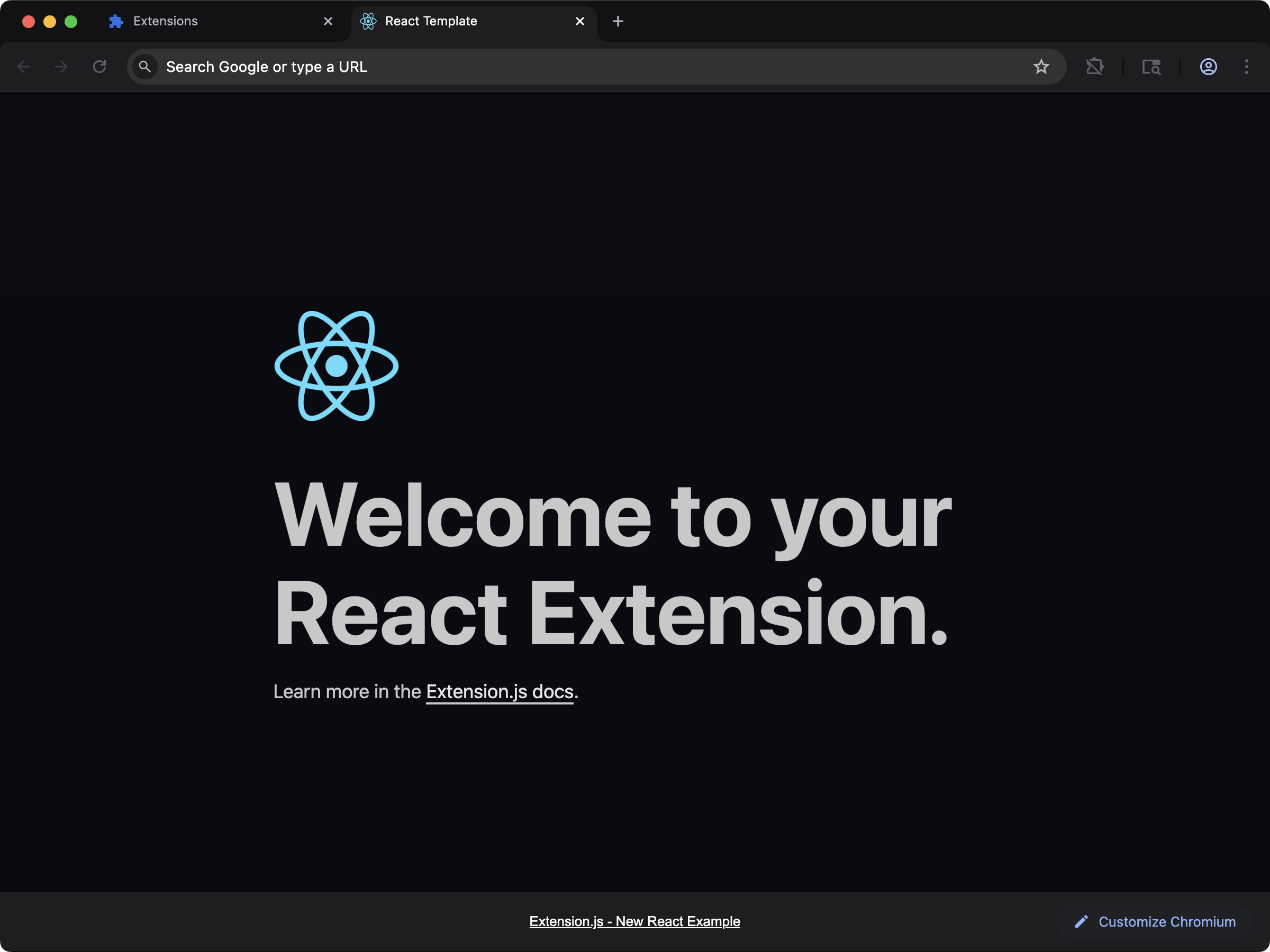 ## Create the project
```bash npm theme={null}
npx extension@latest create my-extension --template=react
```
```bash pnpm theme={null}
pnpx extension@latest create my-extension --template=react
```
```bash yarn theme={null}
yarn dlx extension@latest create my-extension --template=react
```
```bash bun theme={null}
bunx extension@latest create my-extension --template=react
```
```bash bun theme={null}
bunx extension@latest create my-extension --template=react
```
## What you get
A component-based UI baseline with full Manifest V3 (MV3) compatibility. Popup, options, and content scripts ship as React entry points with hot module replacement (HMR) wired up. Edit a component and see it update without manually reloading the extension.
The most common starting point for teams already comfortable with React.
## Source
Browse the full source on GitHub: [extension-js/examples/react](https://github.com/extension-js/examples/tree/main/examples/react).
## Create the project
```bash npm theme={null}
npx extension@latest create my-extension --template=react
```
```bash pnpm theme={null}
pnpx extension@latest create my-extension --template=react
```
```bash yarn theme={null}
yarn dlx extension@latest create my-extension --template=react
```
```bash bun theme={null}
bunx extension@latest create my-extension --template=react
```
```bash bun theme={null}
bunx extension@latest create my-extension --template=react
```
## What you get
A component-based UI baseline with full Manifest V3 (MV3) compatibility. Popup, options, and content scripts ship as React entry points with hot module replacement (HMR) wired up. Edit a component and see it update without manually reloading the extension.
The most common starting point for teams already comfortable with React.
## Source
Browse the full source on GitHub: [extension-js/examples/react](https://github.com/extension-js/examples/tree/main/examples/react).