> ## Documentation Index
> Fetch the complete documentation index at: https://extension.js.org/llms.txt
> Use this file to discover all available pages before exploring further.
# JavaScript browser extension template
> Scaffold a vanilla JavaScript browser extension with the Extension.js CLI, including manifest, popup, and content script wiring out of the box.
 ## Create the project
```bash npm theme={null}
npx extension@latest create my-extension --template=javascript
```
```bash pnpm theme={null}
pnpx extension@latest create my-extension --template=javascript
```
```bash yarn theme={null}
yarn dlx extension@latest create my-extension --template=javascript
```
```bash bun theme={null}
bunx extension@latest create my-extension --template=javascript
```
```bash deno theme={null}
deno run -A npm:extension@latest create my-extension --template=javascript
```
## What you get
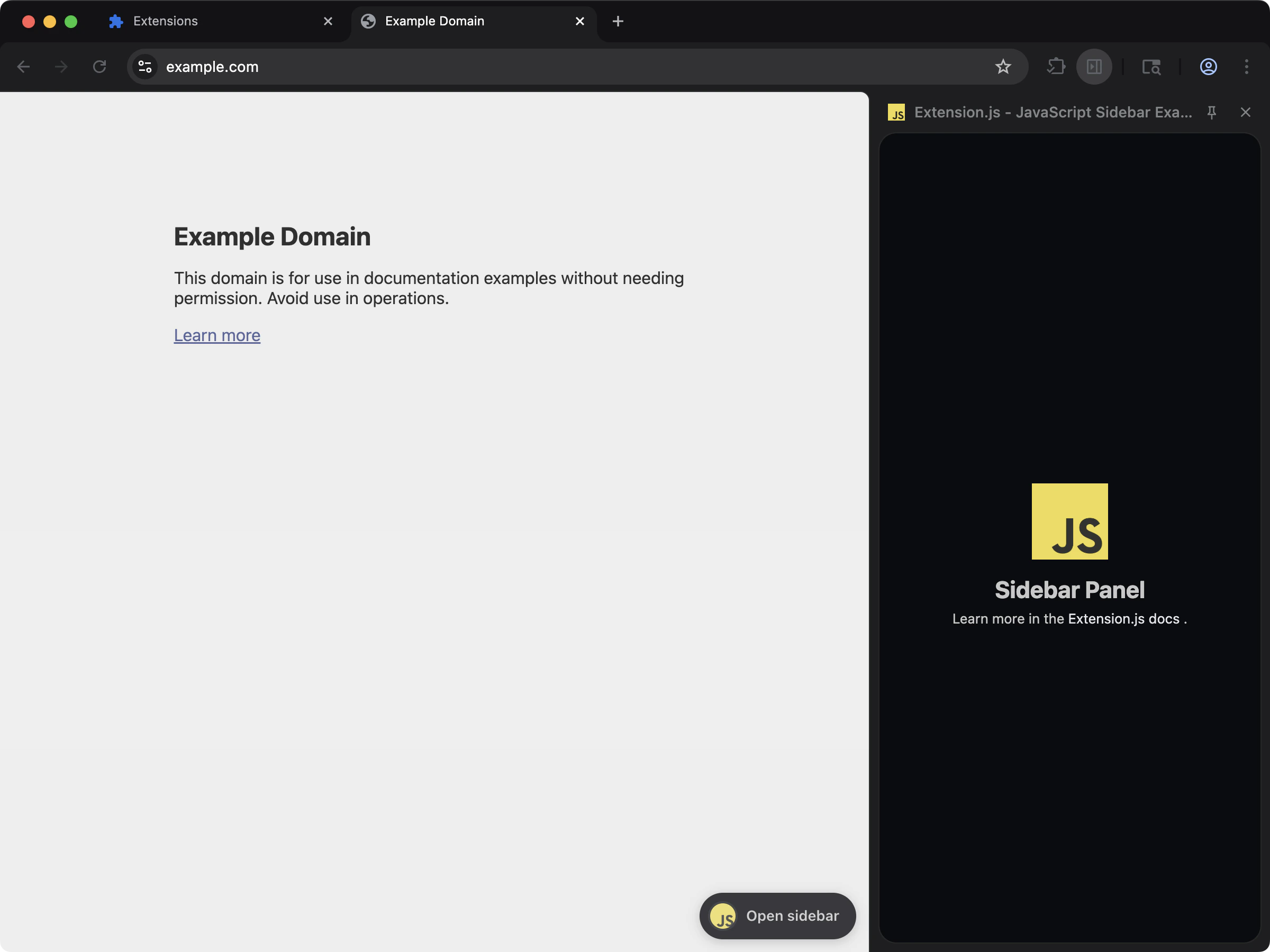
A clean ES modules baseline with no compile step. The template wires up `manifest.json`, popup, and content script entry points so you can run `extension dev` and start iterating immediately.
Choose this template when you want the smallest possible setup, or when you plan to add tooling later only as needed.
## Source
Browse the full source on GitHub: [extension-js/examples/javascript](https://github.com/extension-js/examples/tree/main/examples/javascript).
## Create the project
```bash npm theme={null}
npx extension@latest create my-extension --template=javascript
```
```bash pnpm theme={null}
pnpx extension@latest create my-extension --template=javascript
```
```bash yarn theme={null}
yarn dlx extension@latest create my-extension --template=javascript
```
```bash bun theme={null}
bunx extension@latest create my-extension --template=javascript
```
```bash deno theme={null}
deno run -A npm:extension@latest create my-extension --template=javascript
```
## What you get
A clean ES modules baseline with no compile step. The template wires up `manifest.json`, popup, and content script entry points so you can run `extension dev` and start iterating immediately.
Choose this template when you want the smallest possible setup, or when you plan to add tooling later only as needed.
## Source
Browse the full source on GitHub: [extension-js/examples/javascript](https://github.com/extension-js/examples/tree/main/examples/javascript).